swift调用支付宝
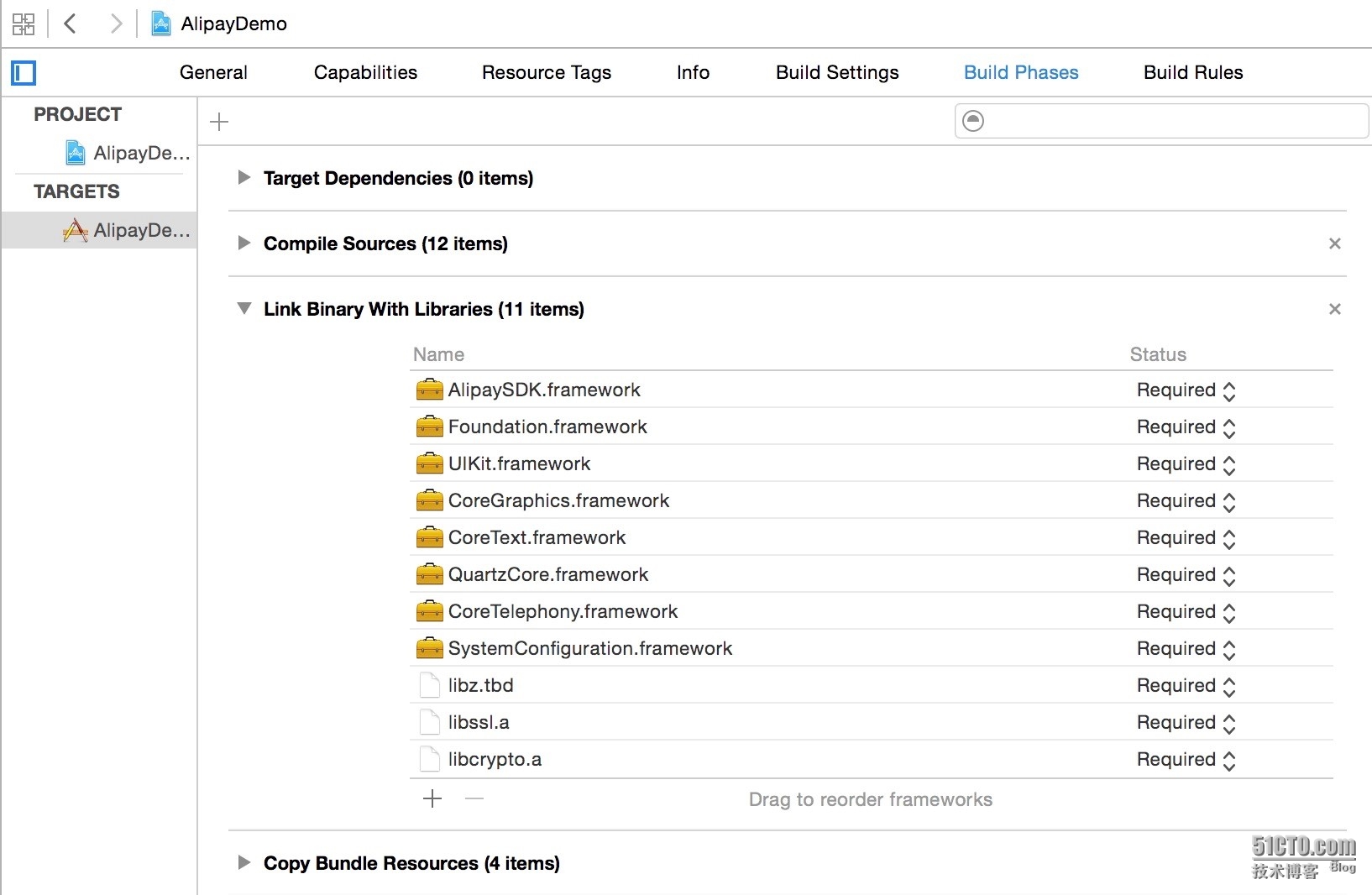
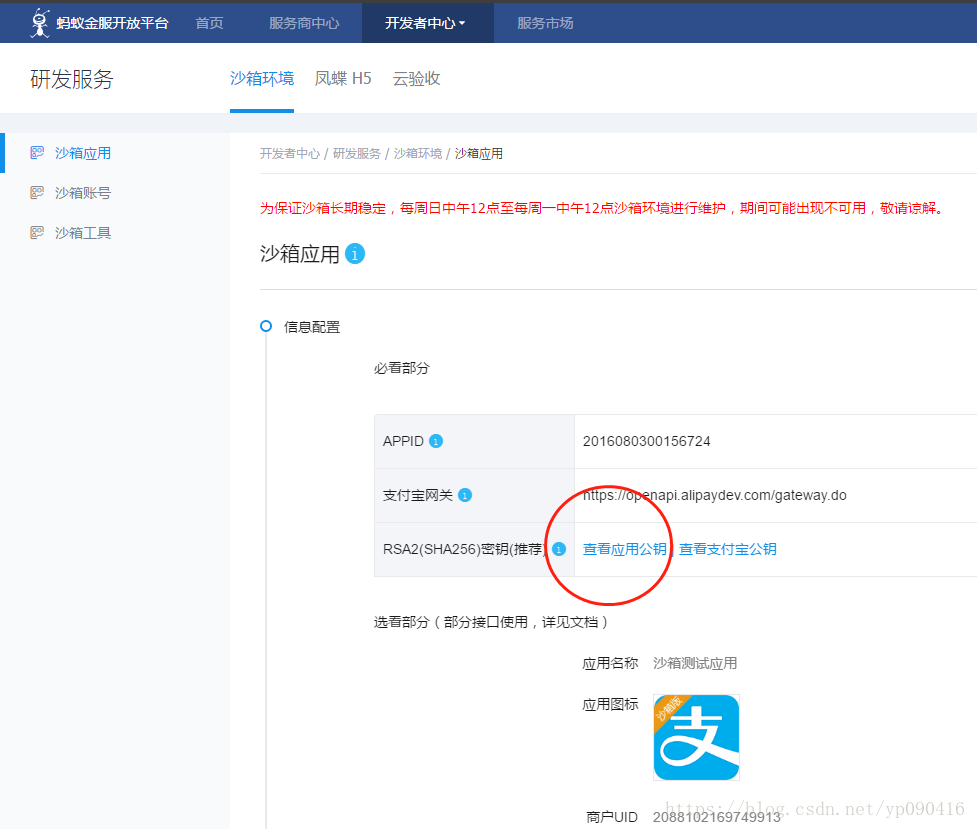
开发环境xcode7.1 运行环境 IOS9.1 到支付宝面面下载IOS的移动支付功能的SDK(Android和IOS是同一个zip文件下) http://doc.open.alipay.com/doc2/detail?treeId=54&articleId=103419&docType=1 然后申请商家支付宝,得到相应的private_key和partner,seller IOS的资料在SDK文件夹的“客户端demo”下的IOS文件夹下 复制AlipaySDK.bundle和AlipaySDK.framework到项目下 复制IOS Demo下的两个.a文件到项目下 复制iOS Demo下的openssl文件夹,Util文件夹,Order.h,Order.m(省得自己在swift中定义订单)文件到项目中 在xcode中创建一个项目AlipayDemo,在项目中Add Files to AlipayDemo所有的.a文件和openssl文件夹,Util文件夹,Order.h,Order.m,此时系统提示创建头文件,选择允许创建(可以手动添加一个.h文件作为头文件) 如果在基于IOS9.0编译,在info.list中添加如下xml代码(info.list以SourceCode形式打开) 1 2 3 4 5 6 7 8 9 10 11 12 13 14 15 16 17 18 19 20 < key >NSAppTransportSecurity</ key > < dict > < key >NSExceptionDomains</ key > < dict > < key >alipay.com</ key > < dict > <!--Includetoallowsubdomains--> < key >NSIncludesSubdomains</ key > < true /> <!--IncludetoallowinsecureHTTPrequests--> < key >NSTemporaryExceptionAllowsInsecureHTTPLoads</ key > < true /> <!--IncludetospecifyminimumTLSversion--> < key >NSTemporaryExceptionMinimumTLSVersion</ key > < string >TLSv1.0</ string > < key >NSTemporaryExceptionRequiresForwardSecrecy</ key > < false /> </ dict > </ dict > </ dict > 增加头文件 Util中的base64.h,openssl_wrapper.h添加#import <Foundation/Foundation.h>,给支付宝AlipaySDK.h添加#import <Foundation/Foundation.h>和#import<UIKit/UIKit.h> 设置Build Settings 查找Bitcode,把Yes改成No 查打Header SearchPaths,点小+号,添加$(SRCROOT)/AlipayDemo 在info的URL Types中添加一个GSWAlipayDemo的节点,以备代码中Order的appScheme使用。 代码实现 1 2 3 4 5 6 7 8 9 10 11 12 13 14 15 16 17 18 19 20 21 22 23 24 25 26 27 28 29 30 31 32 33 34 35 36 37 38 39 40 41 42 43 44 45 46 47 48 49 50 51 52 53 54 55 56 57 58 59 60 61 62 63 64 65 66 67 68 69 importUIKit class ViewController:UIViewController{ override funcviewDidLoad(){ super.viewDidLoad() let but=UIButton(type:UIButtonType.System); but.setTitle(" 支付",forState:UIControlState.Normal); but.backgroundColor=UIColor.greenColor(); but.frame=CGRect(x:10,y:100,width:100,height:30); but.addTarget(self,action: "click" ,forControlEvents:UIControlEvents.TouchUpInside); self.view.addSubview(but);} funcclick() { AliplayFunc(); print( "click" ) } var TicketTotalprice:Float=0.01; //支付金额 var seller:String= "支付宝申请的seller" ; var partner:String= "支付宝申请的partner" ; var privateKey:String= "替换支付申请的privet_key" ; funcAliplayFunc(){ let Orders=Order() Orders.partner=partner Orders.seller=seller Orders.productName= "ProductName" ; Orders.productDescription= "thisisagoods" ; Orders.amount=NSString(format: "%.2f" ,TicketTotalprice) as String; //(价格必须小数点两位) Orders.tradeNO= "DJ0000000001" ; Orders.notifyURL= "http://selftweb.com" ; Orders.service= "mobile.securitypay.pay" ; Orders.paymentType= "1" ; Orders.inputCharset= "utf-8" ; Orders.itBPay= "30m" ; Orders.showUrl= "m.alipay.com" ; let appScheme= "GSWAPayDemo" ; //在 let orderSpec=Orders.description; let signer=CreateRSADataSigner(privateKey); let signedString=signer.signString(orderSpec); let orderString= "\(orderSpec)&sign=\"\(signedString)\"&sign_type=\"RSA\"" ; AlipaySDK.defaultService().payOrder(orderString,fromScheme:appScheme,callback:{(resultDic)->Void in print( "reslut=\(resultDic)" ); if let Alipayjson=resultDic as ?NSDictionary{ let resultStatus=Alipayjson.valueForKey( "resultStatus" ) as !String if resultStatus== "9000" { print( "OK" ) } else if resultStatus== "8000" { print( "正在处理中" ) self.navigationController?.popViewControllerAnimated( true ) } else if resultStatus== "4000" { print( "订单支付失败" ); self.navigationController?.popViewControllerAnimated( true ) } else if resultStatus== "6001" { print( "用户中途取消" ) self.navigationController?.popViewControllerAnimated( true ) } else if resultStatus== "6002" { print( "网络连接出错" ) self.navigationController?.popViewControllerAnimated( true ) } } }) } override funcdidReceiveMemoryWarning(){ super.didReceiveMemoryWarning() //Disposeofanyresourcesthatcanberecreated. } } Demo源代码 本文转自桂素伟51CTO博客,原文链接:http://blog.51cto.com/axzxs/1706890,如需转载请自行联系原作者