微信扫描二维码下载软件
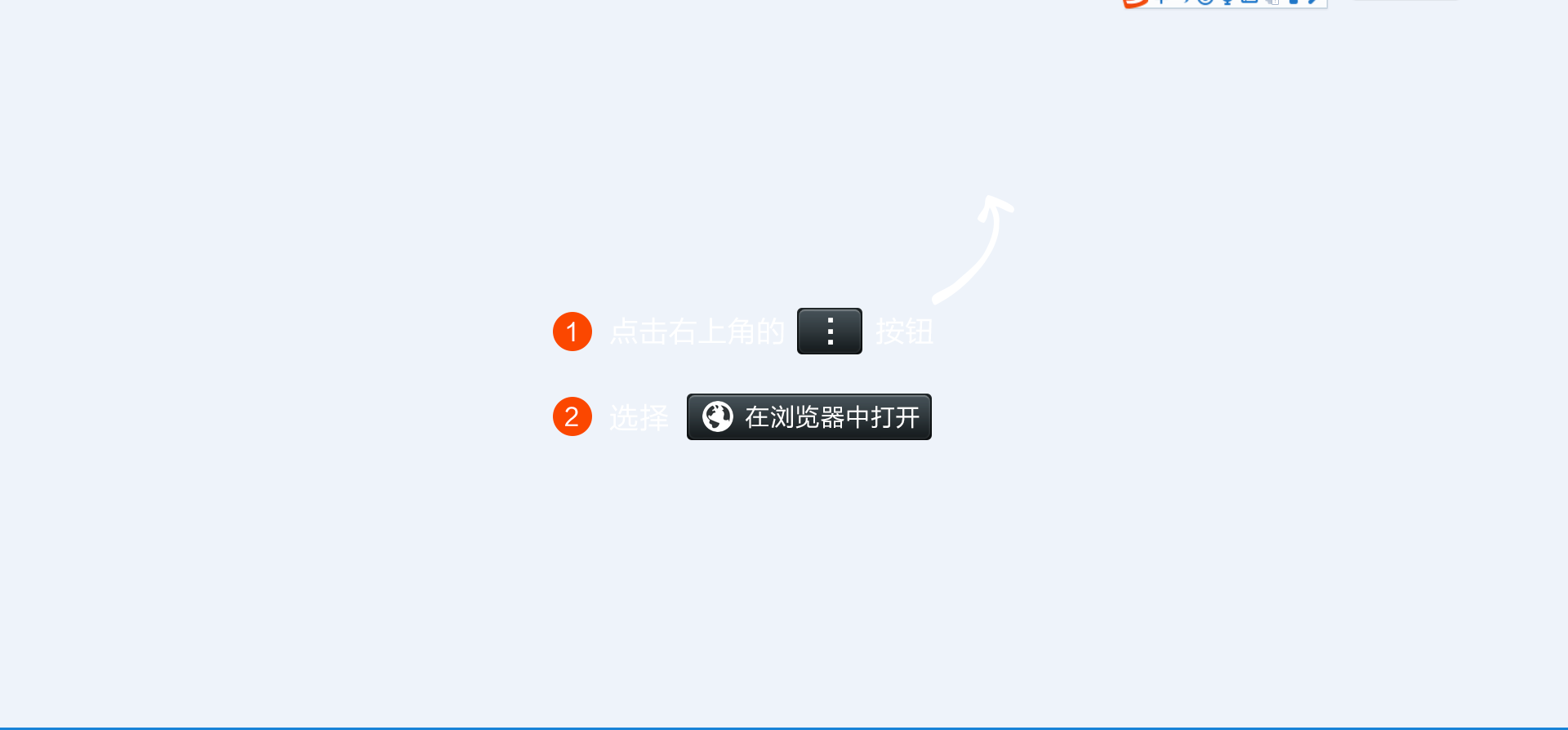
1.引用qrcode.js前,去如下地址下载或学习使用 QRCode.js教程地址可参考:http://www.runoob.com/w3cnote/javascript-qrcodejs-library.html Github 地址:https://github.com/davidshimjs/qrcodejs 2.scanner.html(生成二维码) <!doctype html><html> <head> <meta charset="utf-8"> <meta name="viewport" content="width=device-width, initial-scale=1.0"> <meta name="description" content=""> <meta name="keywords" content=""> <meta name="author" content="webthemez"> <!-- Title --> <title>test</title> <script type="text/javascript"> function test(){ // 设置参数方式var qrcode = new QRCode('qrcode', { text: 'test.html', width: 238,//设置二维码的宽 height: 210,//设置二维码的高 colorDark : '#000000', colorLight : '#ffffff', correctLevel : QRCode.CorrectLevel.H}); $("#qrcode").show(); } </script> </head> <body class="index" id="to-top" onload="test()"> <footer class="footer-section" role="contentinfo"> <div class="container"> <div class="row"> <p><a name="test">手机APP用户请扫描下方二维码</a></p> <div id="qrcode" style="display:none;"> </div> </div> </div> </footer> <script src="js/jquery-2.1.0.min.js"></script> <script src="js/qrcode.js"></script> </body></html> 3.test.html(微信扫描时,判断是否是微信,根据内核判断,如果是微信跳转到如下weixin.png图,同时也是个html页面,会提示使用在浏览器中打开,然后点击打开浏览器直接下载,非微信浏览器用户可直接扫描下载) <!DOCTYPE html> <html> <head> <meta charset="UTF-8"> <meta name="viewport" content="width=device-width,initial-scale=1,minimum-scale=1,maximum-scale=1,user-scalable=no" /> <title>APP下载</title> <script src="js/jquery-2.1.0.min.js" type="text/javascript" charset="utf-8"></script> <script language="javascript"> window.onload = function() { var u = navigator.userAgent; if (u.indexOf('Android') > -1 || u.indexOf('Linux') > -1) { //安卓手机 // alert("安卓手机"); window.location.href = "apk目录"; } else if (u.indexOf('iPhone') > -1) { //苹果手机 // alert("苹果手机"); window.location.href = "apk目录"; } else if (u.indexOf('Windows Phone') > -1) { //winphone手机 alert("WindowsPhone暂未推出。"); // window.location.href = "apk目录"; }else{ window.location.href = "apk目录"; } // var vU=JSON.stringify(u); // alert(vU); } $(window).on("load", function() { var winHeight = $(window).height(); function is_weixin() { var ua = navigator.userAgent.toLowerCase(); if (ua.match(/MicroMessenger/i) == "micromessenger") { return true; } else { return false; } } var isWeixin = is_weixin(); if (isWeixin) { $(".weixin-tip").css("height", winHeight); $(".weixin-tip").show(); } }) </script> <style type="text/css"> * { margin: 0; padding: 0; } a { text-decoration: none; } img { max-width: 100%; height: auto; } .weixin-tip { position: fixed; left: 0; top: 0; bottom: 0; background: rgba(0, 0, 0, 0.8); filter: alpha(opacity=80); height: 100%; width: 100%; z-index: 100; } .weixin-tip p { text-align: center; margin-top: 10%; padding: 0 5%; } </style> </head> <body> <div class="weixin-tip"> <p> <img src="images/weixin.png" alt="微信打开" /> </p> </div> </body> </html> 4.图片 weixin.png