1.引用qrcode.js前,去如下地址下载或学习使用
QRCode.js教程地址可参考:http://www.runoob.com/w3cnote/javascript-qrcodejs-library.html
Github 地址:https://github.com/davidshimjs/qrcodejs
2.scanner.html(生成二维码)
<!doctype html>
<html>
<head>
<meta charset="utf-8">
<meta name="viewport" content="width=device-width, initial-scale=1.0">
<meta name="description" content="">
<meta name="keywords" content="">
<meta name="author" content="webthemez">
<!-- Title -->
<title>test</title>
<script type="text/javascript">
function test(){
// 设置参数方式
var qrcode = new QRCode('qrcode', {
text: 'test.html',
width: 238,//设置二维码的宽
height: 210,//设置二维码的高
colorDark : '#000000',
colorLight : '#ffffff',
correctLevel : QRCode.CorrectLevel.H
});
$("#qrcode").show();
}
</script>
</head>
<body class="index" id="to-top" onload="test()">
<footer class="footer-section" role="contentinfo">
<div class="container">
<div class="row">
<p><a name="test">手机APP用户请扫描下方二维码</a></p>
<div id="qrcode" style="display:none;">
</div>
</div>
</div>
</footer>
<script src="js/jquery-2.1.0.min.js"></script>
<script src="js/qrcode.js"></script>
</body>
</html>
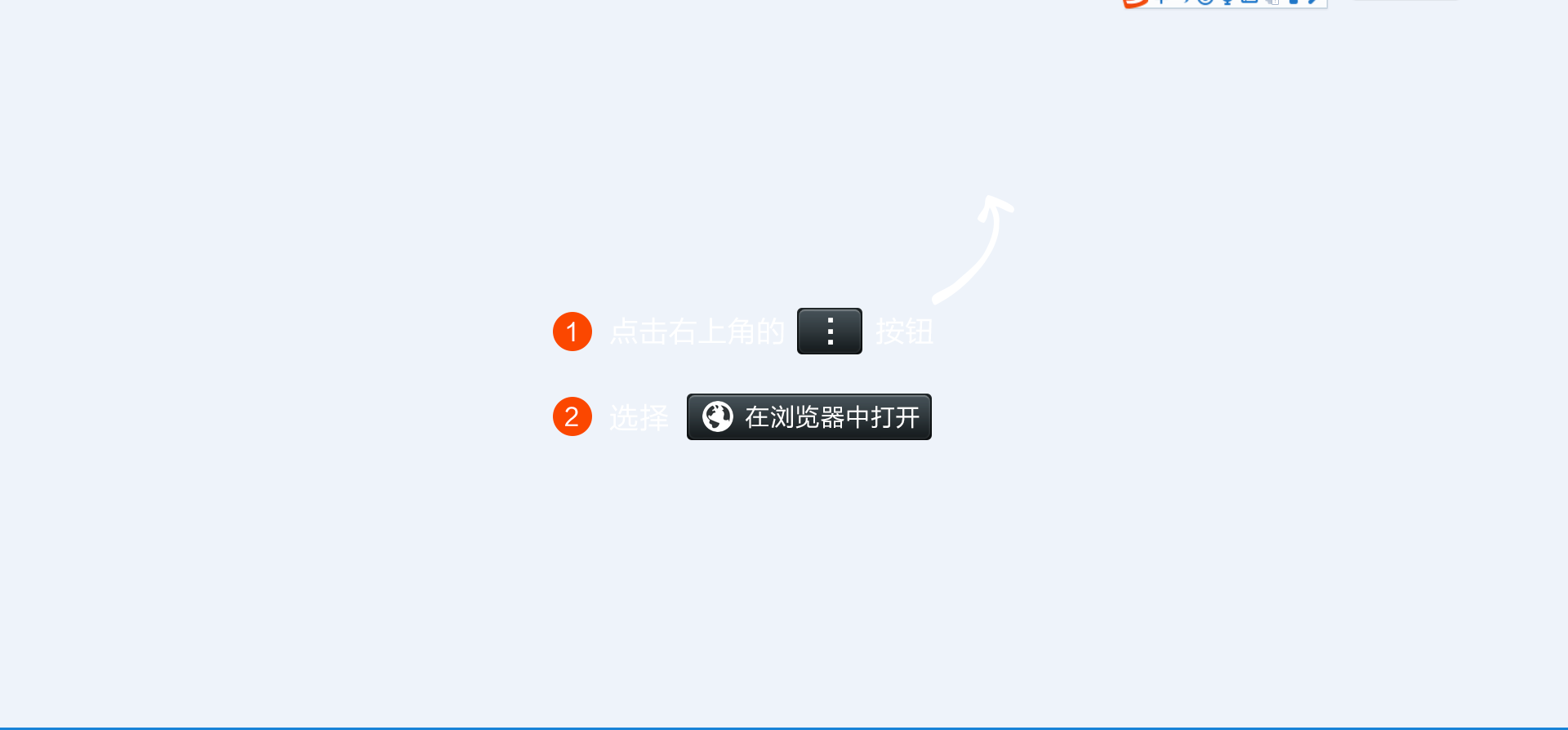
3.test.html(微信扫描时,判断是否是微信,根据内核判断,如果是微信跳转到如下weixin.png图,同时也是个html页面,会提示使用在浏览器中打开,然后点击打开浏览器直接下载,非微信浏览器用户可直接扫描下载)
<!DOCTYPE html>
<html>

    <head>
        <meta charset="UTF-8">
        <meta name="viewport" content="width=device-width,initial-scale=1,minimum-scale=1,maximum-scale=1,user-scalable=no" />
        <title>APP下载</title>
        <script src="js/jquery-2.1.0.min.js" type="text/javascript" charset="utf-8"></script>
        <script language="javascript">
            window.onload = function() {
                var u = navigator.userAgent;
                if (u.indexOf('Android') > -1 || u.indexOf('Linux') > -1) { //安卓手机
                    //                    alert("安卓手机");
                    window.location.href = "apk目录";
                } else if (u.indexOf('iPhone') > -1) { //苹果手机
                    //                    alert("苹果手机");
                    window.location.href = "apk目录";
                } else if (u.indexOf('Windows Phone') > -1) { //winphone手机
                    alert("WindowsPhone暂未推出。");
                    // window.location.href = "apk目录";
                }else{

                    window.location.href = "apk目录";
                }
                //                var vU=JSON.stringify(u);
                //                alert(vU);
            }
            $(window).on("load", function() {
                var winHeight = $(window).height();

                function is_weixin() {
                    var ua = navigator.userAgent.toLowerCase();
                    if (ua.match(/MicroMessenger/i) == "micromessenger") {
                        return true;
                    } else {
                        return false;
                    }
                }
                var isWeixin = is_weixin();
                if (isWeixin) {
                    $(".weixin-tip").css("height", winHeight);
                    $(".weixin-tip").show();
                }
            })
        </script>
        <style type="text/css">
            * {
                margin: 0;
                padding: 0;
            }

            a {
                text-decoration: none;
            }

            img {
                max-width: 100%;
                height: auto;
            }

            .weixin-tip {

                position: fixed;
                left: 0;
                top: 0;
                bottom: 0;
                background: rgba(0, 0, 0, 0.8);
                filter: alpha(opacity=80);
                height: 100%;
                width: 100%;
                z-index: 100;
            }

            .weixin-tip p {
                text-align: center;
                margin-top: 10%;
                padding: 0 5%;
            }
        </style>
    </head>

    <body>
        <div class="weixin-tip">
            <p>
                <img src="images/weixin.png" alt="微信打开" />
            </p>
        </div>
    </body>

</html>
4.图片
weixin.png
![]()