[IOS]地图的简单应用
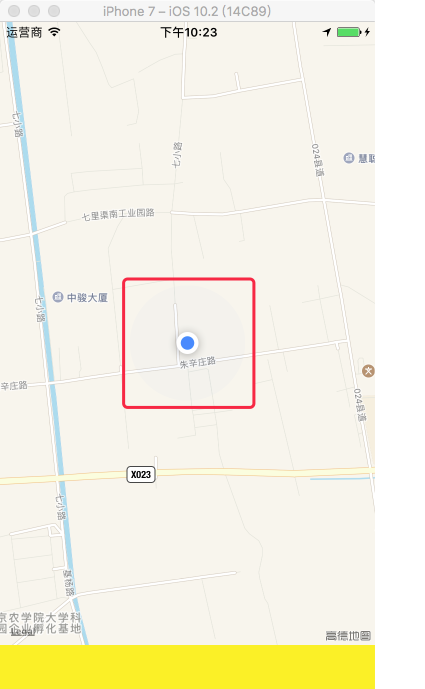
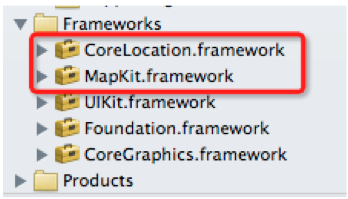
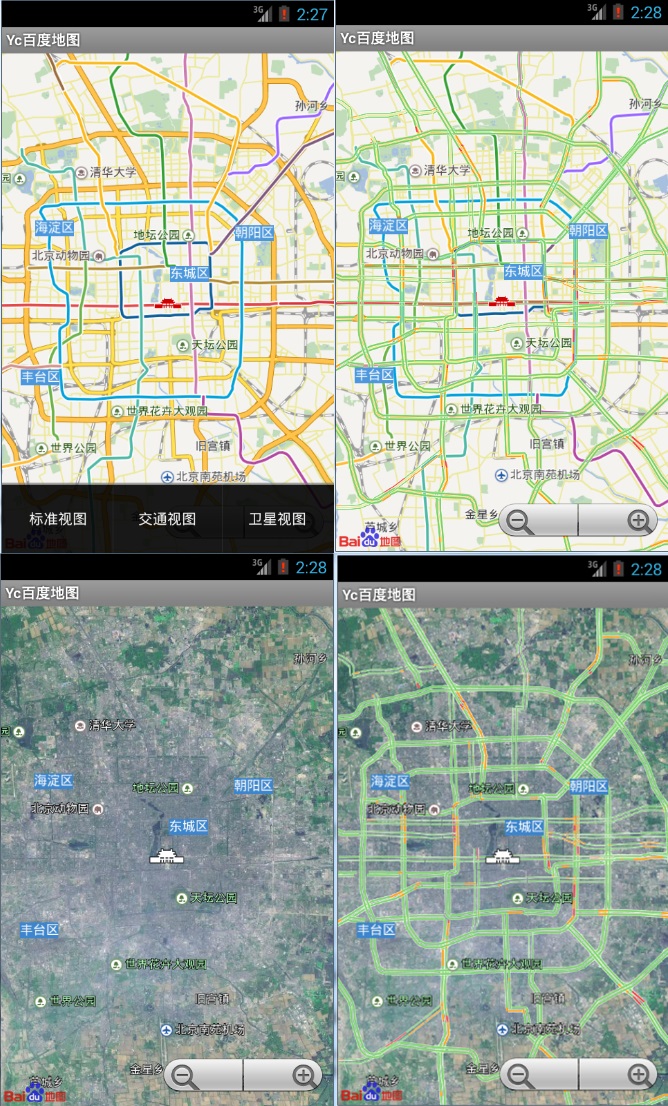
IOSMapKit如何快速入门?下面我来写一个简单的Demo,做简要介绍。 效果图: 操作步骤: 1.首先创建一个项目,在xib的view中添加一个MapVIew控件,并且导入MapKit.framework和CoreLocation.frameword框架。 2.实现ViewController的代码: ViewController.h: #import <UIKit/UIKit.h> #import <MapKit/MapKit.h> #import <CoreLocation/CoreLocation.h> @interface DXWViewController : UIViewController<CLLocationManagerDelegate> @property (retain, nonatomic) IBOutlet MKMapView *mapview; @property(retain,nonatomic)CLLocationManager *manager; @property(retain,nonatomic)CLLocation *location; @property (retain, nonatomic) IBOutletCollection(UILabel) NSArray *labels; @end ViewController.m: #import "DXWViewController.h" #import "Place.h" @interface DXWViewController () @end @implementation DXWViewController - (void)viewDidLoad { [super viewDidLoad]; self.manager = [[CLLocationManager alloc] init]; self.manager.delegate = self; //精度 self.manager.desiredAccuracy = kCLLocationAccuracyBest; [self.manager startUpdatingLocation]; self.mapview.showsUserLocation = YES; } -(void)locationManager:(CLLocationManager *)manager didUpdateLocations:(NSArray *)locations { self.location = [locations objectAtIndex:0]; [self.labels[0] setText:[NSString stringWithFormat:@"%f\u00B0",self.location.coordinate.longitude]]; [self.labels[1] setText:[NSString stringWithFormat:@"%f\u00B0",self.location.coordinate.longitude]]; [self.labels[2] setText:[NSString stringWithFormat:@"%gm",self.location.horizontalAccuracy]]; [self.labels[3] setText:[NSString stringWithFormat:@"%gm",self.location.altitude]]; [self.labels[4] setText:[NSString stringWithFormat:@"%gm",self.location.verticalAccuracy]]; Place *place = [[Place alloc] init]; place.coordinate = self.location.coordinate; place.title = @"Title"; place.subtitle = @"subTitle"; [self.mapview addAnnotation:place]; //设置精度范围 MKCoordinateRegion region = MKCoordinateRegionMakeWithDistance(place.coordinate, 1000, 1000); [self.mapview setRegion:region animated:YES]; } - (void)didReceiveMemoryWarning { [super didReceiveMemoryWarning]; } - (void)dealloc { [_mapview release]; [_labels release]; [super dealloc]; } @end 3.创建大头针的类: Place.h: #import <Foundation/Foundation.h> #import <MapKit/MapKit.h> @interface Place : NSObject<MKAnnotation> @property(copy,nonatomic)NSString *title; @property(copy,nonatomic)NSString *subtitle; @property(assign,nonatomic)CLLocationCoordinate2D coordinate; @end 本文转蓬莱仙羽51CTO博客,原文链接:http://blog.51cto.com/dingxiaowei/1366415 ,如需转载请自行联系原作者