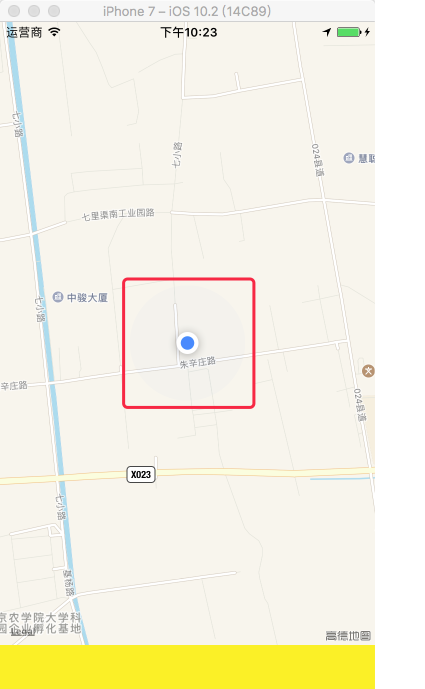
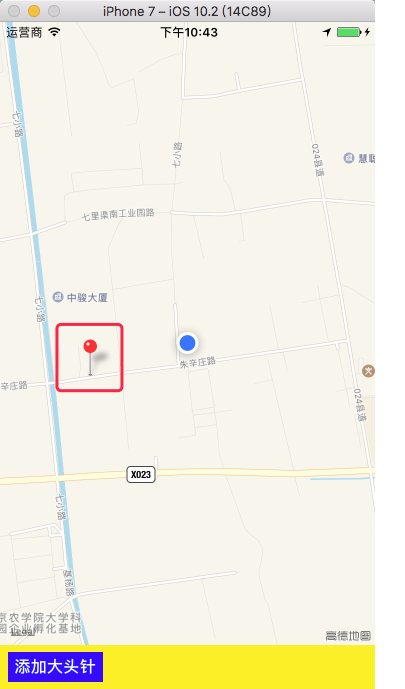
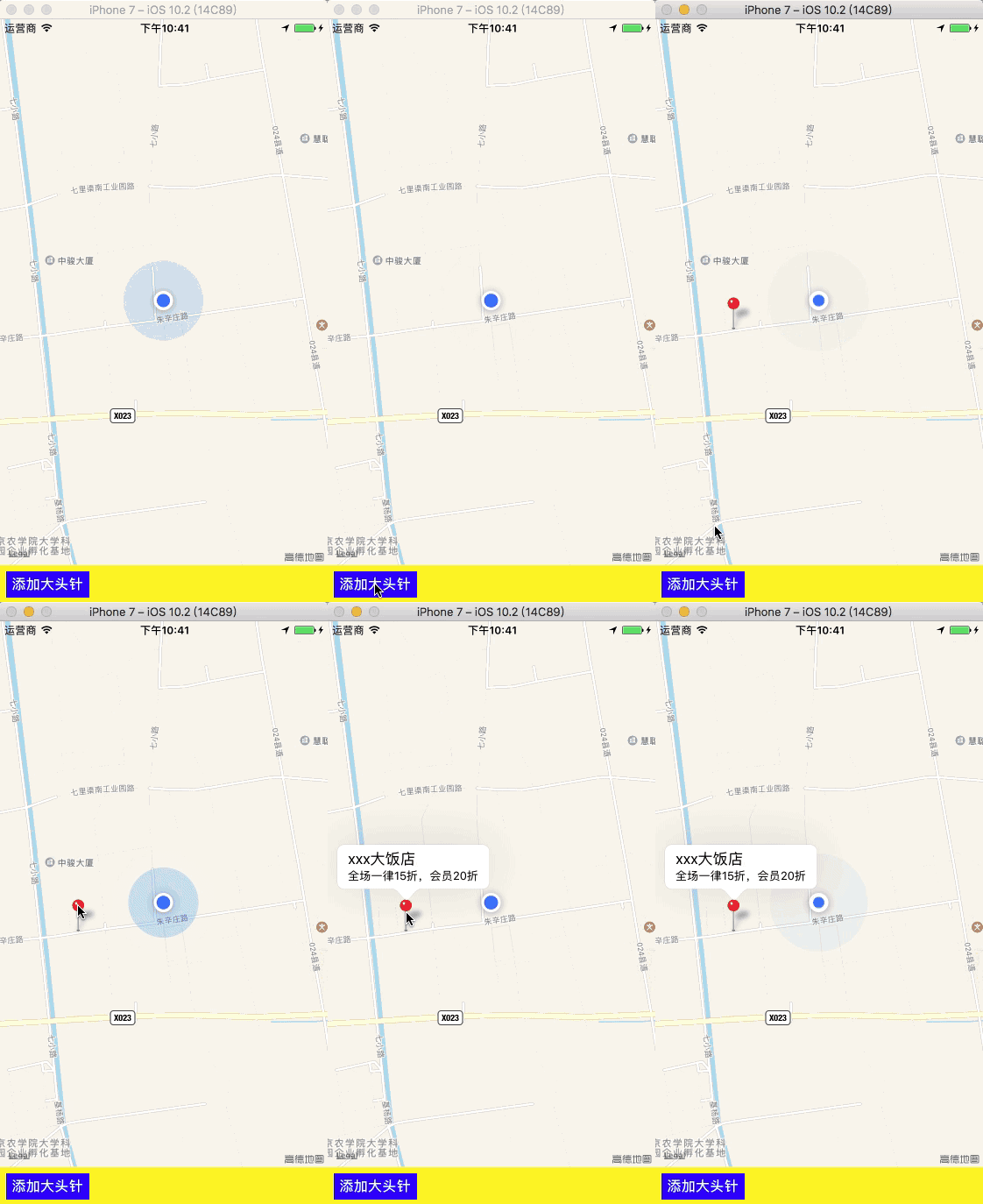
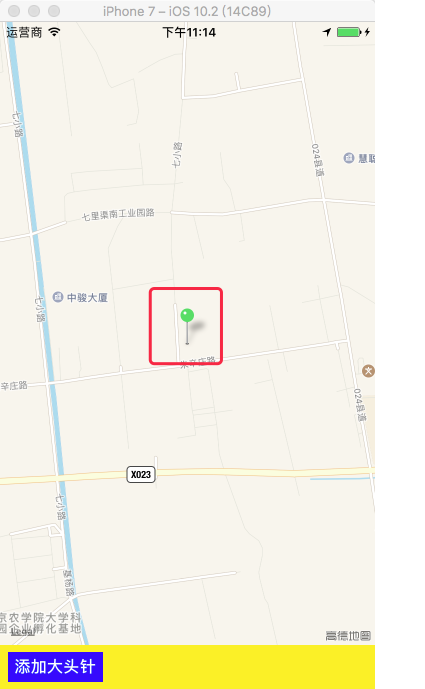
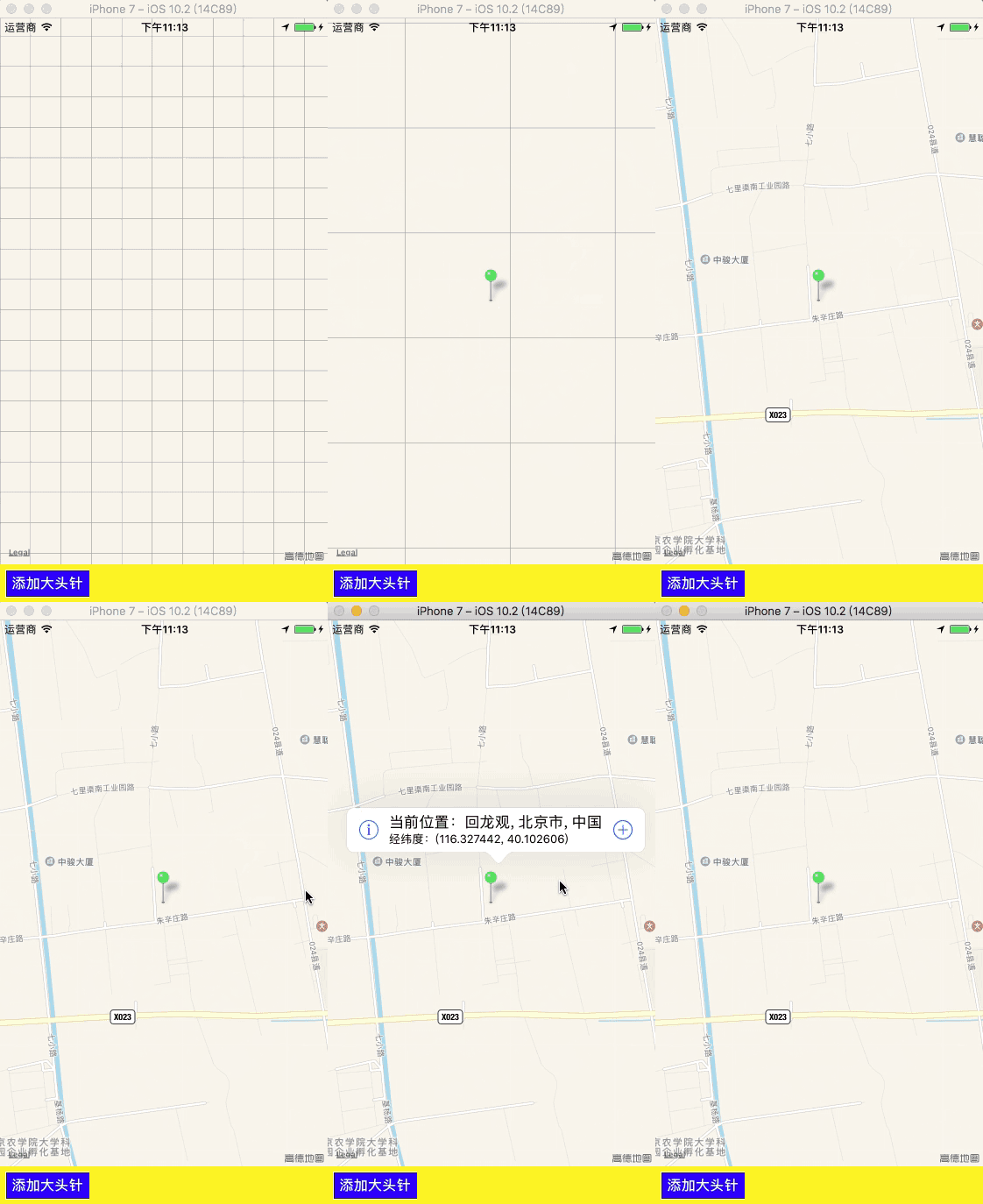
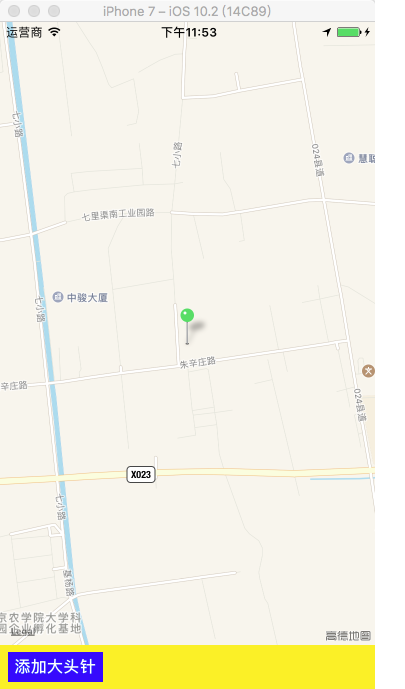
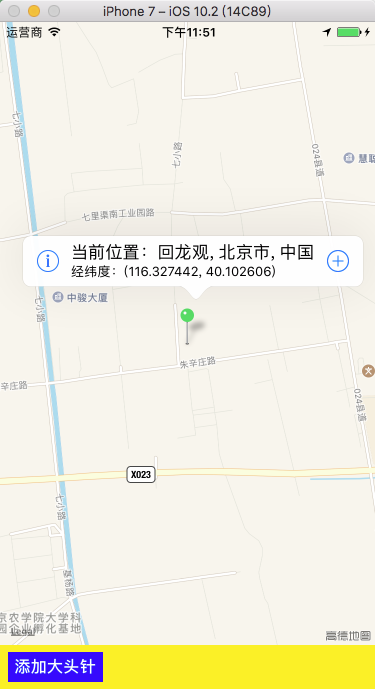
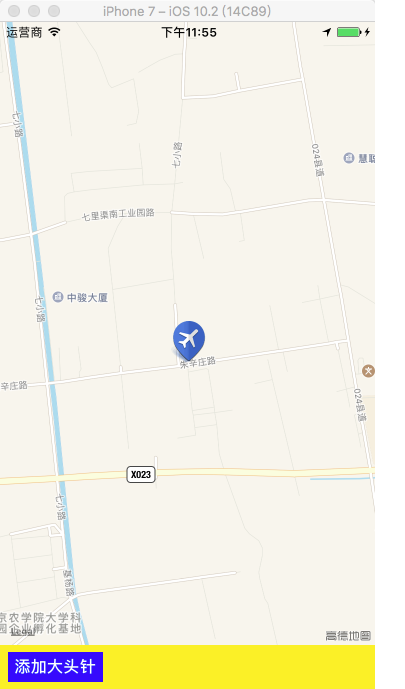
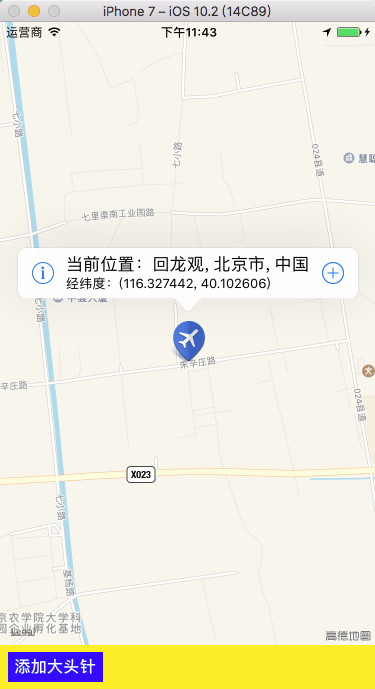
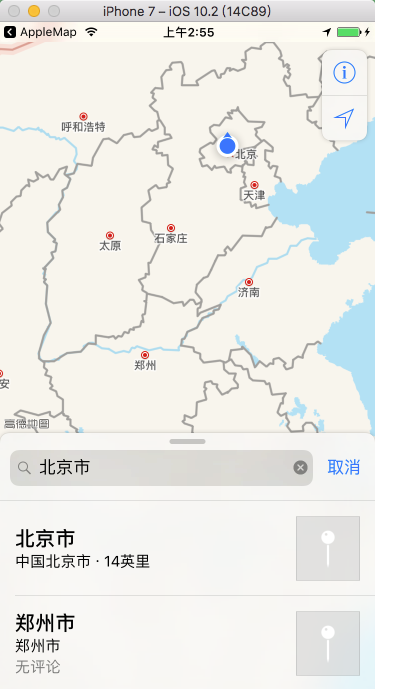
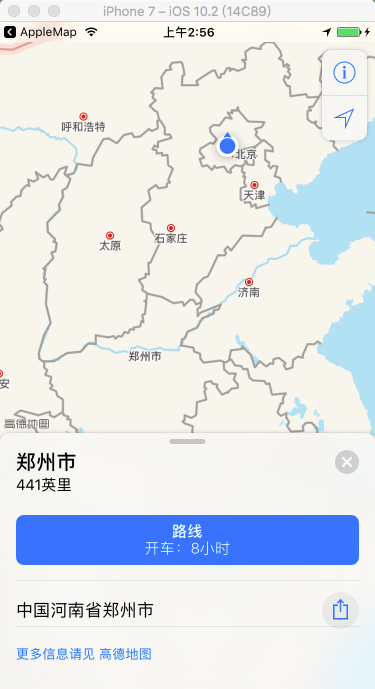
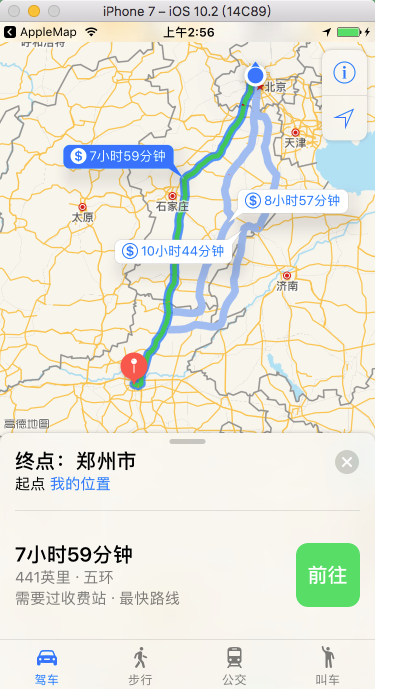
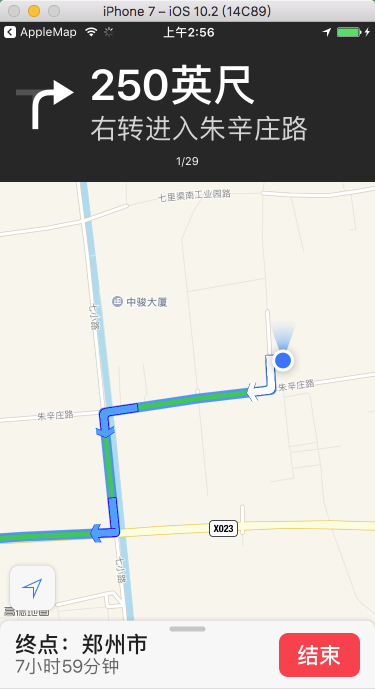
2、创建地图
    /*
        mapType:

            MKMapTypeStandard = 0,                标准类型
            MKMapTypeSatellite,                   卫星图
            MKMapTypeHybrid                       混合类型

        userTrackingMode:用户位置追踪用于标记用户当前位置,此时会调用定位服务,必须先设置定位请求

            MKUserTrackingModeNone = 0,           不跟踪用户位置
            MKUserTrackingModeFollow,             跟踪并在地图上显示用户的当前位置
            MKUserTrackingModeFollowWithHeading,  跟踪并在地图上显示用户的当前位置,地图会跟随用户的前进方向进行旋转
     */

    // 实例化地图控件
    self.mapView = [[MKMapView alloc] initWithFrame:self.view.bounds];
    self.mapView.delegate = self;

    // 设置地图类型
    self.mapView.mapType = MKMapTypeStandard;

    // 设置跟踪模式
    self.mapView.userTrackingMode = MKUserTrackingModeFollow;

    [self.view addSubview:self.mapView];
    #pragma mark - MKMapViewDelegate 协议方法

    // 更新到用户的位置
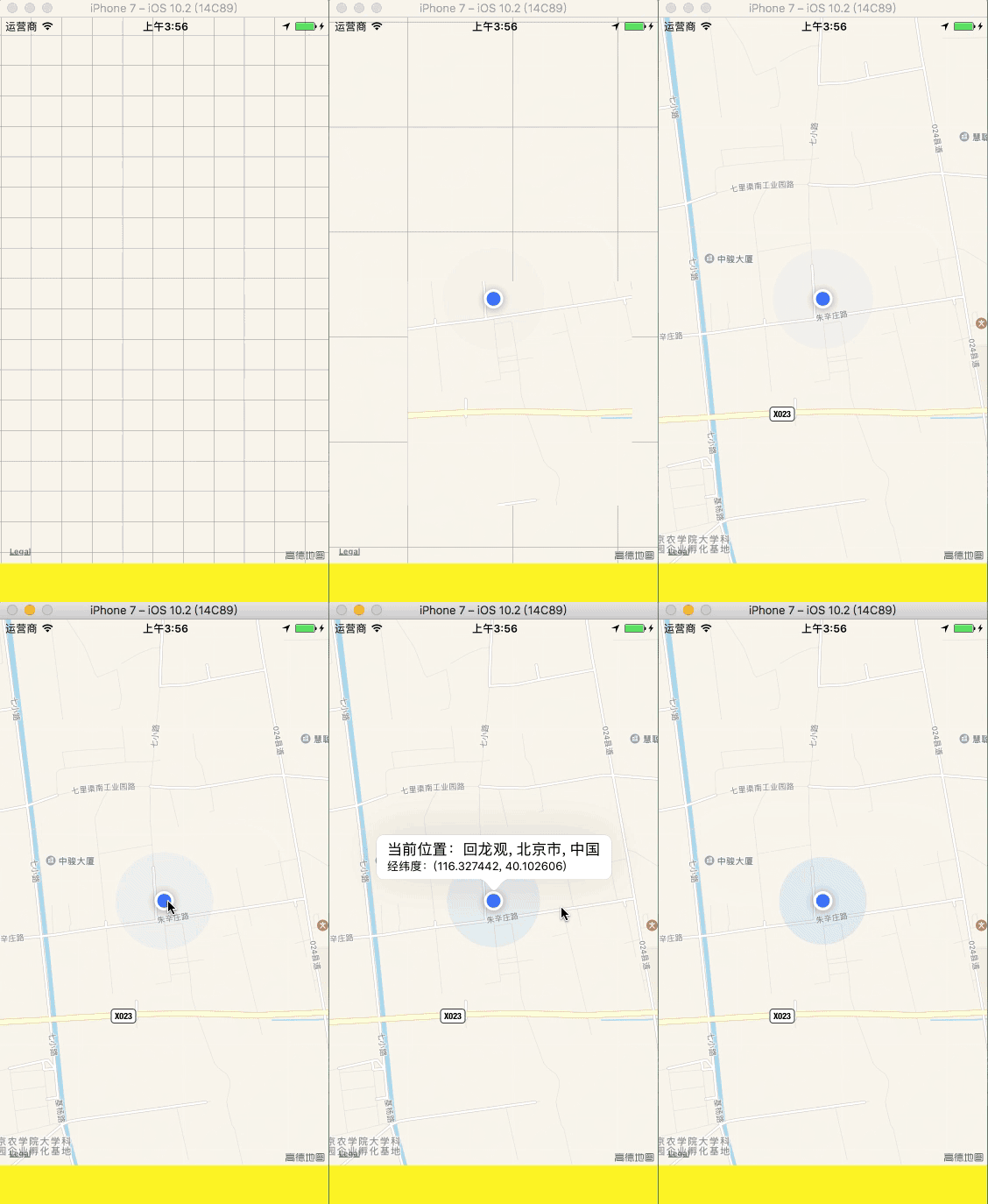
    - (void)mapView:(MKMapView *)mapView didUpdateUserLocation:(MKUserLocation *)userLocation{

        // 只要用户位置改变就调用此方法(包括第一次定位到用户位置),userLocation:是对用来显示用户位置的蓝色大头针的封装

        // 反地理编码
        [[[CLGeocoder alloc] init] reverseGeocodeLocation:userLocation.location
                                        completionHandler:^(NSArray *placemarks, NSError *error) {

            CLPlacemark *placemark = [placemarks firstObject];

            // 设置用户位置蓝色大头针的标题
            userLocation.title = [NSString stringWithFormat:@"当前位置:%@, %@, %@",
                                  placemark.thoroughfare, placemark.locality, placemark.country];
        }];

        // 设置用户位置蓝色大头针的副标题
        userLocation.subtitle = [NSString stringWithFormat:@"经纬度:(%lf, %lf)",
                                 userLocation.location.coordinate.longitude, userLocation.location.coordinate.latitude];

        // 手动设置显示区域中心点和范围

        if ([UIDevice currentDevice].systemVersion.floatValue < 8.0) {

            // 显示的中心
            CLLocationCoordinate2D center = userLocation.location.coordinate;

            // 设置地图显示的中心点
            [self.mapView setCenterCoordinate:center animated:YES];

            // 设置地图显示的经纬度跨度
            MKCoordinateSpan span = MKCoordinateSpanMake(0.023503, 0.017424);

            // 设置地图显示的范围
            MKCoordinateRegion rengion = MKCoordinateRegionMake(center, span);
            [self.mapView setRegion:rengion animated:YES];
        }
    }

    // 地图显示的区域将要改变
    - (void)mapView:(MKMapView *)mapView regionWillChangeAnimated:(BOOL)animated {

        NSLog(@"区域将要改变:经度:%lf, 纬度:%lf, 经度跨度:%lf, 纬度跨度:%lf",
              mapView.region.center.longitude, mapView.region.center.latitude,
              mapView.region.span.longitudeDelta, mapView.region.span.latitudeDelta);
    }

    // 地图显示的区域改变了
    - (void)mapView:(MKMapView *)mapView regionDidChangeAnimated:(BOOL)animated {

        NSLog(@"区域已经改变:经度:%lf, 纬度:%lf, 经度跨度:%lf, 纬度跨度:%lf",
              mapView.region.center.longitude, mapView.region.center.latitude,
              mapView.region.span.longitudeDelta, mapView.region.span.latitudeDelta);
    }