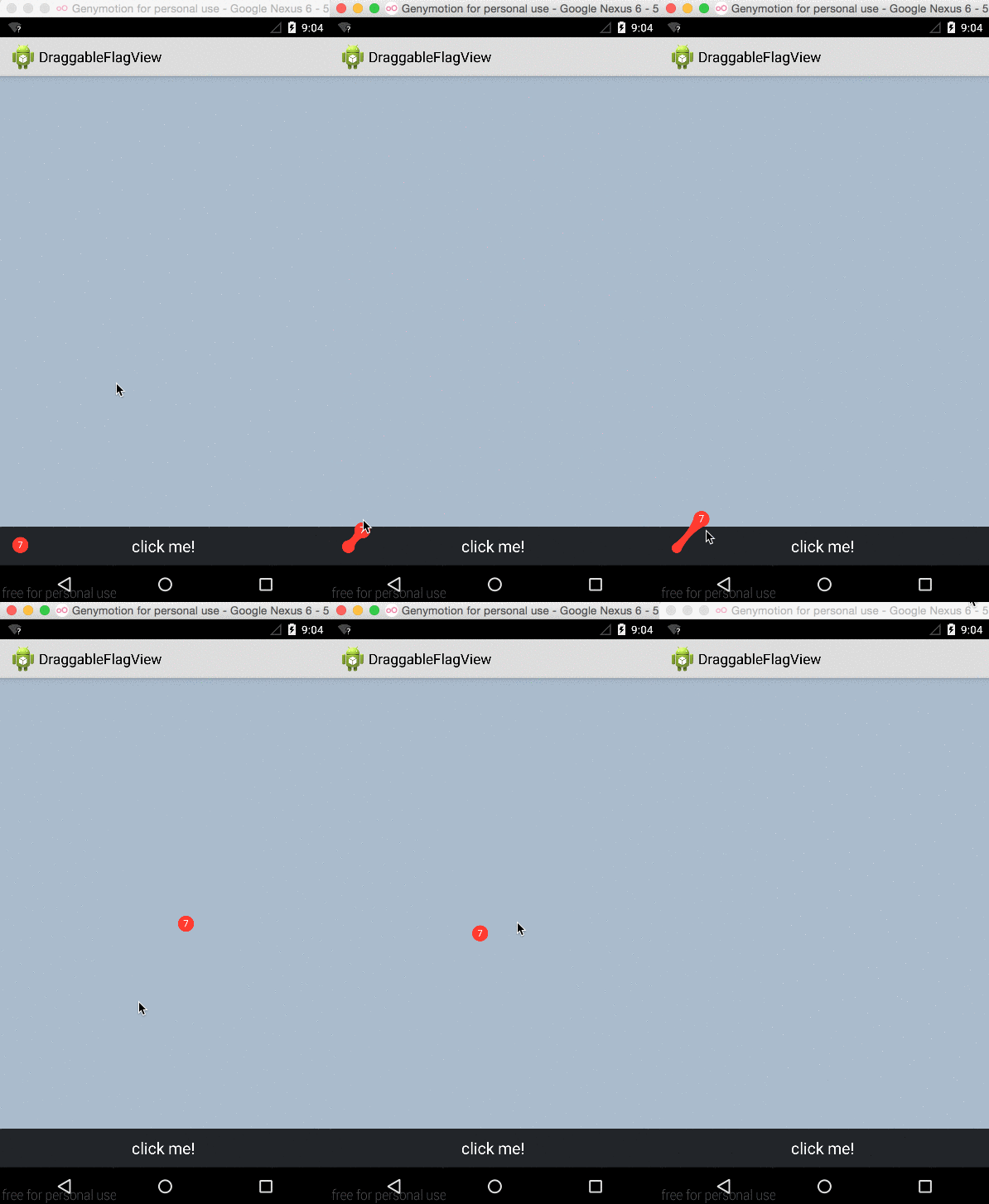
DEMO:transition3d、运用动画实现图片3d翻转效果
模仿系统apiDemos里的范例,去掉了listview,修改为点击图片后,更新图片并播放3d翻转动画。 代码: 1 2 3 4 5 6 7 8 9 10 11 12 13 14 15 16 17 18 19 20 21 22 23 24 25 26 27 28 29 30 31 32 33 34 35 36 37 38 39 40 41 42 43 44 45 46 47 48 49 50 51 52 53 54 55 56 57 58 59 60 61 62 63 64 65 66 67 68 69 70 71 72 73 74 75 76 77 78 79 80 81 82 83 84 85 86 87 88 89 90 91 92 93 94 95 96 97 98 99 100 101 102 103 104 105 106 107 108 109 110 111 112 113 114 115 116 117 118 119 120 121 122 123 124 125 126 127 package com.example.aexh_11_transition3d; import android.os.Bundle; import android.app.Activity; import android.view.Menu; import android.view.View; import android.view.ViewGroup; import android.view.View.OnClickListener; import android.view.animation.AccelerateInterpolator; import android.view.animation.Animation; import android.view.animation.DecelerateInterpolator; import android.view.animation.Animation.AnimationListener; import android.widget.ImageView; public class MainActivity extends Activity implements OnClickListener { /** * 仿照系统的范例,修改成点击图片播放动画更新图片。 * apiDemos范例: com.example.android.apis.animation * Transition3d */ private static final int [] PHOTOS_RESOURCES = new int [] { R.drawable.photo1, R.drawable.photo2, R.drawable.photo3, R.drawable.photo4, R.drawable.photo5, R.drawable.photo6 }; private ImageView mImageview; private ViewGroup mLayout; private int mPosition; @Override protected void onCreate(Bundle savedInstanceState) { super .onCreate(savedInstanceState); setContentView(R.layout.activity_main); mImageview = (ImageView) findViewById(R.id.imageView1); mImageview.setOnClickListener( this ); mLayout = (ViewGroup) findViewById(R.id.image_layout); // ViewGroup是所有layout的父类 /** * 下面这句应该是用来压缩大图的,没加上这句运行正常 */ // Since we are caching large views, we want to keep their cache // between each animation mLayout.setPersistentDrawingCache(ViewGroup.PERSISTENT_ANIMATION_CACHE); } @Override public void onClick(View v) { if (v.getId() == R.id.imageView1) { // Pre-load the image then start the animation mPosition++; applyRotation( 0 , 90 ); mImageview.setImageResource(PHOTOS_RESOURCES[mPosition % 6 ]); } } /** * Setup a new 3D rotation on the container view. * * @param position * the item that was clicked to show a picture, or -1 to show the * list * @param start * the start angle at which the rotation must begin * @param end * the end angle of the rotation */ private void applyRotation( float start, float end) { // Find the center of the container final float centerX = mLayout.getWidth() / 2 .0f; final float centerY = mLayout.getHeight() / 2 .0f; // Create a new 3D rotation with the supplied parameter // The animation listener is used to trigger the next animation final Rotate3dAnimation rotation = new Rotate3dAnimation(start, end, centerX, centerY, 310 .0f, true ); rotation.setDuration( 500 ); rotation.setFillAfter( true ); rotation.setInterpolator( new AccelerateInterpolator()); // 监听动画 rotation.setAnimationListener( new AnimationListener() { @Override public void onAnimationStart(Animation animation) { } @Override public void onAnimationRepeat(Animation animation) { } @Override public void onAnimationEnd(Animation animation) { mLayout.post(mAaction); // 刷新layout这个View } }); // 启动动画 mLayout.startAnimation(rotation); } Runnable mAaction = new Runnable() { @Override public void run() { final float centerX = mLayout.getWidth() / 2 .0f; final float centerY = mLayout.getHeight() / 2 .0f; Rotate3dAnimation rotation; // mImageView.requestFocus(); rotation = new Rotate3dAnimation( 90 , 180 , centerX, centerY, 310 .0f, false ); rotation.setDuration( 500 ); rotation.setFillAfter( true ); rotation.setInterpolator( new DecelerateInterpolator()); mLayout.startAnimation(rotation); } }; } 系统实现的动画方法: 1 2 3 4 5 6 7 8 9 10 11 12 13 14 15 16 17 18 19 20 21 22 23 24 25 26 27 28 29 30 31 32 33 34 35 36 37 38 39 40 41 42 43 44 45 46 47 48 49 50 51 52 53 54 55 56 57 58 59 60 61 62 63 64 65 66 67 68 69 70 71 72 73 74 75 76 77 78 79 80 81 82 83 84 85 86 87 88 89 90 91 92 93 94 95 96 97 98 99 100 101 102 103 104 package com.example.aexh_11_transition3d; /* * Copyright (C) 2007 The Android Open Source Project * * Licensed under the Apache License, Version 2.0 (the "License"); * you may not use this file except in compliance with the License. * You may obtain a copy of the License at * * http://www.apache.org/licenses/LICENSE-2.0 * * Unless required by applicable law or agreed to in writing, software * distributed under the License is distributed on an "AS IS" BASIS, * WITHOUT WARRANTIES OR CONDITIONS OF ANY KIND, either express or implied. * See the License for the specific language governing permissions and * limitations under the License. */ import android.view.animation.Animation; import android.view.animation.Transformation; import android.graphics.Camera; import android.graphics.Matrix; /** * An animation that rotates the view on the Y axis between two specified * angles. This animation also adds a translation on the Z axis (depth) to * improve the effect. */ public class Rotate3dAnimation extends Animation { private final float mFromDegrees; private final float mToDegrees; private final float mCenterX; private final float mCenterY; private final float mDepthZ; private final boolean mReverse; private Camera mCamera; /** * Creates a new 3D rotation on the Y axis. The rotation is defined by its * start angle and its end angle. Both angles are in degrees. The rotation * is performed around a center point on the 2D space, definied by a pair of * X and Y coordinates, called centerX and centerY. When the animation * starts, a translation on the Z axis (depth) is performed. The length of * the translation can be specified, as well as whether the translation * should be reversed in time. * * @param fromDegrees * the start angle of the 3D rotation * @param toDegrees * the end angle of the 3D rotation * @param centerX * the X center of the 3D rotation * @param centerY * the Y center of the 3D rotation * @param reverse * true if the translation should be reversed, false otherwise */ public Rotate3dAnimation( float fromDegrees, float toDegrees, float centerX, float centerY, float depthZ, boolean reverse) { mFromDegrees = fromDegrees; mToDegrees = toDegrees; mCenterX = centerX; mCenterY = centerY; mDepthZ = depthZ; mReverse = reverse; } @Override public void initialize( int width, int height, int parentWidth, int parentHeight) { super.initialize(width, height, parentWidth, parentHeight); mCamera = new Camera(); } @Override protected void applyTransformation( float interpolatedTime, Transformation t) { final float fromDegrees = mFromDegrees; float degrees = fromDegrees + ((mToDegrees - fromDegrees) * interpolatedTime); final float centerX = mCenterX; final float centerY = mCenterY; final Camera camera = mCamera; final Matrix matrix = t.getMatrix(); camera.save(); if (mReverse) { camera.translate(0.0f, 0.0f, mDepthZ * interpolatedTime); } else { camera.translate(0.0f, 0.0f, mDepthZ * (1.0f - interpolatedTime)); } camera.rotateY(degrees); camera.getMatrix(matrix); camera.restore(); matrix.preTranslate(-centerX, -centerY); matrix.postTranslate(centerX, centerY); } } 本文转自 glblong 51CTO博客,原文链接:http://blog.51cto.com/glblong/1226205,如需转载请自行联系原作者