首页 文章 精选 留言 我的

精选列表

搜索[centos],共5623篇文章
优秀的个人博客,低调大师

CentOS 7.2 下安装配置Node.js和Yarn

安装node.js 简单的说 Node.js 就是运行在服务端的 JavaScript。Node.js 是一个基于Chrome JavaScript 运行时建立的一个平台。Node.js是一个事件驱动I/O服务端JavaScript环境,基于Google的V8引擎,V8引擎执行Javascript的速度非常快,性能非常好。 首先更新源node.js的yum源这里我们安装最新V8.x版本 # curl --silent --location https://rpm.nodesource.com/setup_8.x | bash - yum安装node.js # yum install -y nodejs 使用npm国内阿里源 # npm config set registry=https://registry.npm.taobao.org 查看node.js版本 # node -v 安装node.js版本管理器n # npm install -g n 版本管理 // 安装指定版本 # n <version> // 安装稳定版本 # n stable // 安装最新版本 # n latest // 删除某个版本 # n rm <version> // 查看所有版本 # n list 安装yarn Yarn是由Facebook、Google、Exponent 和 Tilde 联合推出了一个新的 JS 包管理工具 ,正如官方文档中写的,Yarn 是为了弥补 npm 的一些缺陷而出现的。 使用shell脚本安装yarn # curl -o- -L https://yarnpkg.com/install.sh | bash 配置使用yarn国内的源 # yarn config set registry https://registry.npm.taobao.org

优秀的个人博客,低调大师

ssh 连接centos服务器很慢的解决办法

现象: 在局域网内,能ping通目标机器,并且时延是微秒级。 用ssh连局域网内其他linux机器,会等待10-30秒才有提示输入密码。严重影响工作效率。 [oracle@service1 ~]$ ping 192.168.1.228 PING 192.168.1.228 (192.168.1.228) 56(84) bytes of data. 64 bytes from 192.168.1.228: icmp_seq=1 ttl=64 time=0.280 ms 64 bytes from 192.168.1.228: icmp_seq=2 ttl=64 time=0.196 ms 64 bytes from 192.168.1.228: icmp_seq=3 ttl=64 time=0.326 ms ^C --- 192.168.1.228 ping statistics --- 3 packets transmitted, 3 received, 0% packet loss, time 2986ms rtt min/avg/max/mdev = 0.196/0.267/0.326/0.055 ms 复制时: [oracle@service1 ~]$ scp -rp /home/oracle/xtt2/ 192.168.1.228:/home/oracle/ oracle@192.168.1.228's password: Connection closed by 192.168.1.228 lost connection 调试信息: [oracle@service1 ~]$ ssh -v 192.168.1.228 OpenSSH_5.3p1, OpenSSL 1.0.0-fips 29 Mar 2010 debug1: Reading configuration data /etc/ssh/ssh_config debug1: Applying options for * debug1: Connecting to 192.168.1.228 [192.168.1.228] port 22. debug1: Connection established. debug1: identity file /home/oracle/.ssh/identity type -1 debug1: identity file /home/oracle/.ssh/identity-cert type -1 debug1: identity file /home/oracle/.ssh/id_rsa type -1 debug1: identity file /home/oracle/.ssh/id_rsa-cert type -1 debug1: identity file /home/oracle/.ssh/id_dsa type -1 debug1: identity file /home/oracle/.ssh/id_dsa-cert type -1 debug1: Remote protocol version 2.0, remote software version OpenSSH_5.3 debug1: match: OpenSSH_5.3 pat OpenSSH* debug1: Enabling compatibility mode for protocol 2.0 debug1: Local version string SSH-2.0-OpenSSH_5.3 debug1: SSH2_MSG_KEXINIT sent debug1: SSH2_MSG_KEXINIT received debug1: kex: server->client aes128-ctr hmac-md5 none debug1: kex: client->server aes128-ctr hmac-md5 none debug1: SSH2_MSG_KEX_DH_GEX_REQUEST(1024<1024<8192) sent debug1: expecting SSH2_MSG_KEX_DH_GEX_GROUP debug1: SSH2_MSG_KEX_DH_GEX_INIT sent debug1: expecting SSH2_MSG_KEX_DH_GEX_REPLY debug1: Host '192.168.1.228' is known and matches the RSA host key. debug1: Found key in /home/oracle/.ssh/known_hosts:1 debug1: ssh_rsa_verify: signature correct debug1: SSH2_MSG_NEWKEYS sent debug1: expecting SSH2_MSG_NEWKEYS debug1: SSH2_MSG_NEWKEYS received debug1: SSH2_MSG_SERVICE_REQUEST sent debug1: SSH2_MSG_SERVICE_ACCEPT received debug1: Authentications that can continue: publickey,gssapi-keyex,gssapi-with-mic,password debug1: Next authentication method: gssapi-keyex debug1: No valid Key exchange context debug1: Unspecified GSS failure. Minor code may provide more information Cannot determine realm for numeric host address debug1: Unspecified GSS failure. Minor code may provide more information Cannot determine realm for numeric host address debug1: Unspecified GSS failure. Minor code may provide more information debug1: Unspecified GSS failure. Minor code may provide more information Cannot determine realm for numeric host address debug1: Next authentication method: publickey debug1: Trying private key: /home/oracle/.ssh/identity debug1: Trying private key: /home/oracle/.ssh/id_rsa debug1: Trying private key: /home/oracle/.ssh/id_dsa debug1: Next authentication method: password oracle@192.168.1.228's password: Connection closed by 192.168.1.228 有效的解决办法: 1. 修改目标机: [root@service2 ~]# vi /etc/hosts 127.0.0.1 localhost localhost.localdomain localhost4 localhost4.localdomain4 ::1 localhost localhost.localdomain localhost6 localhost6.localdomain6 192.168.1.228 service2 192.168.1.117 service1 2.修改本机:GSSAPIAuthentication yes →GSSAPIAuthentication no GSSAPI (Generic Security Services Application Programming Interface)是一套类似Kerberos 5 的通用网络安全系统接口。该接口是对各种不同的客户端服务器安全机制的封装,以消除安全接口的不同,降低编程难度。但该接口在目标机器无域名解析时会有问题。我看到有人给ubuntu提交了相关bug,说要将GSSAPIAuthentication的缺省值设为no,不知为何,ubuntu9.10的缺省值还是yes。 [root@service1 ~]# vi /etc/ssh/ssh_config # $OpenBSD: ssh_config,v 1.25 2009/02/17 01:28:32 djm Exp $ # This is the ssh client system-wide configuration file. See # ssh_config(5) for more information. This file provides defaults for # users, and the values can be changed in per-user configuration files # or on the command line. # Configuration data is parsed as follows: # 1. command line options # 2. user-specific file # 3. system-wide file # Any configuration value is only changed the first time it is set. # Thus, host-specific definitions should be at the beginning of the # configuration file, and defaults at the end. # Site-wide defaults for some commonly used options. For a comprehensive # list of available options, their meanings and defaults, please see the # ssh_config(5) man page. # Host * # ForwardAgent no # ForwardX11 no # RhostsRSAAuthentication no # RSAAuthentication yes # PasswordAuthentication yes # HostbasedAuthentication no # GSSAPIAuthentication no # GSSAPIDelegateCredentials no # GSSAPIKeyExchange no # GSSAPITrustDNS no # BatchMode no # CheckHostIP yes # BatchMode no # CheckHostIP yes # AddressFamily any # ConnectTimeout 0 # StrictHostKeyChecking ask # IdentityFile ~/.ssh/identity # IdentityFile ~/.ssh/id_rsa # IdentityFile ~/.ssh/id_dsa # Port 22 # Protocol 2,1 # Cipher 3des # Ciphers aes128-ctr,aes192-ctr,aes256-ctr,arcfour256,arcfour128,aes128-cbc,3des-cbc # MACs hmac-md5,hmac-sha1,umac-64@openssh.com,hmac-ripemd160 # EscapeChar ~ # Tunnel no # TunnelDevice any:any # PermitLocalCommand no # VisualHostKey no Host * GSSAPIAuthentication yes # If this option is set to yes then remote X11 clients will have full access # to the original X11 display. As virtually no X11 client supports the untrusted # mode correctly we set this to yes. ForwardX11Trusted yes # Send locale-related environment variables SendEnv LANG LC_CTYPE LC_NUMERIC LC_TIME LC_COLLATE LC_MONETARY LC_MESSAGES SendEnv LC_PAPER LC_NAME LC_ADDRESS LC_TELEPHONE LC_MEASUREMENT SendEnv LC_IDENTIFICATION LC_ALL LANGUAGE SendEnv XMODIFIERS 再复制时: [oracle@service1 ~]$ scp -rp /home/oracle/xtt2/ 192.168.1.228:/home/oracle/ oracle@192.168.1.228's password: rman-xttconvert_2.0.zip 100% 26KB 26.3KB/s 00:00 xttcnvrtbkupdest.sql 100% 1390 1.4KB/s 00:00 xttdriver.pl 100% 90KB 89.6KB/s 00:00 xttdbopen.sql 100% 71 0.1KB/s 00:00 xtt.properties 100% 251 0.3KB/s 00:00 xttstartupnomount.sql 100% 52 0.1KB/s 00:00 xttprep.tmpl

优秀的个人博客,低调大师

环境搭建-CentOS服务器之间设置免密码登录

在做大数据项目分布式开发时会用到Hadoop组件,Hadoop集群由Namenode节点和Datanode节点组成,在运行启动集群操作时,需要从Namenode节点登录到Datanode节点,执行相关启动脚本,因此需要配置免密码登录。 1.使用root账户修改shhd_config配置文件 执行命令【vi /etc/ssh/sshd_config】 修改shhd_config配置文件.png 去掉RSAAuthention yes前面的# 去掉PubkeyAuthentication yes前面的# shhd_config.png 然后运行命令【service sshd restart】生效配置 2.使用rsa非对称加密生成密钥 进入用户目录,运行命令【ssh-keygen -t rsa】生成密钥 生成密钥.png 进入【.ssh】目录,会发现生成了如下几个文件: ssh目录.png authorized_keys:存放远程免密登录的公钥,主要通过这个文件记录多台机器的公钥 id_rsa:私钥文件 id_rsa.pub:公钥文件 3.将公钥添加到需要远程登录机器的authorized_keys文件中 在添加之前先做一个测试,现在通过【ssh localhost】命令试试本机有没有免密码登录 测试.png 出现需要输入密码界面,证明还没有免密,需要将公钥添加到authorized_keys中,运行文件追加命令【cat id_rsa.pub >> authorized_keys】。 再通过【ssh localhost】命令试试本机有没有免密码登录: image.png 测试通过,现在就可以将公钥添加到需要远程登录机器的authorized_keys文件中,然后就实现了Namenode节点到Datanode节点的免密码登录。

资源下载

更多资源
优质分享App

优质分享App

近一个月的开发和优化,本站点的第一个app全新上线。该app采用极致压缩,本体才4.36MB。系统里面做了大量数据访问、缓存优化。方便用户在手机上查看文章。后续会推出HarmonyOS的适配版本。

腾讯云软件源

腾讯云软件源

为解决软件依赖安装时官方源访问速度慢的问题,腾讯云为一些软件搭建了缓存服务。您可以通过使用腾讯云软件源站来提升依赖包的安装速度。为了方便用户自由搭建服务架构,目前腾讯云软件源站支持公网访问和内网访问。

Spring

Spring

Spring框架(Spring Framework)是由Rod Johnson于2002年提出的开源Java企业级应用框架,旨在通过使用JavaBean替代传统EJB实现方式降低企业级编程开发的复杂性。该框架基于简单性、可测试性和松耦合性设计理念,提供核心容器、应用上下文、数据访问集成等模块,支持整合Hibernate、Struts等第三方框架,其适用范围不仅限于服务器端开发,绝大多数Java应用均可从中受益。

Rocky Linux

Rocky Linux

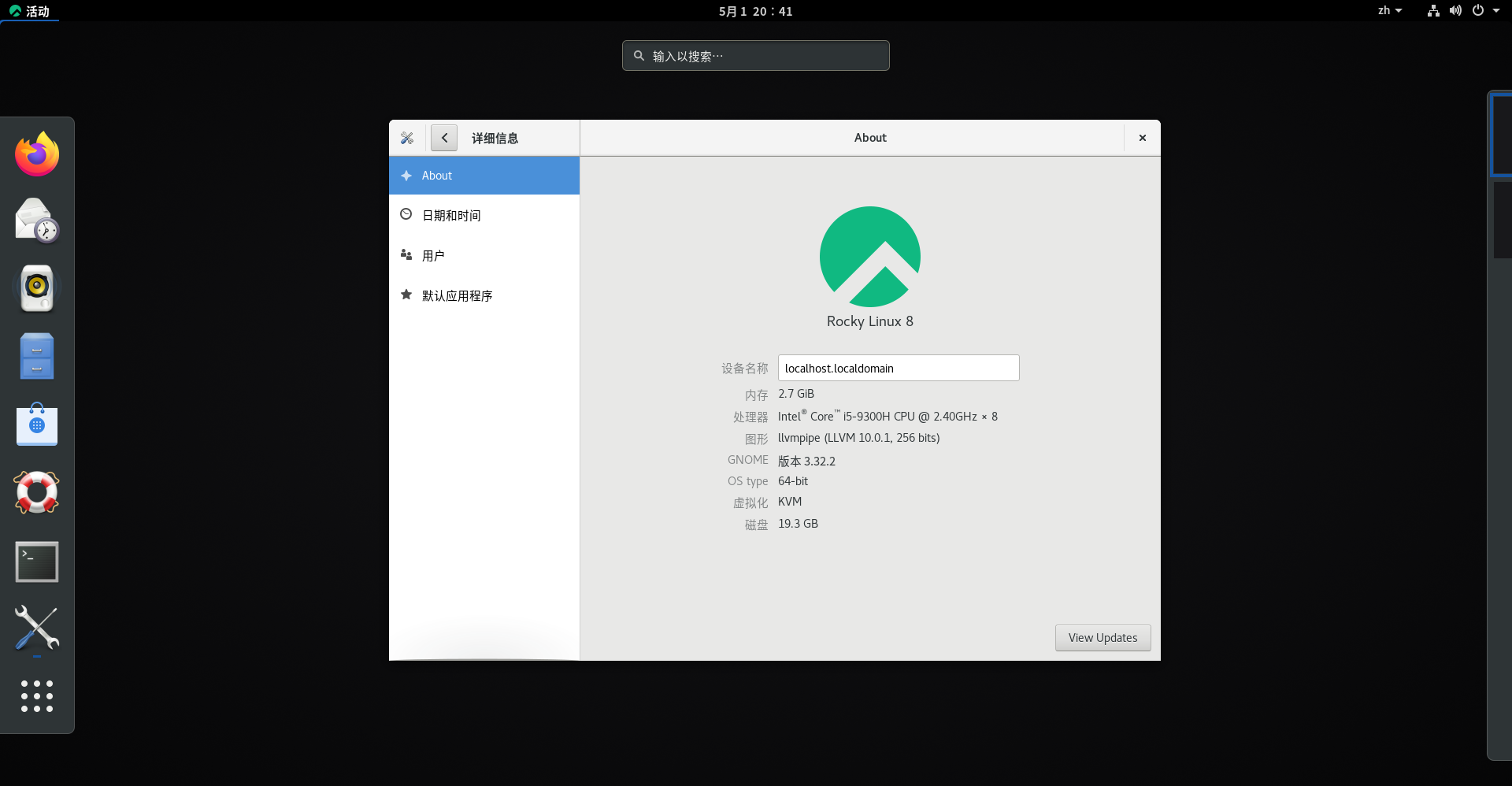
Rocky Linux(中文名:洛基)是由Gregory Kurtzer于2020年12月发起的企业级Linux发行版,作为CentOS稳定版停止维护后与RHEL(Red Hat Enterprise Linux)完全兼容的开源替代方案,由社区拥有并管理,支持x86_64、aarch64等架构。其通过重新编译RHEL源代码提供长期稳定性,采用模块化包装和SELinux安全架构,默认包含GNOME桌面环境及XFS文件系统,支持十年生命周期更新。

用户登录
用户注册