首页 文章 精选 留言 我的

精选列表

搜索[布局],共10000篇文章
优秀的个人博客,低调大师

Android开发实践:布局的平分

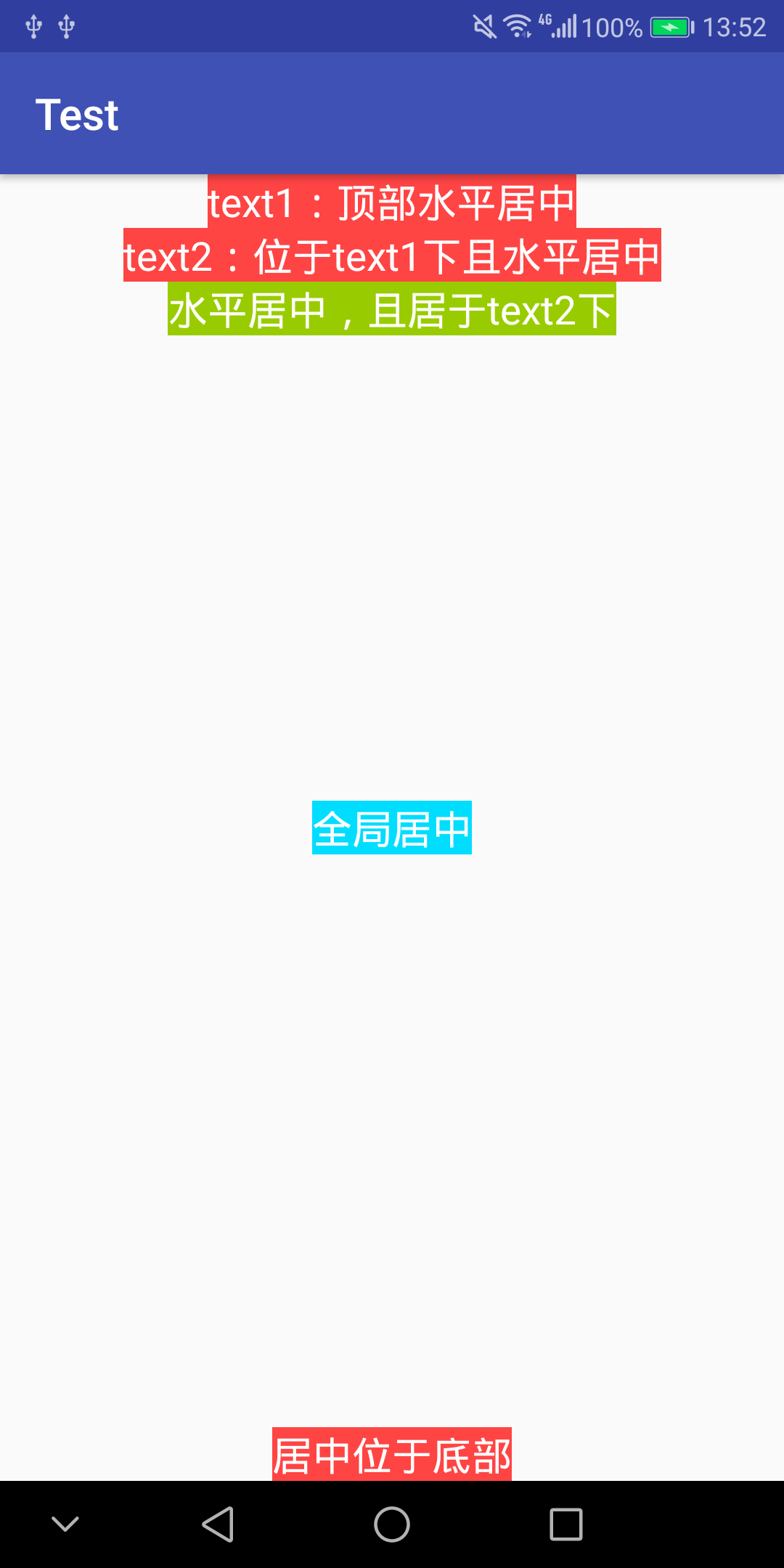
从一个简单的任务入手,“如何在水平方向上一左一右均匀地放置两个Button”,有很多种方式可以实现这个功能,在此做一个简单的总结,顺便深入理解下有关gravity, layout_weight 等相关概念的原理和应用。 一、效果图 二、思考 RelativeLayout 和 LinearLayout 中分别如何左右放置button (1) 在RelativeLayout中放置 由于 RelativeLayout 内部的子控件都可以指定相对位置,因此很容易实现左右放置两个Button的任务,如下所示: 1 2 3 4 5 6 7 8 9 10 11 12 13 14 15 16 17 18 < RelativeLayout android:layout_width = "match_parent" android:layout_height = "wrap_content" android:orientation = "horizontal" > < Button android:layout_width = "wrap_content" android:layout_height = "wrap_content" android:text = "LeftButton" android:layout_alignParentLeft = "true" /> < Button android:layout_width = "wrap_content" android:layout_height = "wrap_content" android:text = "RightButton" android:layout_alignParentRight = "true" /> </ RelativeLayout > 效果如图所示: (2) 在LinearLayout中放置 由于LinearLayout是顺序排放所有的控件,如果希望两个button分开地位于一左一右,则必须在两个Button之间再加一个layout_weight为1.0的隐形view才能实现。示例如下: 1 2 3 4 5 6 7 8 9 10 11 12 13 14 15 16 17 18 19 20 21 22 < LinearLayout android:layout_width = "match_parent" android:layout_height = "wrap_content" android:layout_margin = "10dp" android:orientation = "horizontal" > < Button android:layout_width = "wrap_content" android:layout_height = "wrap_content" android:text = "LeftButton" /> < View android:layout_width = "0dp" android:layout_weight = "1.0" android:layout_height = "0dp" /> < Button android:layout_width = "wrap_content" android:layout_height = "wrap_content" android:text = "RightButton" /> </ LinearLayout > 效果如图所示: 三、 在水平方向“均分”整个Layout 其实,对于LinearLayout而言,最简单地平分方式就是将子控件的layout_width属性值设置为0,同时layout_weight属性设置为1.0这样,所有的子控件就会自动均分整个LinearLayout ,例如: 1 2 3 4 5 6 7 8 9 10 11 12 13 14 15 16 17 18 19 < LinearLayout android:layout_width = "match_parent" android:layout_height = "wrap_content" android:layout_margin = "10dp" android:orientation = "horizontal" > < Button android:layout_width = "0dp" android:layout_height = "wrap_content" android:layout_weight = "1.0" android:text = "LeftButton" /> < Button android:layout_width = "0dp" android:layout_height = "wrap_content" android:layout_weight = "1.0" android:text = "Right" /> </ LinearLayout > 效果如图: 由图中效果可以看到,两个Button很好地一左一右平分了整个LinearLayout,但是由于Button的layout_width设置的是0dp,通过layout_weight来决定长度,因此Button都被横向拉长了,如果希望Button的layout_width设置为wrap_content,那该如何实现均分呢?其实,可以通过在Button外再包围一层LinearLayout来实现,示例如下: 1 2 3 4 5 6 7 8 9 10 11 12 13 14 15 16 17 18 19 20 21 22 23 24 25 26 27 28 29 30 31 32 < LinearLayout android:layout_width = "match_parent" android:layout_height = "wrap_content" android:layout_margin = "10dp" android:orientation = "horizontal" > < LinearLayout android:layout_width = "0dp" android:layout_height = "wrap_content" android:layout_weight = "1.0" android:orientation = "horizontal" > < Button android:layout_width = "wrap_content" android:layout_height = "wrap_content" android:text = "LeftButton" android:layout_gravity = "center" /> </ LinearLayout > < LinearLayout android:layout_width = "0dp" android:layout_height = "wrap_content" android:layout_weight = "1.0" android:orientation = "horizontal" android:gravity = "center_horizontal" > < Button android:layout_width = "wrap_content" android:layout_height = "wrap_content" android:text = "RightButton" /> </ LinearLayout > </ LinearLayout > 这样地话,由两个Button外围的LinearLayout平分了整个水平的layout,两个button的大小采用wrap_content,也不会被拉伸,并且通过外围的LinearLayout的android:gravity属性实现了居中。 这里注意Button外围的LinearLayout的android:gravity属性,很关键,该属性决定其子控件在该控件中的位置。所以Button外围的LinearLayout设置了android:gravity="center",因此Button才能在该LinearLayout的正中央。 思考,如果给Button加一个android:gravity="right"的属性,会是什么效果呢? 答案: 会使得 Button 内部的文字向右靠齐,而不是在中央。 本文转自 Jhuster 51CTO博客,原文链接:http://blog.51cto.com/ticktick/1321114,如需转载请自行联系原作者

资源下载

更多资源
Mario

Mario

马里奥是站在游戏界顶峰的超人气多面角色。马里奥靠吃蘑菇成长,特征是大鼻子、头戴帽子、身穿背带裤,还留着胡子。与他的双胞胎兄弟路易基一起,长年担任任天堂的招牌角色。

Nacos

Nacos

Nacos /nɑ:kəʊs/ 是 Dynamic Naming and Configuration Service 的首字母简称,一个易于构建 AI Agent 应用的动态服务发现、配置管理和AI智能体管理平台。Nacos 致力于帮助您发现、配置和管理微服务及AI智能体应用。Nacos 提供了一组简单易用的特性集,帮助您快速实现动态服务发现、服务配置、服务元数据、流量管理。Nacos 帮助您更敏捷和容易地构建、交付和管理微服务平台。

Spring

Spring

Spring框架(Spring Framework)是由Rod Johnson于2002年提出的开源Java企业级应用框架,旨在通过使用JavaBean替代传统EJB实现方式降低企业级编程开发的复杂性。该框架基于简单性、可测试性和松耦合性设计理念,提供核心容器、应用上下文、数据访问集成等模块,支持整合Hibernate、Struts等第三方框架,其适用范围不仅限于服务器端开发,绝大多数Java应用均可从中受益。

Sublime Text

Sublime Text

Sublime Text具有漂亮的用户界面和强大的功能,例如代码缩略图,Python的插件,代码段等。还可自定义键绑定,菜单和工具栏。Sublime Text 的主要功能包括:拼写检查,书签,完整的 Python API , Goto 功能,即时项目切换,多选择,多窗口等等。Sublime Text 是一个跨平台的编辑器,同时支持Windows、Linux、Mac OS X等操作系统。


用户登录
用户注册