首页 文章 精选 留言 我的

精选列表

搜索[header],共4370篇文章
优秀的个人博客,低调大师

OSS签名Header实现Demo(PHP)

概述 OSS的集成上传和下载提供了SDK可以直接使用,但实际使用中一些用户受限环境或者设备限制需要使用api方式来实现上传和下载,本文以PutObject接口为例,提供了PHP实现的demo。注:建议优先使用OSS提供SDK,本文提供的只是签名实现上传demo,实际使用中需要结合业务来进行改动代码 详细信息 PutObject实现Demo(测试环境php5.6.30): <?php function curlput($url,$data,$method='PUT',$bucket,$object,$accesskey ,$accesskeySecret){ $time = gmdate ("D, d M Y H:i:s T"); $str = "PUT\n\n"."application/json\n".$time."\n/".$bucket."/".$object; //echo($str); $signature = base64_encode(hash_hmac("sha1", $str, $accesskeySecret, true)); //echo($time); //echo($signature); $ch = curl_init(); //初始化CURL句柄 curl_setopt($ch, CURLOPT_URL, $url); //设置请求的URL curl_setopt($ch, CURLOPT_CUSTOMREQUEST, $method); //设置请求方式 $headers = array( "Date:".$time, 'Content-Type:application/json', "Authorization:OSS ".$accesskey.":".$signature ); curl_setopt($ch,CURLOPT_HTTPHEADER,$headers);//设置HTTP头信息 curl_setopt($ch, CURLOPT_POSTFIELDS, $data);//设置提交的字符串 $document = curl_exec($ch);//执行预定义的CURL if(!curl_errno($ch)){ $info = curl_getinfo($ch); echo 'Took ' . $info['total_time'] . ' seconds to send a request to ' . $info['url']; } else { echo 'Curl error: ' . curl_error($ch); } curl_close($ch); return $document; } $accesskey ='xxx'; $accesskeySecret ='xxx'; $bucket = 'bucketname'; $object = 'mytest/2.txt'; $url = 'http://bucketname.oss-cn-hangzhou.aliyuncs.com/mytest/2.txt'; $data = "{wewwe:wewee}"; $return = curlput($url, $data, 'PUT',$bucket,$object,$accesskey,$accesskeySecret); var_dump($return); exit; ?>

优秀的个人博客,低调大师

OSS签名Header实现Demo(C#)

概述 OSS的集成上传和下载提供了SDK可以直接使用,但实际使用中一些用户受限环境或者设备限制需要使用api方式来实现上传和下载,本文以PutObject接口为例,提供了C#实现的demo。注:建议优先使用OSS提供SDK,本文提供的只是签名实现上传demo,实际使用中需要结合业务来进行改动代码详细信息PutObject实现demo(visual studio 2017,NET Framework4.0) using System; using System.Security.Cryptography; using System.Text; using System.Net; using System.IO; using System.Reflection; namespace Aliyun.OSS.Samples { class Program { //您的AccessKey public static string AccessKey = "xx"; //您的 AccessKeySecret public static string AccessKeySecret = "xx"; //bucket所在的endpoint public static string Endpoint = "oss-cn-hangzhou.aliyuncs.com"; public static string BucketName = "xx"; public static string objectName = "mytest/1.txt"; public static string HmacSha1Sign(string secret, string strOrgData) { var hmacsha1 = new HMACSHA1(Encoding.UTF8.GetBytes(secret)); var dataBuffer = Encoding.UTF8.GetBytes(strOrgData); var hashBytes = hmacsha1.ComputeHash(dataBuffer); return Convert.ToBase64String(hashBytes); } public static string HttpRequest(string url, string data, string sign, string contentType, string time1) { byte[] datas = System.Text.Encoding.GetEncoding("UTF-8").GetBytes(data); HttpWebRequest request = (HttpWebRequest)WebRequest.Create(url); request.Method = "PUT"; request.Timeout = 150000; request.Headers.Add("Authorization", "OSS " + AccessKey + ":" + sign); CallPrivateMethod(request, "SetSpecialHeaders", "Date", time1); request.ContentType = contentType; Stream requestStream = null; string responseStr = null; try { if (datas != null) { request.ContentLength = datas.Length; requestStream = request.GetRequestStream(); requestStream.Write(datas, 0, datas.Length); requestStream.Close(); } else { request.ContentLength = 0; } HttpWebResponse response = request.GetResponse() as HttpWebResponse; responseStr = response.Headers.GetValues("x-oss-request-id")[0]; //responseStr = sr.ReadToEnd(); } catch (Exception) { Console.WriteLine("error"); } finally { request = null; requestStream = null; } return responseStr; } public static string ToGMTString() { return DateTime.Now.ToUniversalTime().ToString("r"); } public static void CallPrivateMethod(object instance, string name, params object[] param) { BindingFlags flag = BindingFlags.Instance | BindingFlags.NonPublic; Type type = instance.GetType(); MethodInfo method = type.GetMethod(name, flag); method.Invoke(instance, param); } static void Main(string[] args) { string varb = "PUT"; string content_type = "application/json"; string timeGmt = ToGMTString(); string str = varb + "\n\n" + content_type + "\n" + timeGmt + "\n/" + BucketName + "/" + objectName; string signature = HmacSha1Sign(AccessKeySecret, str); string url = "http://" + BucketName + "." + Endpoint + "/" + objectName; string data = "{ \"key\":\"this is a oss's test\"}"; string result = HttpRequest(url, data, signature, content_type, timeGmt); Console.WriteLine("requestId: " + result); } } }

优秀的个人博客,低调大师

错误消息sales area is not assigned for the header product

When I try to download customer material info record from ERP, I meet with this error message in tcode SMW01: The error message is raised due to the fact that in CRM, the corresponding sales organization for this product is not found. However, since this product itself is downloaded from ERP, you could NOT add any distribution chain to it manually. Go back to ERP and check table MVKE, we can find the sales organization 0001 and channel 01 is assigned to this product correctly. This indicates that the sales area for this material has not been downloaded to CRM successfully.So go to CRM, check Sales organization mapping in organization model, and found there is no entry configured for 0001-01.Add the missing entry in tcode PPOMA_CRM after that perform a request download once again, this time you should find in SMW01 that the sales area has successfully been downloaded. Now go back to WebUI, both two assignment block now display correct data from ERP: 本文来自云栖社区合作伙伴“汪子熙”,了解相关信息可以关注微信公众号"汪子熙"。

优秀的个人博客,低调大师

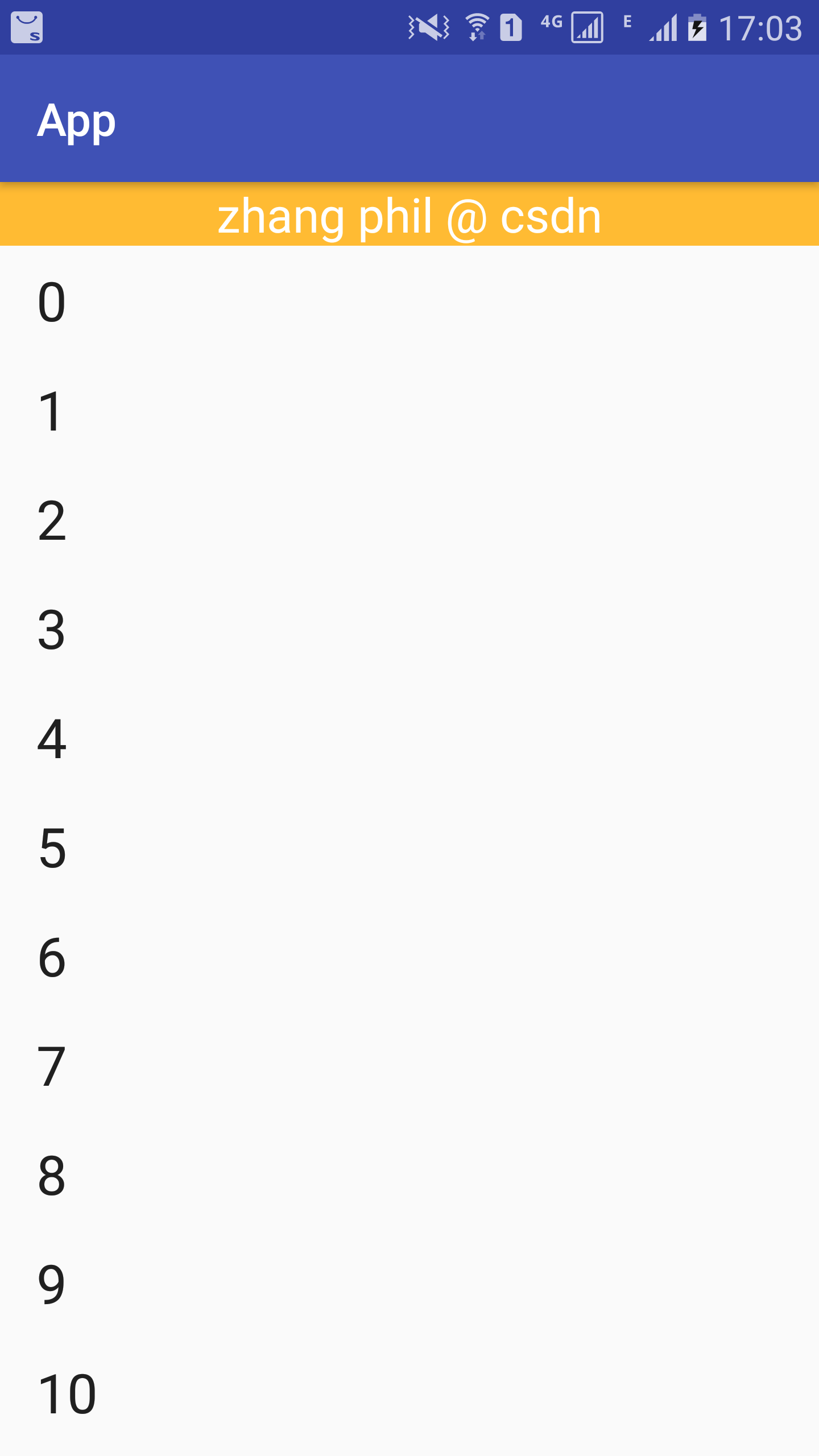
Android 显示 WebView ,加载URL 时,向webview的 header 里面传递参数

1、主要布局 <?xml version="1.0" encoding="utf-8"?> <RelativeLayout xmlns:android="http://schemas.android.com/apk/res/android" xmlns:tools="http://schemas.android.com/tools" android:layout_width="match_parent" android:layout_height="match_parent" android:fitsSystemWindows="true" tools:context=".MainActivity"> <WebView android:id="@+id/webview" android:layout_width="match_parent" android:layout_height="match_parent"> </WebView> </RelativeLayout> 2、代码实现 1 package com.webview.demo; 2 3 import android.os.Bundle; 4 import android.support.v7.app.AppCompatActivity; 5 import android.webkit.WebView; 6 7 import java.util.HashMap; 8 import java.util.Map; 9 10 public class MainActivity extends AppCompatActivity { 11 12 private WebView webView ; 13 14 private String webViewHeaderKey = "tokenId" ; 15 private String webViewHeaderValue = "562142" ; 16 17 private String url = "" ; 18 19 @Override 20 protected void onCreate(Bundle savedInstanceState) { 21 super.onCreate(savedInstanceState); 22 setContentView(R.layout.activity_main); 23 24 webView = (WebView) findViewById( R.id.webview ); 25 26 27 if ( webViewHeaderValue != "" ){ 28 Map<String, String > map = new HashMap<String, String>() ; 29 map.put( webViewHeaderKey , webViewHeaderValue ) ; 30 31 webView.loadUrl( url , map ) ; 32 }else { 33 webView.loadUrl( url ) ; 34 } 35 36 } 37 }

资源下载

更多资源
Mario

Mario

马里奥是站在游戏界顶峰的超人气多面角色。马里奥靠吃蘑菇成长,特征是大鼻子、头戴帽子、身穿背带裤,还留着胡子。与他的双胞胎兄弟路易基一起,长年担任任天堂的招牌角色。

腾讯云软件源

腾讯云软件源

为解决软件依赖安装时官方源访问速度慢的问题,腾讯云为一些软件搭建了缓存服务。您可以通过使用腾讯云软件源站来提升依赖包的安装速度。为了方便用户自由搭建服务架构,目前腾讯云软件源站支持公网访问和内网访问。

Nacos

Nacos

Nacos /nɑ:kəʊs/ 是 Dynamic Naming and Configuration Service 的首字母简称,一个易于构建 AI Agent 应用的动态服务发现、配置管理和AI智能体管理平台。Nacos 致力于帮助您发现、配置和管理微服务及AI智能体应用。Nacos 提供了一组简单易用的特性集,帮助您快速实现动态服务发现、服务配置、服务元数据、流量管理。Nacos 帮助您更敏捷和容易地构建、交付和管理微服务平台。

WebStorm

WebStorm

WebStorm 是jetbrains公司旗下一款JavaScript 开发工具。目前已经被广大中国JS开发者誉为“Web前端开发神器”、“最强大的HTML5编辑器”、“最智能的JavaScript IDE”等。与IntelliJ IDEA同源,继承了IntelliJ IDEA强大的JS部分的功能。


用户登录
用户注册