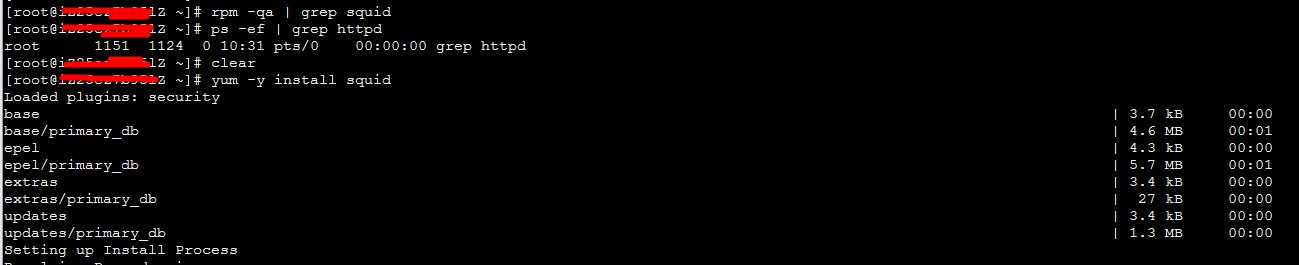
Yum 安装
yum install cacti 创建数据库 # mysql -u root -p mysql> create database cacti; mysql> GRANT ALL ON cacti.* TO cacti@localhost IDENTIFIED BY 'cacti'; mysql> FLUSH privileges; mysql> quit; mysql -ucacti -pcacti cacti < /usr/share/doc/cacti-0.8.8b/cacti.sql 数据配置 # cat /etc/cacti/db.php <?php /* +-------------------------------------------------------------------------+ | Copyright (C) 2004-2013 The Cacti Group | | | | This program is free software; you can redistribute it and/or | | modify it under the terms of the GNU General Public License | | as published by the Free Software Foundation; either version 2 | | of the License, or (at your option) any later version. | | | | This program is distributed in the hope that it will be useful, | | but WITHOUT ANY WARRANTY; without even the implied warranty of | | MERCHANTABILITY or FITNESS FOR A PARTICULAR PURPOSE. See the | | GNU General Public License for more details. | +-------------------------------------------------------------------------+ | Cacti: The Complete RRDTool-based Graphing Solution | +-------------------------------------------------------------------------+ | This code is designed, written, and maintained by the Cacti Group. See | | about.php and/or the AUTHORS file for specific developer information. | +-------------------------------------------------------------------------+ | http://www.cacti.net/ | +-------------------------------------------------------------------------+ */ /* make sure these values refect your actual database/host/user/password */ $database_type = "mysql"; $database_default = "cacti"; $database_hostname = "localhost"; $database_username = "cacti"; $database_password = "cacti"; $database_port = "3306"; $database_ssl = false; /* Edit this to point to the default URL of your Cacti install ex: if your cacti install as at http://serverip/cacti/ this would be set to /cacti/ */ //$url_path = "/cacti/"; /* Default session name - Session name must contain alpha characters */ //$cacti_session_name = "Cacti"; ?> 配置httpd # cat /etc/httpd/conf.d/cacti.conf # # Cacti: An rrd based graphing tool # # For security reasons, the Cacti web interface is accessible only to # localhost in the default configuration. If you want to allow other clients # to access your Cacti installation, change the httpd ACLs below. # For example: # On httpd 2.4, change "Require host localhost" to "Require all granted". # On httpd 2.2, change "Allow from localhost" to "Allow from all". Alias /cacti /usr/share/cacti <Directory /usr/share/cacti/> <IfModule mod_authz_core.c> # httpd 2.4 #Require host any Require all granted </IfModule> </Directory> <Directory /usr/share/cacti/install> # mod_security overrides. # Uncomment these if you use mod_security. # allow POST of application/x-www-form-urlencoded during install #SecRuleRemoveById 960010 # permit the specification of the rrdtool paths during install #SecRuleRemoveById 900011 </Directory> # These sections marked "Require all denied" (or "Deny from all") # should not be modified. # These are in place in order to harden Cacti. <Directory /usr/share/cacti/log> <IfModule mod_authz_core.c> Require all denied </IfModule> </Directory> <Directory /usr/share/cacti/rra> <IfModule mod_authz_core.c> Require all denied </IfModule> </Directory> 原文出处:Netkiller 系列 手札 本文作者:陈景峯 转载请与作者联系,同时请务必标明文章原始出处和作者信息及本声明。