打造炫酷的通知插件EasyToaster
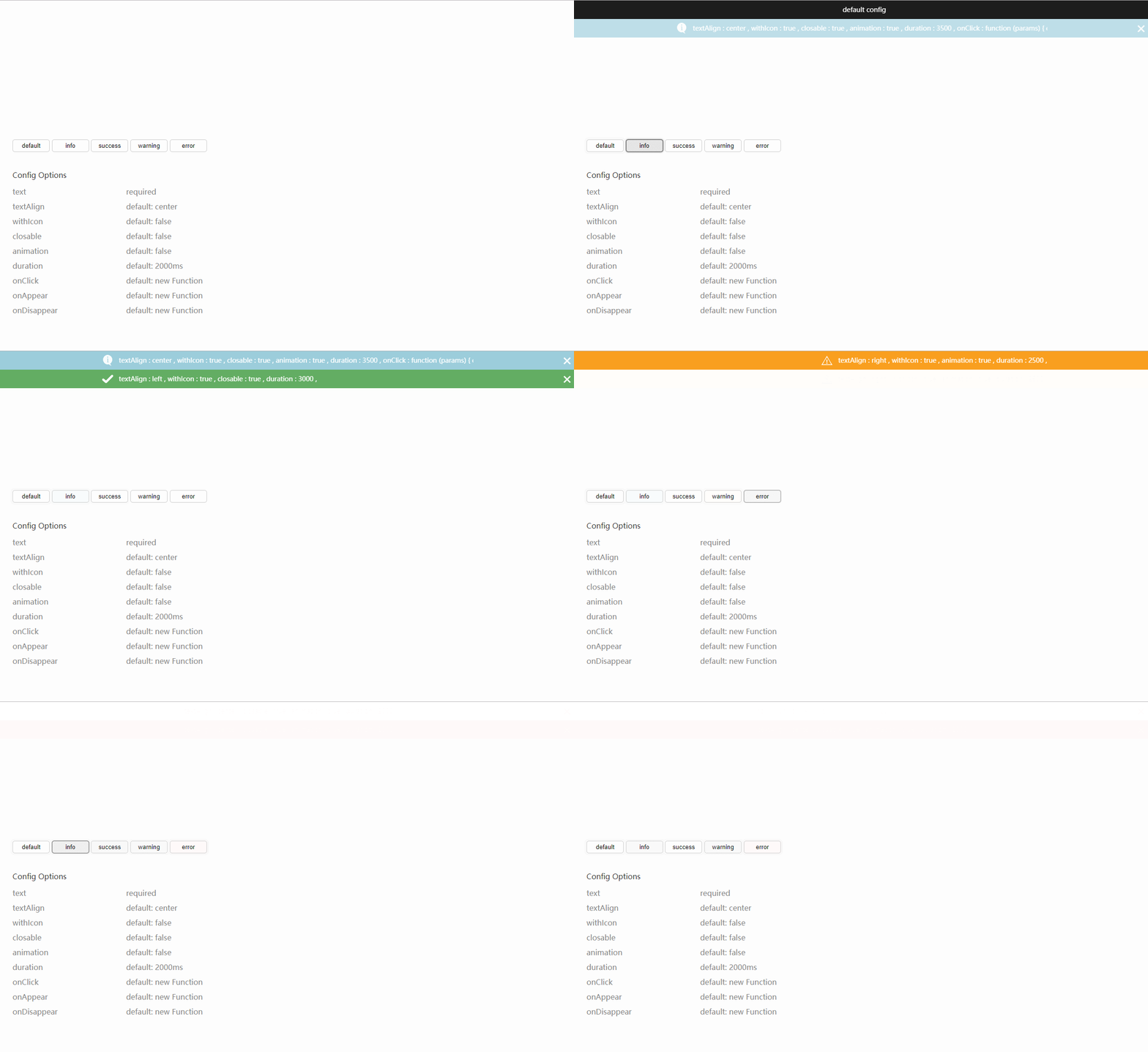
引用 <link rel="stylesheet" type="text/css" href="./index.css"> <div id="slider"></div> <script type="text/javascript" src="./index.js"></script> <script type="text/javascript"> var toaster = new Toaster() toaster.info({ text: 'default config' }) </script> 例子 toaster.error({ text: 'There\'s something wrong', textAlign: 'left', withIcon: true, closable: true, animation: true, duration: 2500, onClick: function () { // do sth }, onAppear: function () { // do sth }, onVanish: function () { // do sth } }) 方法 名称 注释 wait Wait 类型消息 info Info 类型消息 success Success 类型消息 warning Warning 类型消息 error Error 类型消息 配置项 名称 类型 约束 注释 text String 必须 消息文本内容 textAlign enum['center','left','right'] 默认 'center' 文本对齐方式 withIcon boolean 默认 false 是否创建图标 closable boolean 默认 false 是否创建关闭按钮 animation boolean 默认 false 是否使用动画过渡 duration Integer 默认 2000 消息存在时长 名称 注释 onClick 当消息被点击时 onAppear 当消息被创建时 onVanish 当消息被销毁时 源码 代码说明 css 部分预定义类样式,以便 js 创建带样式的节点 图标使用 dataURL 引入 由于 IE 9 - 不支持 animation 属性,因此没有过渡效果 当鼠标移到消息上,动画效果和存在时长累加暂停;当鼠标移出消息时,动画和计时恢复正常 源码和示例代码地址 GitHub 原文发布时间为:2018年02月13日原文作者:lonelydawn 本文来源:开源中国 如需转载请联系原作者