【运维实操指南】2 分钟定制雷池 WAF 认证页:从「标准表单」到「视觉升级」全攻略
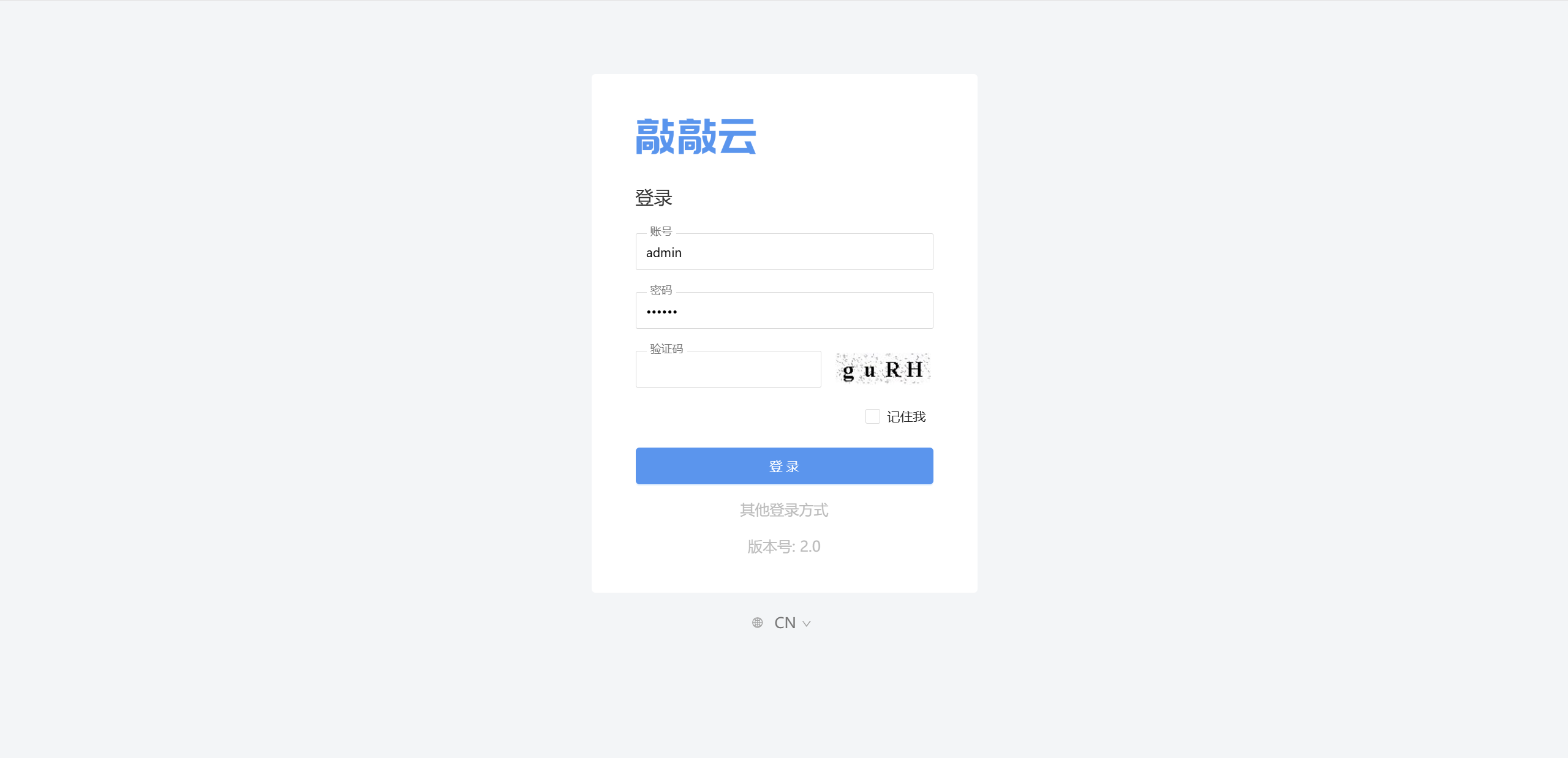
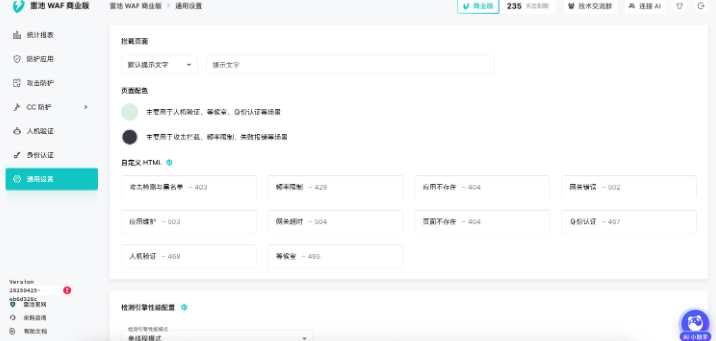
在 通用设置 > 防护配置 模块下,找到 [自定义 HTML] 模块 就像写一个普通的html页面一样,你可以同时写入 style、script 等标签, 所以用 css 就能修改中心区域的样式啦。 示例: 把文末的示例代码复制到 效果图: <script> console.log('Im a console.log, which is written in a script tag'); </script> <style type="text/css"> body { background: #395180; margin: 0; } body #slg-box { background-color: grey; width: 400px; height: 100%; top: 0; left: 0; transform: translate(0, 0); padding: 100px 20px; } body #slg-usergroup-username, body #slg-usergroup-password { background-color: grey; color: #fff; } body #slg-box-title { color: #e15ccf; } body #slg-usergroup-btn { color: grey !important; } body #slg-with-more-title div:nth-child(2) { background-color: transparent; width: 100%; height: 30px; line-height: 30px; text-align: center; border: 1px solid; } body #slg-with-more-title div:nth-child(1) { display: none; } body #slg-tabs > div { fill: green; } body #slg-usergroup-container input { border-style: dashed; } </style> <div style=" background-color: grey; width: 200px; height: 100px; text-align: right; top: 50%; position: relative; left: calc(50% + 200px); position: relative; transform: translate(-50%,-50%); border-radius: 10px; font-size: 30px; line-height: 100px; text-align: center; " > hello world </div>