首页 文章 精选 留言 我的

精选列表

搜索[文本输入框],共10005篇文章
优秀的个人博客,低调大师

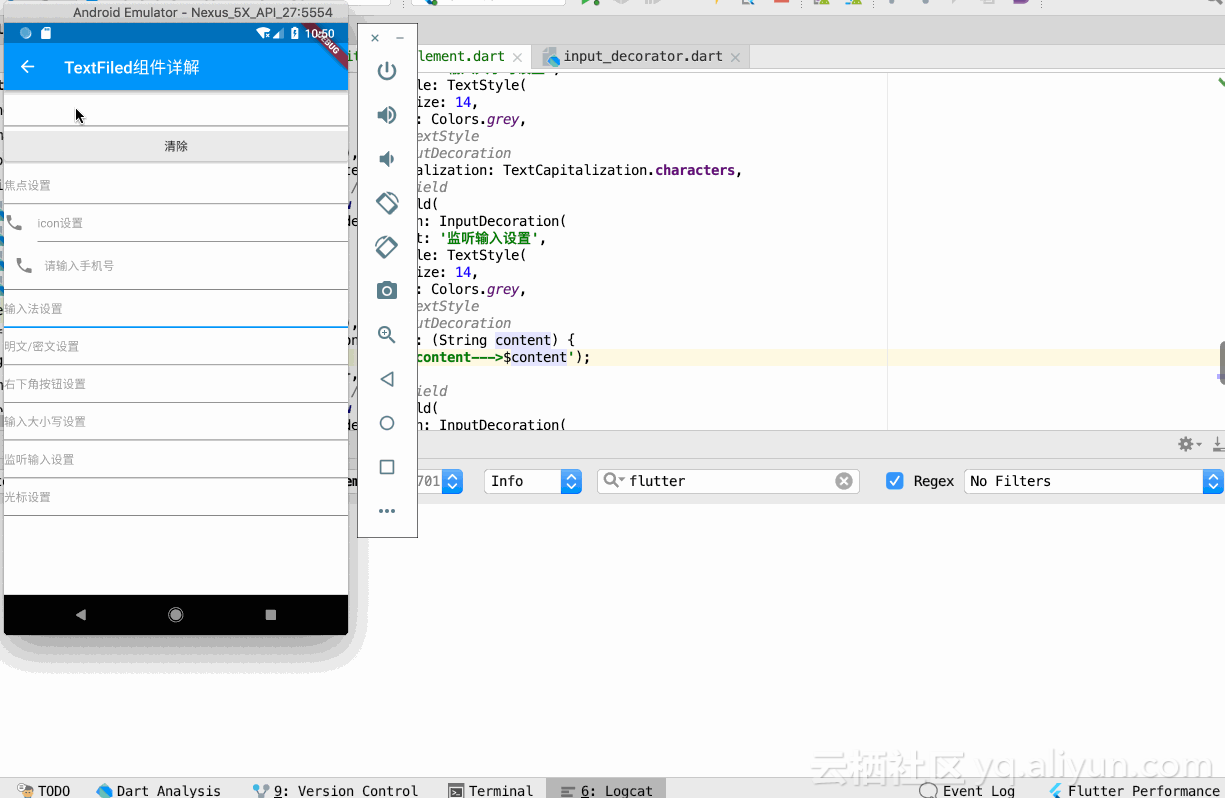
Android实现仿IOS带清空功能的文本输入框

/** *@类名:ClearableEditText *@功能描述: *@作者:WilliamXu *@创建日期:2013-4-13 *@修改人: *@修改日期: *@修改备注: *@版本号:1.0 */ publicclassClearableEditTextextendsEditTextimplements OnFocusChangeListener,TextWatcher{ privateDrawablexD; publicClearableEditText(Contextcontext){ super(context); init(); } publicClearableEditText(Contextcontext,AttributeSetattrs){ super(context,attrs); init(); } publicClearableEditText(Contextcontext,AttributeSetattrs,intdefStyle){ super(context,attrs,defStyle); init(); } privatevoidinit(){ xD=getCompoundDrawables()[2]; if(xD==null){ xD=getResources() .getDrawable(R.drawable.search_clear); } xD.setBounds(0,0,xD.getIntrinsicWidth(),xD.getIntrinsicHeight()); setClearIconVisible(false); super.setOnFocusChangeListener(this); addTextChangedListener(this); } @Override publicvoidsetOnFocusChangeListener(OnFocusChangeListenerf){ this.f=f; } privateOnFocusChangeListenerf; @Override publicbooleanonTouchEvent(MotionEventevent){ if(getCompoundDrawables()[2]!=null){ if(event.getAction()==MotionEvent.ACTION_UP){ booleantappedX=event.getX()>(getWidth() -getPaddingRight()-xD.getIntrinsicWidth()); if(tappedX){ setText(""); event.setAction(MotionEvent.ACTION_CANCEL); } } } returnsuper.onTouchEvent(event); } @Override publicvoidonFocusChange(Viewv,booleanhasFocus){ if(hasFocus){ setClearIconVisible(getText().length()>0); }else{ setClearIconVisible(false); } if(f!=null){ f.onFocusChange(v,hasFocus); } } protectedvoidsetClearIconVisible(booleanvisible){ Drawablex=visible?xD:null; setCompoundDrawables(getCompoundDrawables()[0], getCompoundDrawables()[1],x,getCompoundDrawables()[3]); } @Override publicvoidonTextChanged(CharSequences,intstart,intcount, intafter){ setClearIconVisible(s.length()>0); } @Override publicvoidbeforeTextChanged(CharSequences,intstart,intcount, intafter){ //TODOAuto-generatedmethodstub } @Override publicvoidafterTextChanged(Editables){ //TODOAuto-generatedmethodstub } } 本文转自william_xu 51CTO博客,原文链接:http://blog.51cto.com/williamx/1195051,如需转载请自行联系原作者


优秀的个人博客,低调大师

android学习之-输入框密码显示与隐藏

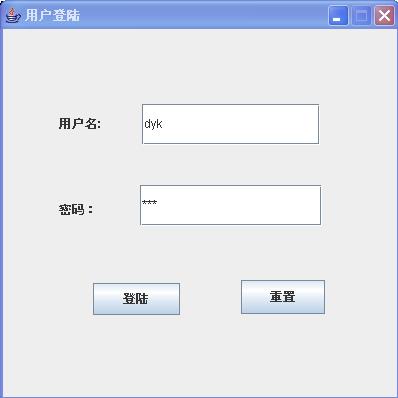
packagesucre.android; importandroid.app.Activity; importandroid.os.Bundle; importandroid.text.method.HideReturnsTransformationMethod; importandroid.text.method.PasswordTransformationMethod; importandroid.widget.CheckBox; importandroid.widget.CompoundButton; importandroid.widget.EditText; /** *这个例子通过checkbox的选中与否来判断是否显示EditText中的内容 *学习的知识点为 *setTransformationMethod *HideReturnsTransformationMethod *PasswordTransformationMethod *@authorqiaolei * */ publicclassEX03_22extendsActivity{ privateEditTextmEditText; privateCheckBoxmCheckBox; /**Calledwhentheactivityisfirstcreated.*/ @Override publicvoidonCreate(BundlesavedInstanceState){ super.onCreate(savedInstanceState); setContentView(R.layout.main); mEditText=(EditText)findViewById(R.id.mEditText); mCheckBox=(CheckBox)findViewById(R.id.mCheckBox); mCheckBox.setOnCheckedChangeListener(newCheckBox.OnCheckedChangeListener(){ publicvoidonCheckedChanged(CompoundButtonbuttonView,booleanisChecked){ if(mCheckBox.isChecked()){//显示密码为可见内容 mEditText.setTransformationMethod(HideReturnsTransformationMethod.getInstance()); mCheckBox.setText("隐藏密码"); }else{//隐藏密码为不可见内容 mEditText.setTransformationMethod(PasswordTransformationMethod.getInstance()); mCheckBox.setText("显示密码"); } } }); } } 本文转自sucre03 51CTO博客,原文链接:http://blog.51cto.com/sucre/746611,如需转载请自行联系原作者

优秀的个人博客,低调大师

matplotlib的文本注释

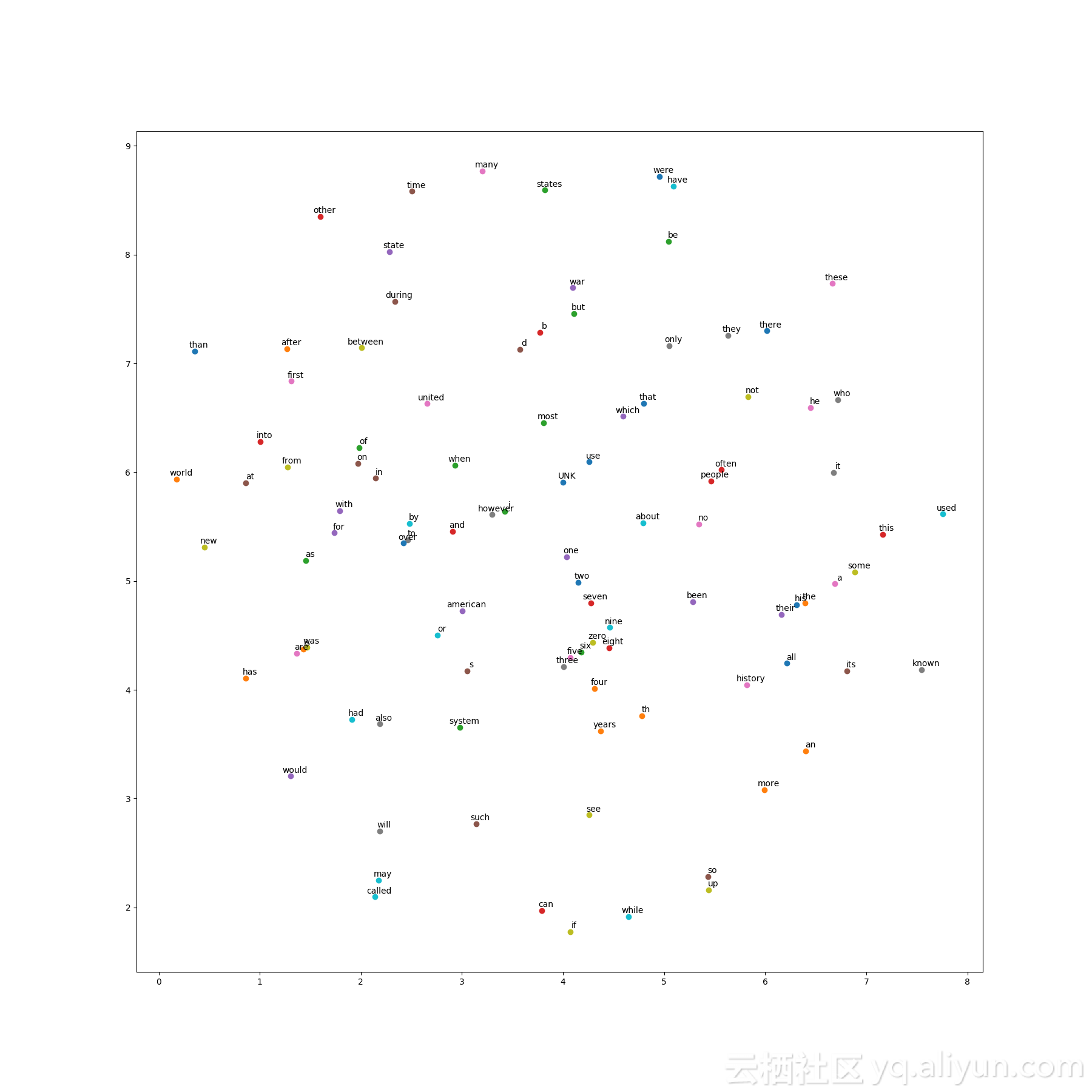
在网络上查了很多次,也查了相关工具书,一直找不到关于这两个参数的解释,只能通过试错的方法,把这两个参数的大概意思及有效值找出来 以散点图为例plt.scatter(x,y) 添加注释plt.annotate(label,xy=(x,y),xytext=(5,2),textcoords='offset points',ha='right',va='bottom') 此处ha='right'点在注释右边(right,center,left),va='bottom'点在注释底部('top', 'bottom', 'center', 'baseline') ha有三个选择:right,center,left va有四个选择:'top', 'bottom', 'center', 'baseline' 以word2vec为例

资源下载

更多资源
Spring

Spring

Spring框架(Spring Framework)是由Rod Johnson于2002年提出的开源Java企业级应用框架,旨在通过使用JavaBean替代传统EJB实现方式降低企业级编程开发的复杂性。该框架基于简单性、可测试性和松耦合性设计理念,提供核心容器、应用上下文、数据访问集成等模块,支持整合Hibernate、Struts等第三方框架,其适用范围不仅限于服务器端开发,绝大多数Java应用均可从中受益。

Rocky Linux

Rocky Linux

Rocky Linux(中文名:洛基)是由Gregory Kurtzer于2020年12月发起的企业级Linux发行版,作为CentOS稳定版停止维护后与RHEL(Red Hat Enterprise Linux)完全兼容的开源替代方案,由社区拥有并管理,支持x86_64、aarch64等架构。其通过重新编译RHEL源代码提供长期稳定性,采用模块化包装和SELinux安全架构,默认包含GNOME桌面环境及XFS文件系统,支持十年生命周期更新。

Sublime Text

Sublime Text

Sublime Text具有漂亮的用户界面和强大的功能,例如代码缩略图,Python的插件,代码段等。还可自定义键绑定,菜单和工具栏。Sublime Text 的主要功能包括:拼写检查,书签,完整的 Python API , Goto 功能,即时项目切换,多选择,多窗口等等。Sublime Text 是一个跨平台的编辑器,同时支持Windows、Linux、Mac OS X等操作系统。

WebStorm

WebStorm

WebStorm 是jetbrains公司旗下一款JavaScript 开发工具。目前已经被广大中国JS开发者誉为“Web前端开发神器”、“最强大的HTML5编辑器”、“最智能的JavaScript IDE”等。与IntelliJ IDEA同源,继承了IntelliJ IDEA强大的JS部分的功能。

用户登录
用户注册