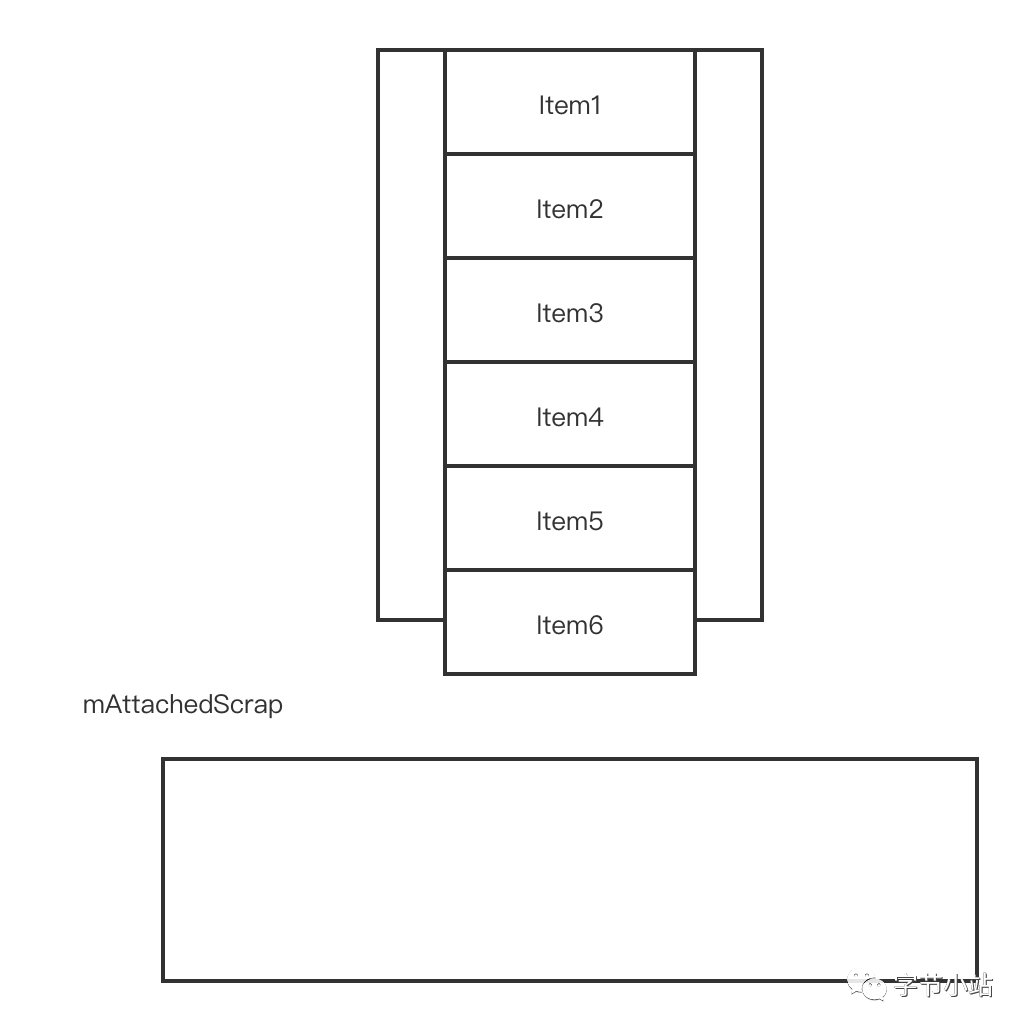
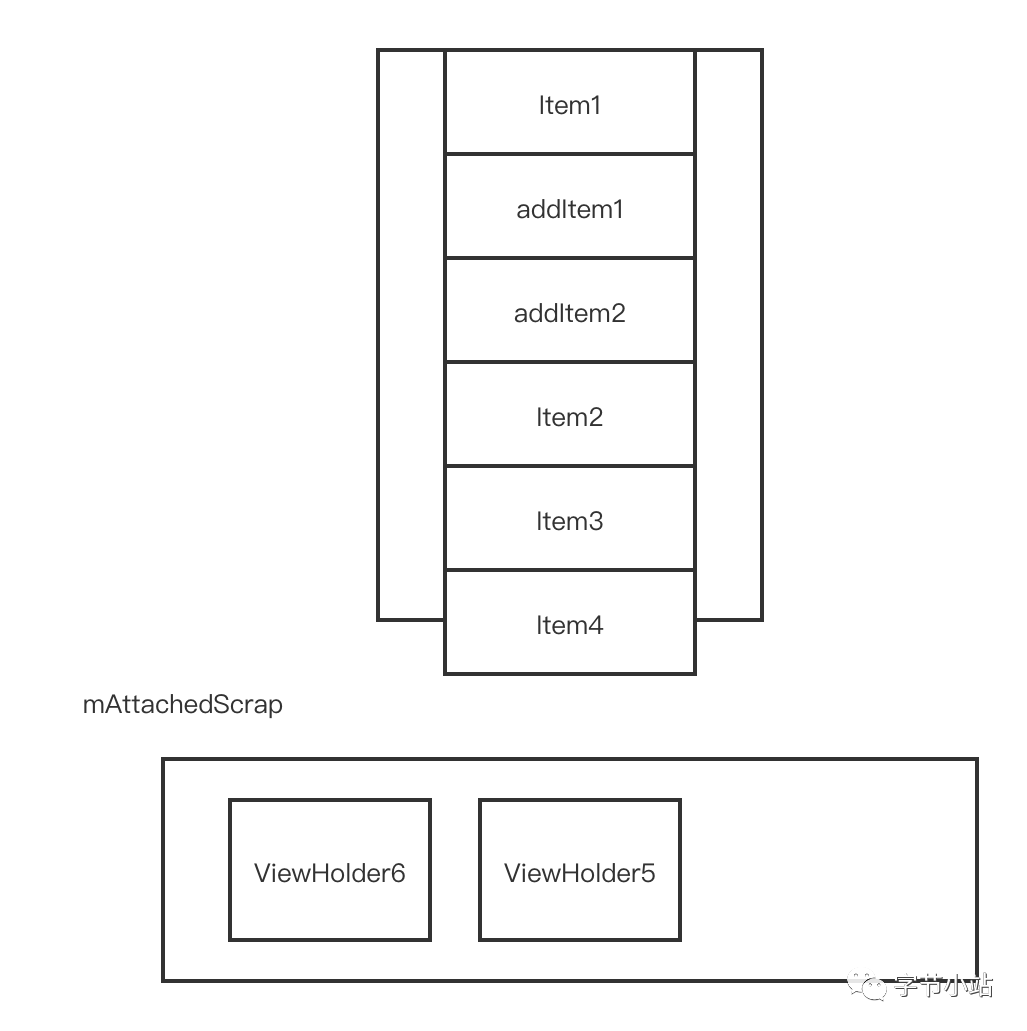
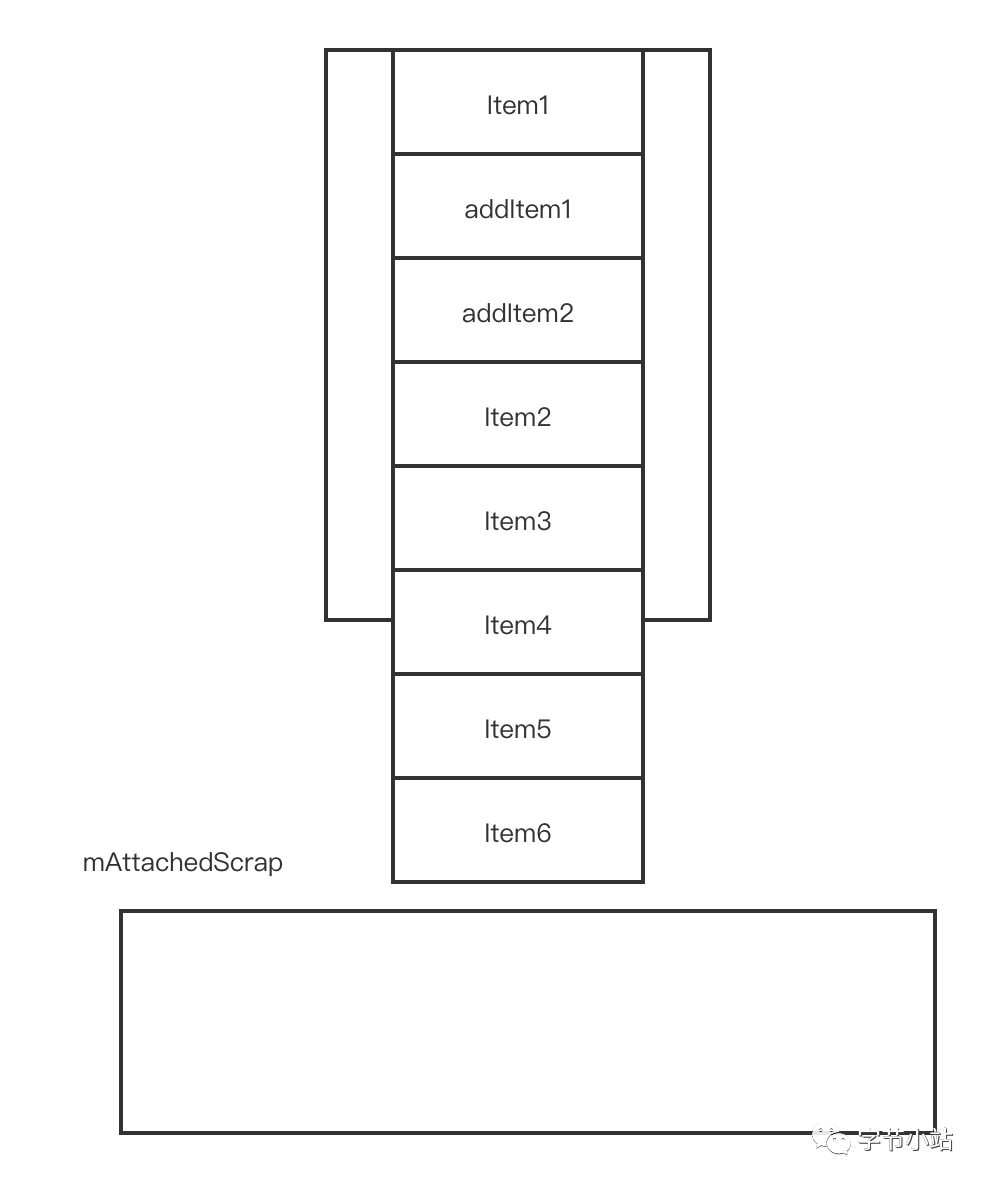
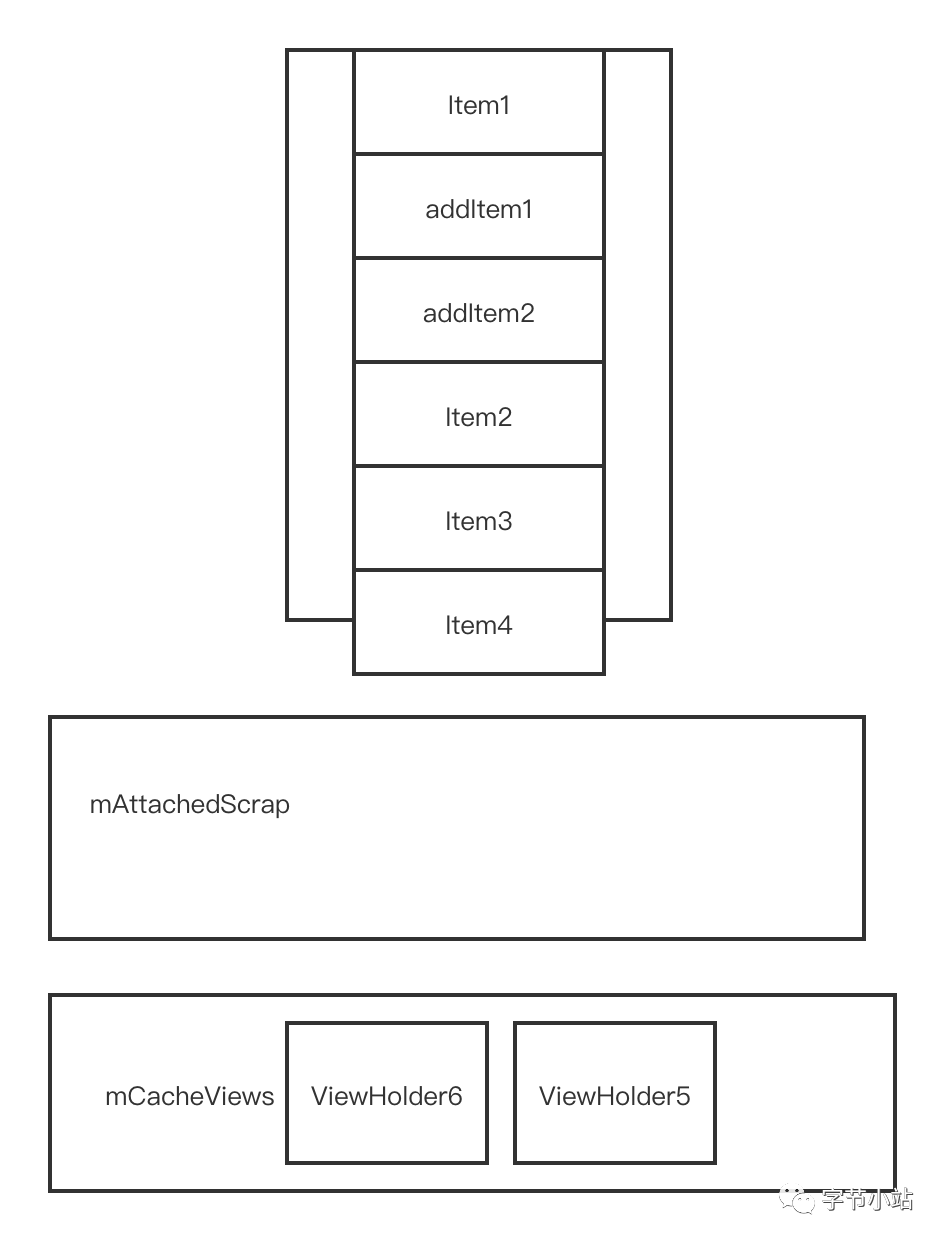
Wrapper around layoutChildren() that handles animating changes caused by layout. Animations work on the assumption that there are five different kinds of items in play:
PERSISTENT: items are visible before and after layout
REMOVED: items were visible before layout and were removed by the app
ADDED: items did not exist before layout and were added by the app
DISAPPEARING: items exist in the data set before/after, but changed from visible to non-visible in the process of layout (they were moved off screen as a side-effect of other changes)
APPEARING: items exist in the data set before/after, but changed from non-visible to visible in the process of layout (they were moved on screen as a side-effect of other changes)
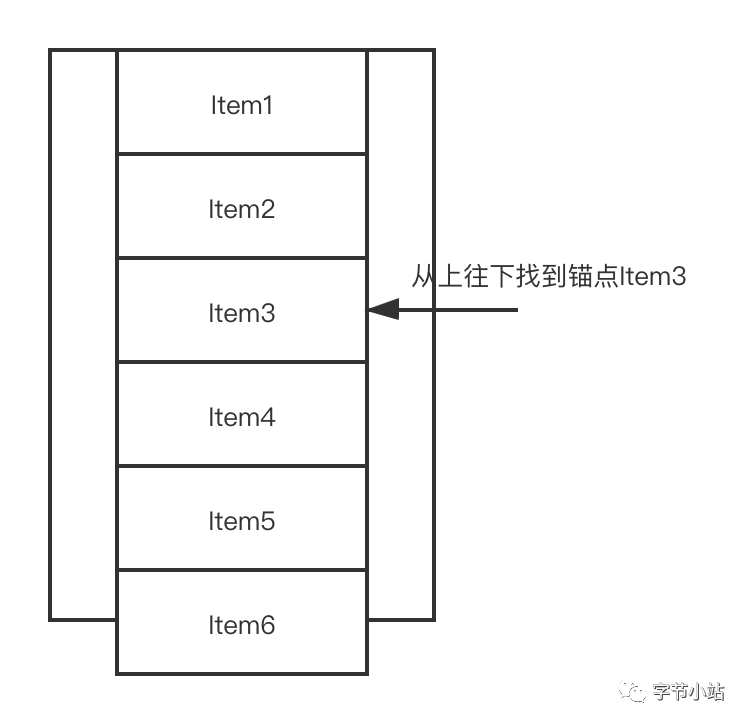
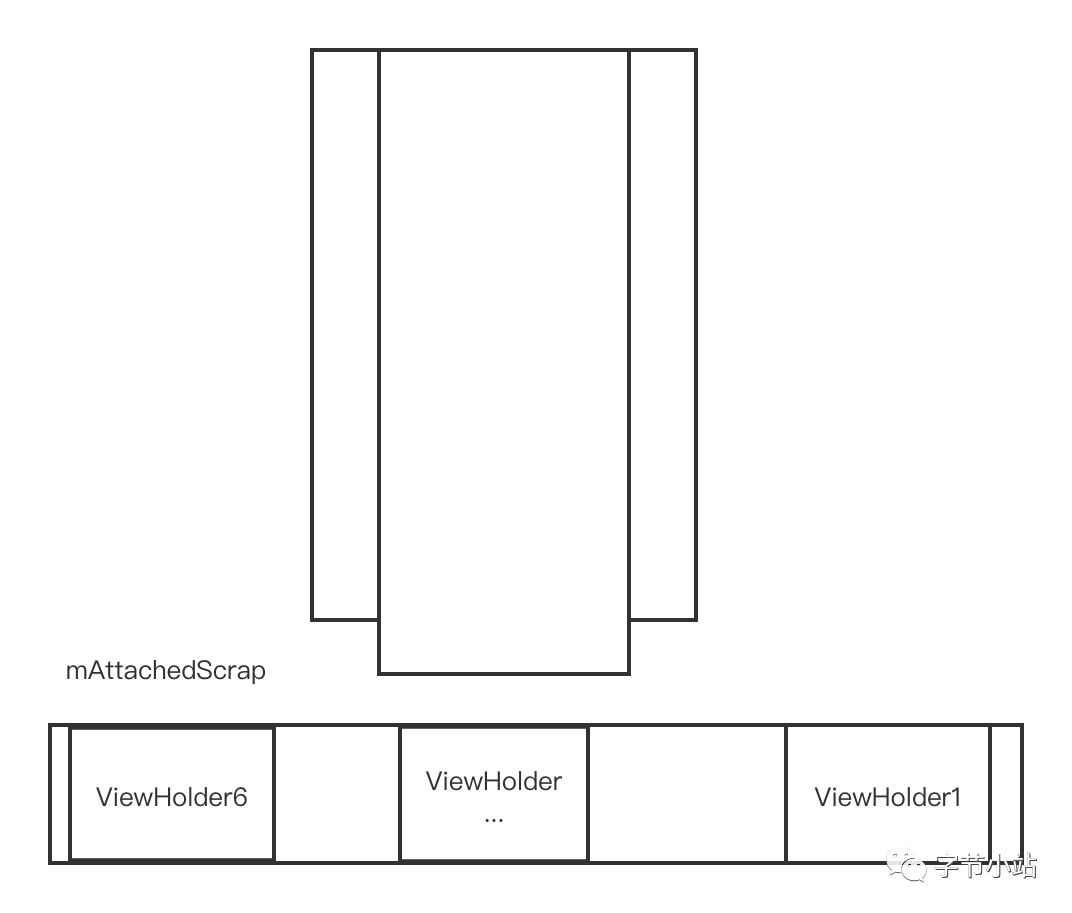
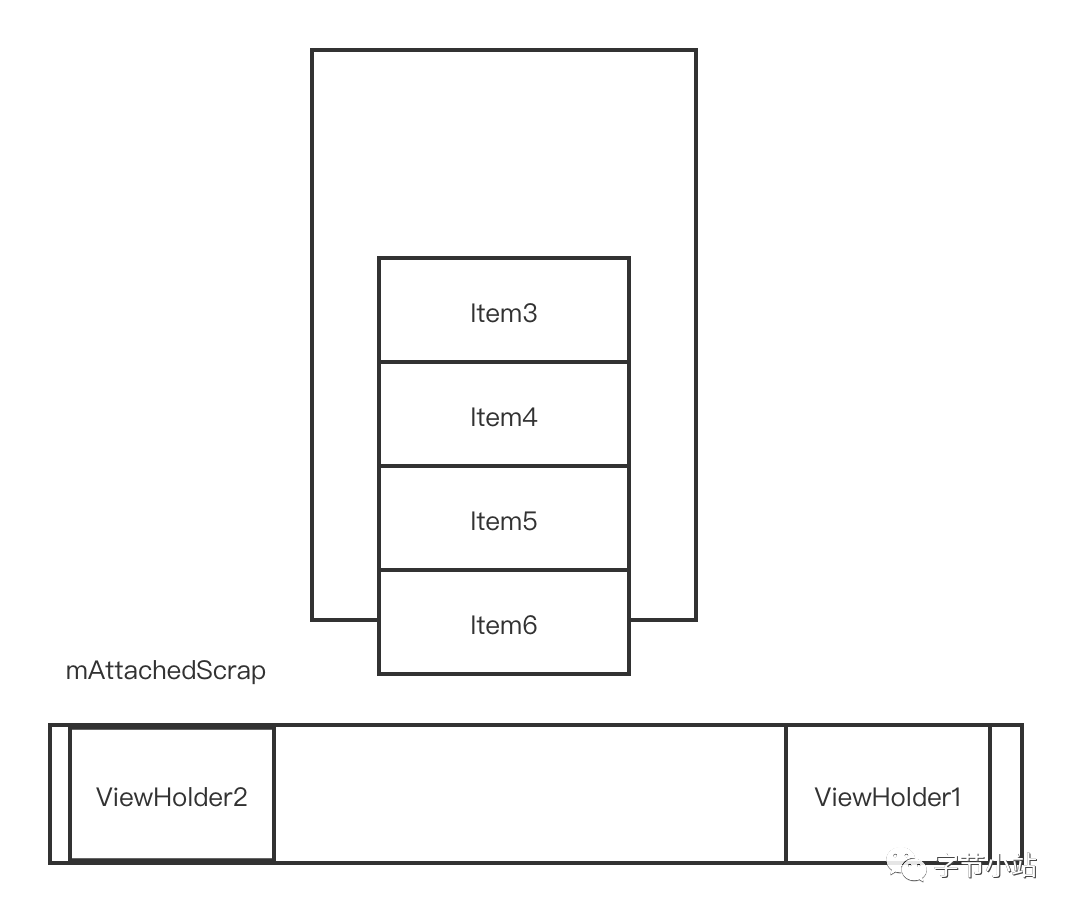
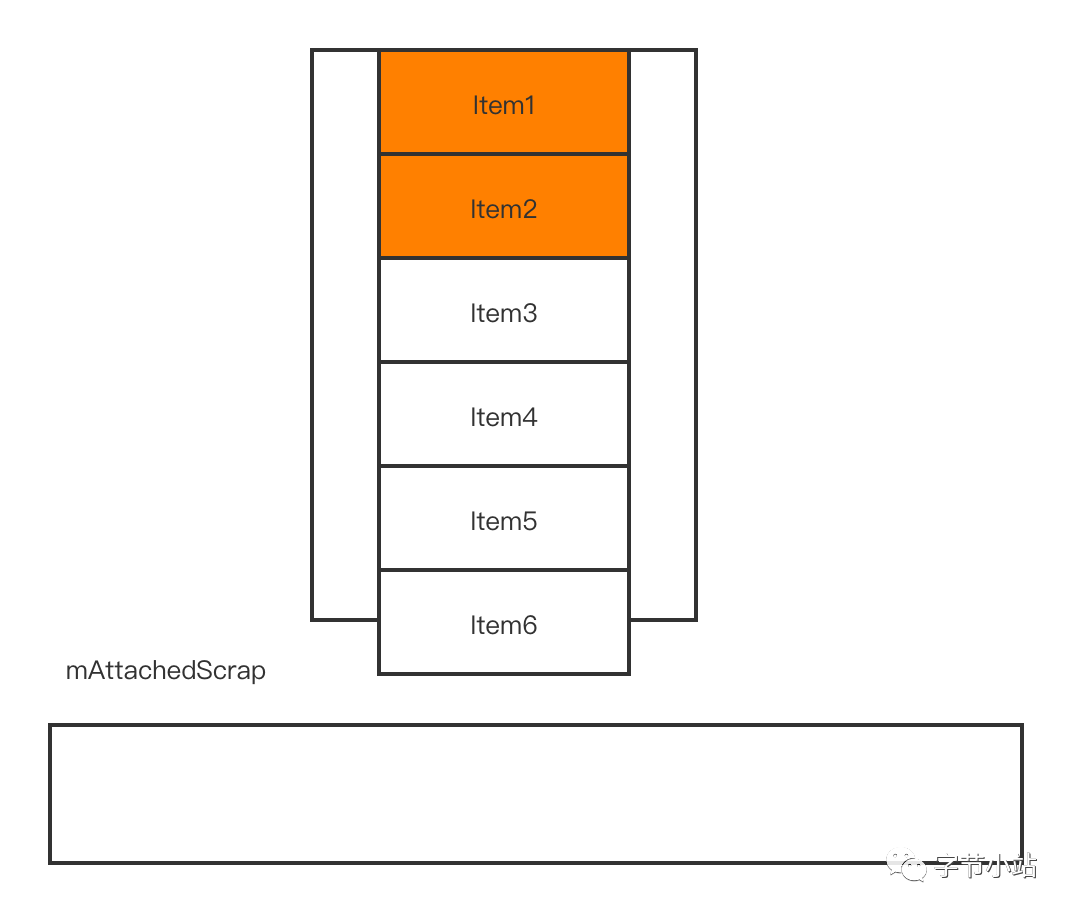
private void dispatchLayoutStep1() { ... //第一步 判断是否需要开启动画功能 processAdapterUpdatesAndSetAnimationFlags(); ... if (mState.mRunSimpleAnimations) { ... //第二步 将当前屏幕上的Item相关信息保存起来供后续动画使用 int count = mChildHelper.getChildCount(); for (int i = 0; i < count; ++i) { final ViewHolder holder = getChildViewHolderInt(mChildHelper.getChildAt(i)); final ItemHolderInfo animationInfo = mItemAnimator .recordPreLayoutInformation(mState, holder, ItemAnimator.buildAdapterChangeFlagsForAnimations(holder), holder.getUnmodifiedPayloads()); mViewInfoStore.addToPreLayout(holder, animationInfo); } ... if (mState.mRunPredictiveAnimations) { saveOldPositions(); //第三步 调用onLayoutChildren方法预布局 mLayout.onLayoutChildren(mRecycler, mState); mState.mStructureChanged = didStructureChange;
for (int i = 0; i < mChildHelper.getChildCount(); ++i) { final View child = mChildHelper.getChildAt(i); final ViewHolder viewHolder = getChildViewHolderInt(child); if (viewHolder.shouldIgnore()) { continue; } //第四步 预布局后,对比预布局前后,哪些item需要放入到Appeared中
private void dispatchLayoutStep3() { ... if (mState.mRunSimpleAnimations) { // Step 3: Find out where things are now, and process change animations. // traverse list in reverse because we may call animateChange in the loop which may // remove the target view holder. for (int i = mChildHelper.getChildCount() - 1; i >= 0; i--) { ViewHolder holder = getChildViewHolderInt(mChildHelper.getChildAt(i)); if (holder.shouldIgnore()) { continue; } long key = getChangedHolderKey(holder); final ItemHolderInfo animationInfo = mItemAnimator .recordPostLayoutInformation(mState, holder); ViewHolder oldChangeViewHolder = mViewInfoStore.getFromOldChangeHolders(key); if (oldChangeViewHolder != null && !oldChangeViewHolder.shouldIgnore()) { // run a change animation ... } else { mViewInfoStore.addToPostLayout(holder, animationInfo); } }
// Step 4: Process view info lists and trigger animations //触发动画 mViewInfoStore.process(mViewInfoProcessCallback); }
 if (getChildCount() > 0) {
            // because layout from end may be changed by scroll to position
            // we re-calculate it.
            // find which side we should check for gaps.
            if (mShouldReverseLayout ^ mStackFromEnd) {
                int fixOffset = fixLayoutEndGap(endOffset, recycler, state, true);
                startOffset += fixOffset;
                endOffset += fixOffset;
                fixOffset = fixLayoutStartGap(startOffset, recycler, state, false);
                startOffset += fixOffset;
                endOffset += fixOffset;
            } else {
                int fixOffset = fixLayoutStartGap(startOffset, recycler, state, true);
                startOffset += fixOffset;
                endOffset += fixOffset;
                fixOffset = fixLayoutEndGap(endOffset, recycler, state, false);
                startOffset += fixOffset;
                endOffset += fixOffset;
            }
        }
Nacos /nɑ:kəʊs/ 是 Dynamic Naming and Configuration Service 的首字母简称,一个易于构建 AI Agent 应用的动态服务发现、配置管理和AI智能体管理平台。Nacos 致力于帮助您发现、配置和管理微服务及AI智能体应用。Nacos 提供了一组简单易用的特性集,帮助您快速实现动态服务发现、服务配置、服务元数据、流量管理。Nacos 帮助您更敏捷和容易地构建、交付和管理微服务平台。