如何把项目托管到GitHub
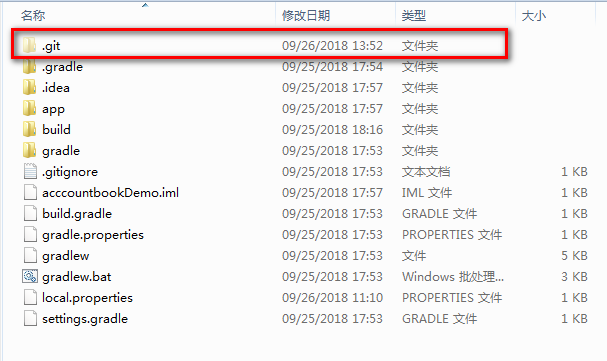
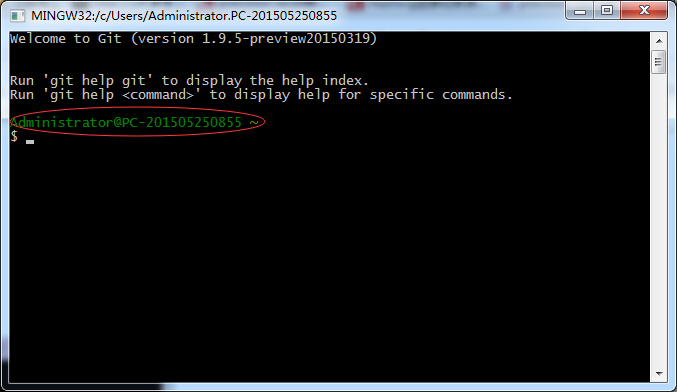
一.进入GitBash 红圈部分是clone的仓库所在地址,从左面左上角的Administrator或者C:\Users\Administrator.PC-201505250855都可以进入。 二.进入仓库 进入github,点击Your Profile,进入下面的地址。https://github.com/hxsylzpf 三.克隆仓库 1.点击进入要上传的仓库,然后看下图 2.然后输入 git clone https://github.com/hxsylzpf/hadoop.git 这样后去C:\Users\Administrator.PC-201505250855,你就会发现多了hadoop目录。 四.添加版本改动 1.先把你要上传的文件,比如pso_k_means.m放在hadoop根目录下,然后进入该目录“cd hadoop”,然后 “git add .”。 cd hadoop git add .//有个空格 然后提交信息到本地的版本控制库 git commit -m "changes log" //引号里是说民信息 注意:此处有时候会提醒你“Tell me who you are”,按他的信息提交就行了,貌似是 git config --global user.email "791909235@qq.com" git config --global user.name "hxsylzpf" //都得运行 最后输入 git push -u origin master 将你本地的仓库提交到你的github账号里,此时会要求你输入你的github的账号和密码。 但是一直提示 error: src refspec master does not match any. error: failed to push some refs to '<hadoop.git>' 我尝试了先添加ReadMe,还是不行。