首页 文章 精选 留言 我的

精选列表

搜索[Redis管理],共10000篇文章
优秀的个人博客,低调大师

HarmonyOS 管理页面跳转及浏览记录导航

历史记录导航 使用者在前端页面点击网页中的链接时,Web组件默认会自动打开并加载目标网址。当前端页面替换为新的加载链接时,会自动记录已经访问的网页地址。可以通过forward()和backward()接口向前/向后浏览上一个/下一个历史记录。 在下面的示例中,点击应用的按钮来触发前端页面的后退操作。 // xxx.ets import web_webview from '@ohos.web.webview'; @Entry @Component struct WebComponent { webviewController: web_webview.WebviewController = new web_webview.WebviewController(); build() { Column() { Button('loadData') .onClick(() => { if (this.webviewController.accessBackward()) { this.webviewController.backward(); return true; } }) Web({ src: 'https://www.example.com/cn/', controller: this.webviewController}) } } } 如果存在历史记录,accessBackward()接口会返回true。同样,您可以使用accessForward()接口检查是否存在前进的历史记录。如果您不执行检查,那么当用户浏览到历史记录的末尾时,调用forward()和backward()接口时将不执行任何操作。 页面跳转 当点击网页中的链接需要跳转到应用内其他页面时,可以通过使用Web组件的onUrlLoadIntercept()接口来实现。 在下面的示例中,应用首页Index.ets加载前端页面route.html,在前端route.html页面点击超链接,可跳转到应用的ProfilePage.ets页面。 ​ ● 应用首页index.ets页面代码。 // index.ets import web_webview from '@ohos.web.webview'; import router from '@ohos.router'; @Entry @Component struct WebComponent { webviewController: web_webview.WebviewController = new web_webview.WebviewController(); build() { Column() { Web({ src: $rawfile('route.html'), controller: this.webviewController }) .onUrlLoadIntercept((event) => { let url: string = event.data as string; if (url.indexOf('native://') === 0) { // 跳转其他界面 router.pushUrl({ url:url.substring(9) }) return true; } return false; }) } } } ​ ● route.html前端页面代码。 <!-- route.html --> <!DOCTYPE html> <html> <body> <div> <a href="native://pages/ProfilePage">个人中心</a> </div> </body> </html> ​ ● 跳转页面ProfilePage.ets代码。 @Entry @Component struct ProfilePage { @State message: string = 'Hello World'; build() { Column() { Text(this.message) .fontSize(20) } } } 跨应用跳转 Web组件可以实现点击前端页面超链接跳转到其他应用。 在下面的示例中,点击call.html前端页面中的超连接,跳转到电话应用的拨号界面。 ​ ● 应用侧代码。 // xxx.ets import web_webview from '@ohos.web.webview'; import call from '@ohos.telephony.call'; @Entry @Component struct WebComponent { webviewController: web_webview.WebviewController = new web_webview.WebviewController(); build() { Column() { Web({ src: $rawfile('xxx.html'), controller: this.webviewController}) .onUrlLoadIntercept((event) => { let url: string = event.data as string; // 判断链接是否为拨号链接 if (url.indexOf('tel://') === 0) { // 跳转拨号界面 call.makeCall(url.substring(6), (err) => { if (!err) { console.info('make call succeeded.'); } else { console.info('make call fail, err is:' + JSON.stringify(err)); } }); return true; } return false; }) } } } ​ ● 前端页面call.html代码。 <!-- call.html --> <!DOCTYPE html> <html> <body> <div> <a href="tel://xxx xxxx xxx">拨打电话</a> </div> </body> </html> 本文由博客一文多发平台 OpenWrite 发布!


优秀的个人博客,低调大师

BeetlSQL 3.22.0 发布,支持 XML 管理 SQL 文件

支持XML设置ResultMap映射,参考文档说明 更新beetl到最新版本,支持更友好的出错提示 <sql id="testSql"> select * from sys_user where 1=1 <isBlank value="name"> and name='lijz' </isBlank> </sql> <resultMap id="complexMap"> <result property="id" column="id"/> <!-- 剩下字段映射到Info对象 --> <association property="info" > <result property="name" column="name"/> <result property="age" column="age"/> </association> </resultMap> <resultMap id="complexListMap"> <result property="id" column="id"/> <collection property="listInfo" > <result property="name" column="name"/> <result property="age" column="age"/> </collection> </resultMap> maven <dependency> <groupId>com.ibeetl</groupId> <artifactId>beetlsql</artifactId> <version>3.22.0-RELEASE</version> </dependency> BeetlSQL 自主研发自 2015 年,目标是提供开发高效,维护高效,运行高效的数据访问框架,它适用范围广,定制性强,写起数据库访问代码特别顺滑,不亚于 MyBatis。你不想写 SQL 也好,或者想更好地写 SQL 也好,BeetlSQL 都能满足这要求,目前支持的数据库如下 传统数据库:MySQL (包括支持 MySQL 协议的各种数据库), MariaDB ,Oralce ,Postgres (包括支持 Postgres 协议的各种数据库), DB2 , SQL Server ,H2 , SQLite , Derby ,神通,达梦,华为高斯,人大金仓,PolarDB,GBase8s,GreatSQL 等 大数据:HBase,ClickHouse,Cassandar,Hive,GreenPlum 物联网时序数据库:Machbase,TD-Engine,IotDB SQL 查询引擎:Drill,Presto,Druid 内存数据库:ignite,CouchBase 如下测试使用了最新的 Hibernate,MyBatis,包含了常用的 orm 操作: 多表联合查询映射(complexMapping),直接执行 sql (executeJdbc), 执行模板 sql (executeTemplate), 执行文件中的模板 sql ( File), 内置插入(insert),Query 调用链 (Query), 翻页查询 (pageQuery), 内置主键查询 (selectById), one2Many 自动关联查询 Benchmark Mode Cnt Score Error Units JMHMain.beetlsqlComplexMapping thrpt 2 207.914 ops/ms JMHMain.beetlsqlExecuteJdbc thrpt 2 496.413 ops/ms JMHMain.beetlsqlExecuteTemplate thrpt 2 456.779 ops/ms JMHMain.beetlsqlFile thrpt 2 424.703 ops/ms JMHMain.beetlsqlInsert thrpt 2 254.596 ops/ms JMHMain.beetlsqlLambdaQuery thrpt 2 230.682 ops/ms JMHMain.beetlsqlOne2Many thrpt 2 122.058 ops/ms JMHMain.beetlsqlPageQuery thrpt 2 193.937 ops/ms JMHMain.beetlsqlSelectById thrpt 2 421.610 ops/ms JMHMain.jdbcExecuteJdbc thrpt 2 1041.376 ops/ms JMHMain.jdbcInsert thrpt 2 332.804 ops/ms JMHMain.jdbcSelectById thrpt 2 1048.165 ops/ms JMHMain.jpaExecuteJdbc thrpt 2 92.327 ops/ms JMHMain.jpaExecuteTemplate thrpt 2 136.409 ops/ms JMHMain.jpaInsert thrpt 2 61.157 ops/ms JMHMain.jpaOne2Many thrpt 2 98.182 ops/ms JMHMain.jpaPageQuery thrpt 2 124.133 ops/ms JMHMain.jpaSelectById thrpt 2 295.552 ops/ms JMHMain.mybatisComplexMapping thrpt 2 99.312 ops/ms JMHMain.mybatisExecuteTemplate thrpt 2 212.699 ops/ms JMHMain.mybatisFile thrpt 2 166.106 ops/ms JMHMain.mybatisInsert thrpt 2 152.376 ops/ms JMHMain.mybatisLambdaQuery thrpt 2 9.545 ops/ms JMHMain.mybatisPageQuery thrpt 2 68.617 ops/ms JMHMain.mybatisSelectById thrpt 2 251.361 ops/ms JMHMain.weedExecuteJdbc thrpt 2 402.270 ops/ms JMHMain.weedExecuteTemplate thrpt 2 426.764 ops/ms JMHMain.weedFile thrpt 2 440.994 ops/ms JMHMain.weedInsert thrpt 2 232.100 ops/ms JMHMain.weedLambdaQuery thrpt 2 335.052 ops/ms JMHMain.weedPageQuery thrpt 2 216.811 ops/ms JMHMain.weedSelectById thrpt 2 359.930 ops/ms 阅读文档源码和例子在线体验多库使用性能测试

资源下载

更多资源
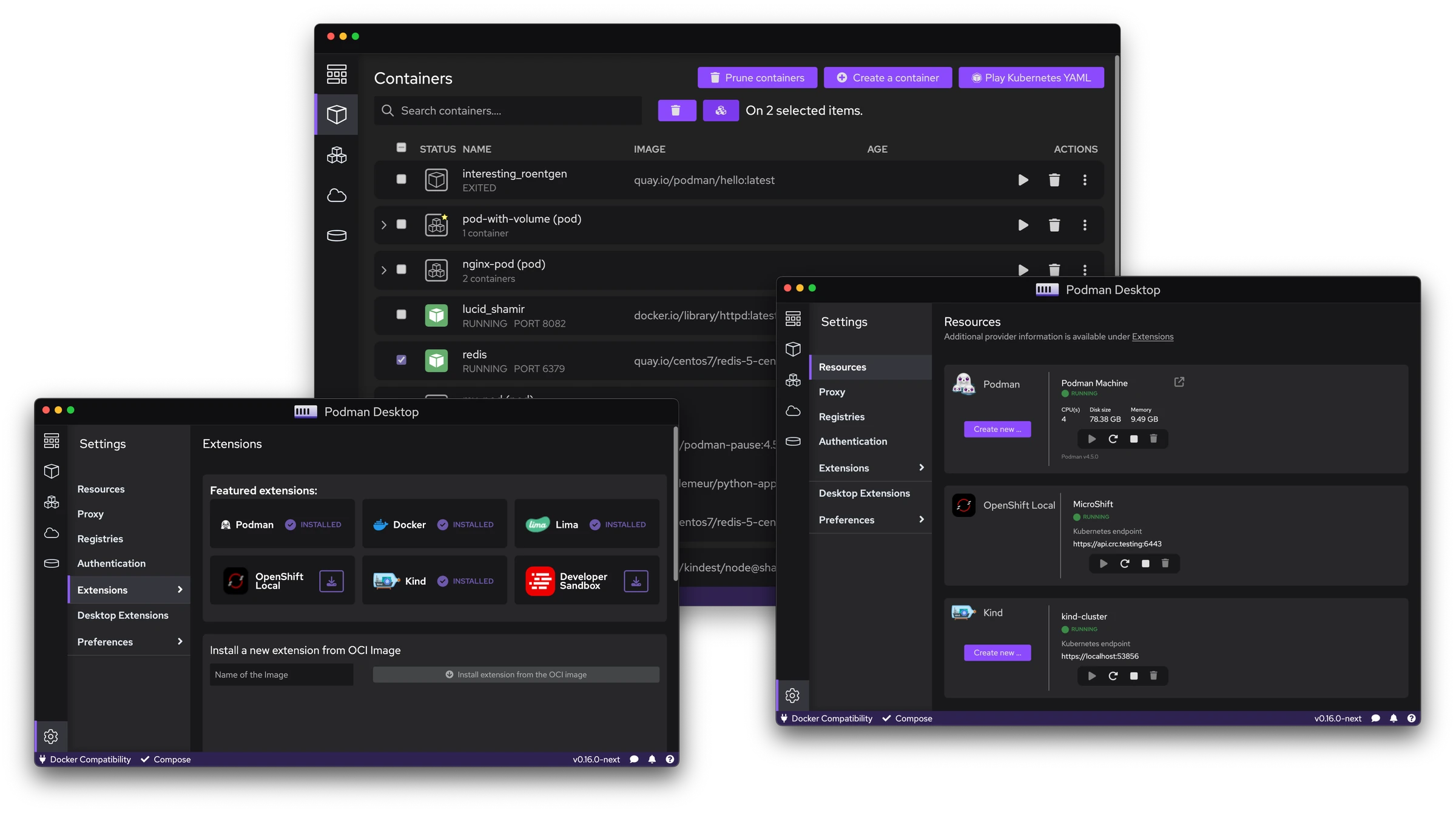
优质分享App

优质分享App

近一个月的开发和优化,本站点的第一个app全新上线。该app采用极致压缩,本体才4.36MB。系统里面做了大量数据访问、缓存优化。方便用户在手机上查看文章。后续会推出HarmonyOS的适配版本。

腾讯云软件源

腾讯云软件源

为解决软件依赖安装时官方源访问速度慢的问题,腾讯云为一些软件搭建了缓存服务。您可以通过使用腾讯云软件源站来提升依赖包的安装速度。为了方便用户自由搭建服务架构,目前腾讯云软件源站支持公网访问和内网访问。

Nacos

Nacos

Nacos /nɑ:kəʊs/ 是 Dynamic Naming and Configuration Service 的首字母简称,一个易于构建 AI Agent 应用的动态服务发现、配置管理和AI智能体管理平台。Nacos 致力于帮助您发现、配置和管理微服务及AI智能体应用。Nacos 提供了一组简单易用的特性集,帮助您快速实现动态服务发现、服务配置、服务元数据、流量管理。Nacos 帮助您更敏捷和容易地构建、交付和管理微服务平台。

Rocky Linux

Rocky Linux

Rocky Linux(中文名:洛基)是由Gregory Kurtzer于2020年12月发起的企业级Linux发行版,作为CentOS稳定版停止维护后与RHEL(Red Hat Enterprise Linux)完全兼容的开源替代方案,由社区拥有并管理,支持x86_64、aarch64等架构。其通过重新编译RHEL源代码提供长期稳定性,采用模块化包装和SELinux安全架构,默认包含GNOME桌面环境及XFS文件系统,支持十年生命周期更新。

用户登录
用户注册
修改密码
忘记密码