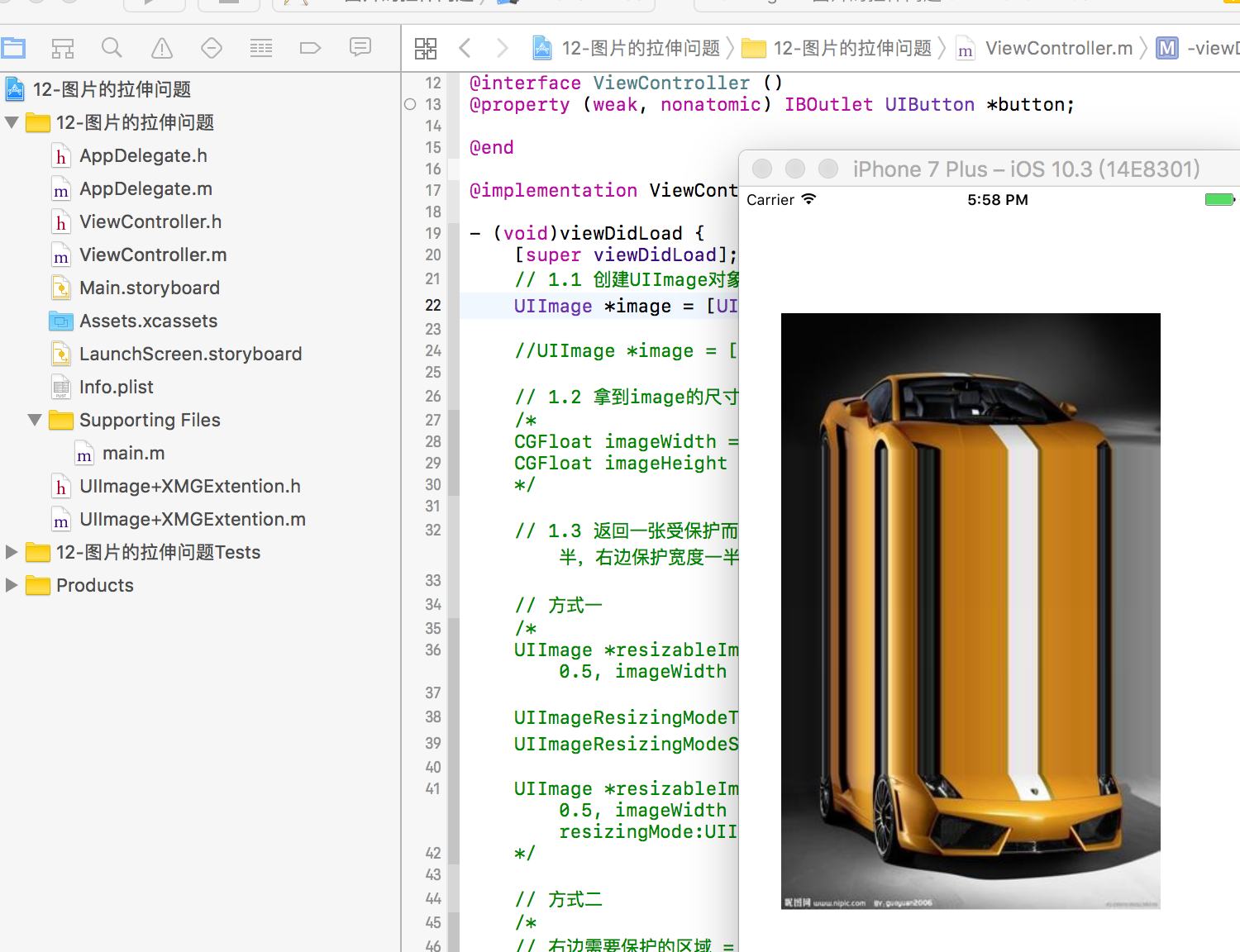
![]()
控制器:
![复制代码]()
//
//  ViewController.m
//  12-图片的拉伸问题
//
//  Created by xiaomage on 15/12/30.
//  Copyright © 2015年 小码哥. All rights reserved.
//

#import "ViewController.h"
#import "UIImage+XMGExtention.h"

@interface ViewController ()
@property (weak, nonatomic) IBOutlet UIButton *button;

@end

@implementation ViewController

- (void)viewDidLoad {
    [super viewDidLoad];
    // 1.1 创建UIImage对象
    UIImage *image = [UIImage resizableImageWithLocalImageName:@"car"];//扩展了系统类的方法

    //UIImage *image = [UIImage imageNamed:@"car"];

    // 1.2 拿到image的尺寸
    /*
    CGFloat imageWidth = image.size.width;
    CGFloat imageHeight = image.size.height;
    */

    // 1.3 返回一张受保护而且拉伸的图片 --->CapInsets:哪些地方要保护:上面保护图片高度一半,左边保护图片宽度一半,右边保护宽度一半减一,下面保护高度一半减一。只有中间1*1的区域拉伸。

    // 方式一
    /*
    UIImage *resizableImage = [image resizableImageWithCapInsets:UIEdgeInsetsMake(imageHeight * 0.5, imageWidth * 0.5, imageHeight * 0.5 -1, imageWidth * 0.5 - 1)];

    UIImageResizingModeTile, 平铺
    UIImageResizingModeStretch, 拉伸(伸缩)

    UIImage *resizableImage = [image resizableImageWithCapInsets:UIEdgeInsetsMake(imageHeight * 0.5, imageWidth * 0.5, imageHeight * 0.5 -1, imageWidth * 0.5 - 1) resizingMode:UIImageResizingModeTile];
    */

    // 方式二
    /*
    // 右边需要保护的区域 = 图片的width - leftCapWidth - 1
    // bottom cap =  height - topCapHeight - 1
    UIImage *resizableImage = [image stretchableImageWithLeftCapWidth:imageWidth * 0.5 topCapHeight:imageHeight * 0.5];
    */

    //2.把图片设置到按钮上
    [self.button setBackgroundImage:image forState:UIControlStateNormal];

}

@end
![复制代码]()
UIImage的扩展,分类:
//
//  UIImage+XMGExtention.h
//  12-图片的拉伸问题
//

#import <UIKit/UIKit.h>

@interface UIImage (XMGExtention)  //分类
/**
 * 返回一张受保护的图片(被拉伸的)
 */
+ (instancetype)resizableImageWithLocalImageName: (NSString *)localImageName;
@end
//
//  UIImage+XMGExtention.m
//

#import "UIImage+XMGExtention.h"

@implementation UIImage (XMGExtention)

+ (instancetype)resizableImageWithLocalImageName:(NSString *)localImageName{
   // 创建图片对象
    UIImage *image = [UIImage imageNamed:localImageName];

    // 获取图片的尺寸
    CGFloat imageWidth = image.size.width;
    CGFloat imageHeiht = image.size.height;

    // 返回一张拉伸且受保护的图片
    return [image stretchableImageWithLeftCapWidth:imageWidth * 0.5 topCapHeight:imageHeiht * 0.5 ];
}
@end
本文转自农夫山泉别墅博客园博客,原文链接:http://www.cnblogs.com/yaowen/p/7470323.html,如需转载请自行联系原作者