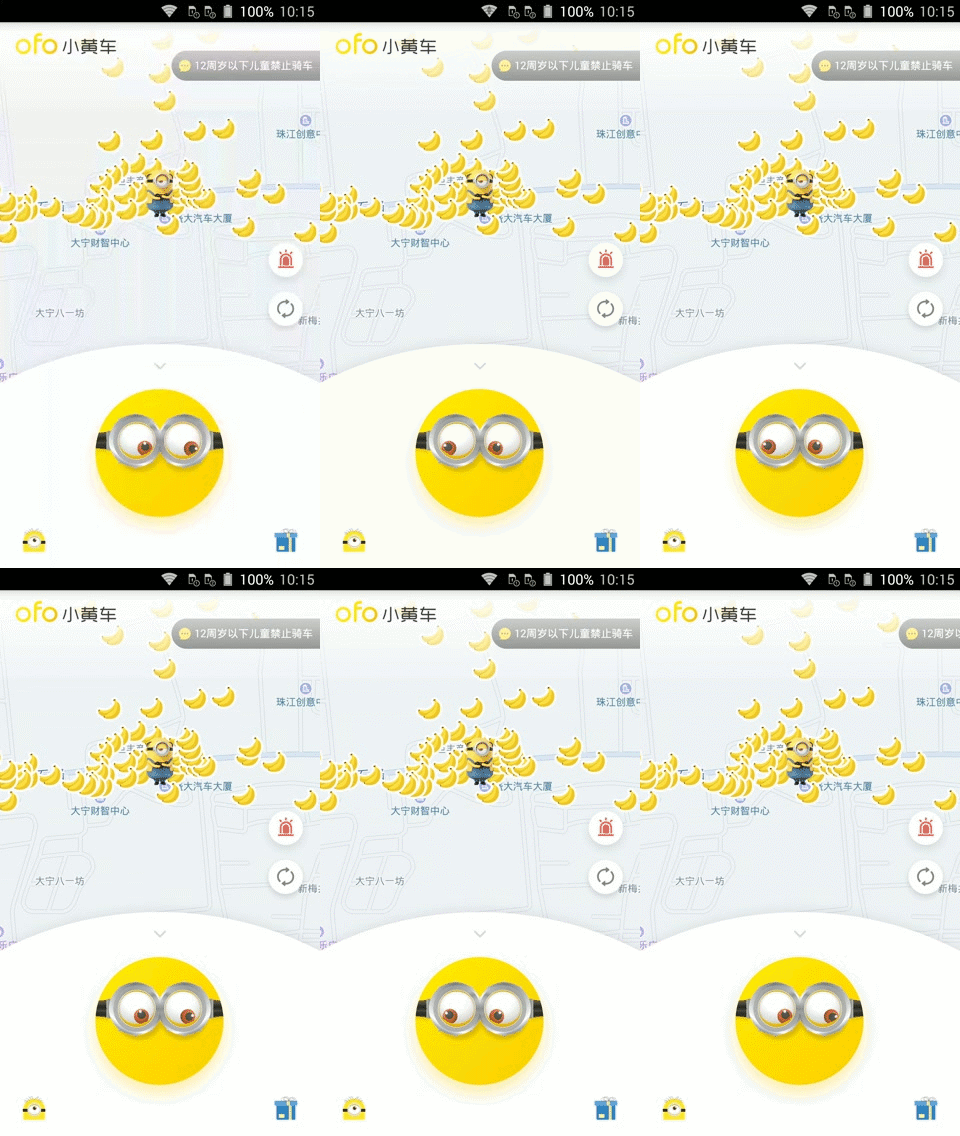
最新版的ofo 小黄车的首页小黄人眼睛随重力而转动,感觉有点炫酷,学习一下吧,以下代码是在xamarin android下实现
ofo首页效果图:
![这里写图片描述]()
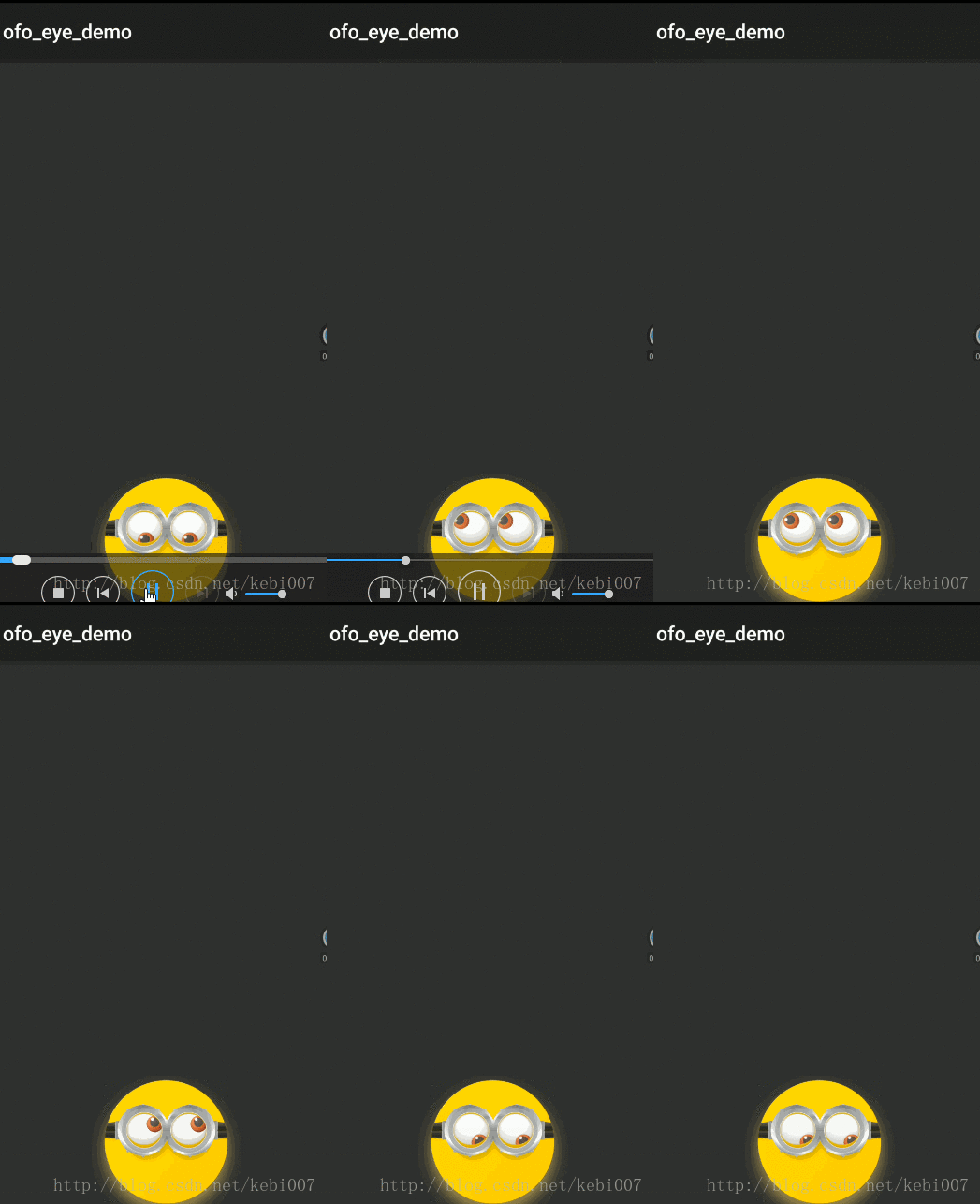
xamarin android实现效果:
![这里写图片描述]()
实现思路:
这个眼睛转动随加速度,使用的是FrameLayout图层叠加布局的,然后再进行dimen适配,随着加速度的变化,两个眼睛TranslationY方法进行View的移动。一下代码是在xamarin android下实现的,大概效果差不多,屏幕适配没弄。
素材图片:
github中自己复制吧:
先来看看MainActivity布局文件:
<?xml version="1.0" encoding="utf-8"?>
<RelativeLayout xmlns:android="http://schemas.android.com/apk/res/android"
    android:layout_height="wrap_content"
    android:layout_width="match_parent">
    <FrameLayout
        android:layout_height="150dp"
        android:layout_width="150dp"
        android:layout_alignParentBottom="true"
        android:layout_centerHorizontal="true">
        <ImageView
            android:layout_height="wrap_content"
            android:layout_width="wrap_content"
            android:src="@drawable/minions_btn_scan" />
        <ImageView
            android:layout_height="@dimen/dimen18"
            android:layout_width="@dimen/dimen18"
            android:src="@drawable/nes"
            android:layout_marginTop="@dimen/dimen60"
            android:layout_marginLeft="@dimen/dimen54"
            android:layout_gravity="left"
            android:id="@+id/lefteye" />
        <ImageView
            android:layout_height="@dimen/dimen18"
            android:layout_width="@dimen/dimen18"
            android:src="@drawable/nes"
            android:layout_marginTop="@dimen/dimen60"
            android:layout_marginRight="@dimen/dimen34"
            android:layout_gravity="right"
            android:id="@+id/righteye" />
        <ImageView
            android:layout_height="wrap_content"
            android:layout_width="wrap_content"
            android:src="@drawable/minions_btn_scan_see" />
    </FrameLayout>
</RelativeLayout>
效果实现主要代码:
using Android.App;
using Android.Widget;
using Android.OS;
using Android.Hardware;
using Android.Views;
using Android.Content;
using Android.Runtime;
using System;
namespace ofo_eye_demo
{
[Activity(Label = "ofo_eye_demo", MainLauncher = true, Icon = "@drawable/icon")]
public class MainActivity : Activity,ISensorEventListener
{
private SensorManager sensorManager;
private Sensor defaultSensor;
private View lefteye, righteye;
private float normalSpace, x, y;
protected override void OnCreate(Bundle bundle)
{
base.OnCreate(bundle);
SetContentView(Resource.Layout.Main);
lefteye = FindViewById(Resource.Id.lefteye);
righteye = FindViewById(Resource.Id.righteye);
normalSpace = Resources.GetDimension(Resource.Dimension.dimen20);
sensorManager = GetSystemService(Context.SensorService) as SensorManager;
defaultSensor = sensorManager.GetDefaultSensor(SensorType.Accelerometer);
}
protected override void OnResume()
{
base.OnResume();
sensorManager.RegisterListener(this,defaultSensor,SensorDelay.Ui);
}
protected override void OnPause()
{
base.OnPause();
sensorManager.UnregisterListener(this);
}
public void OnAccuracyChanged(Sensor sensor, [GeneratedEnum] SensorStatus accuracy)
{
}
public void OnSensorChanged(SensorEvent e)
{
if (e.Sensor.Type == SensorType.Accelerometer)
{
x -= 6.0f * e.Values[0];
y += 6.0f * e.Values[1];
if (x < -normalSpace)
{
x = -normalSpace;
}
if (x > 0)
{
x = 0;
}
if (y > 0)
{
y = 0;
}
if (y < -normalSpace)
{
y = -normalSpace;
}
lefteye.TranslationY = y;
lefteye.TranslationX = x;
lefteye.Rotation = x;
righteye.TranslationX = x;
righteye.TranslationY = y;
righteye.Rotation = x;
}
}
}
}
参考文章:http://blog.csdn.net/qq_28268507/article/details/74528637
代码并没有很多,下载:https://github.com/MaChuZhang/ofo-eye-demo
作者:张林
标题:几行代码实现ofo首页小黄人眼睛加速感应转动
原文地址:http://blog.csdn.net/kebi007/article/details/75035710
转载随意注明出处