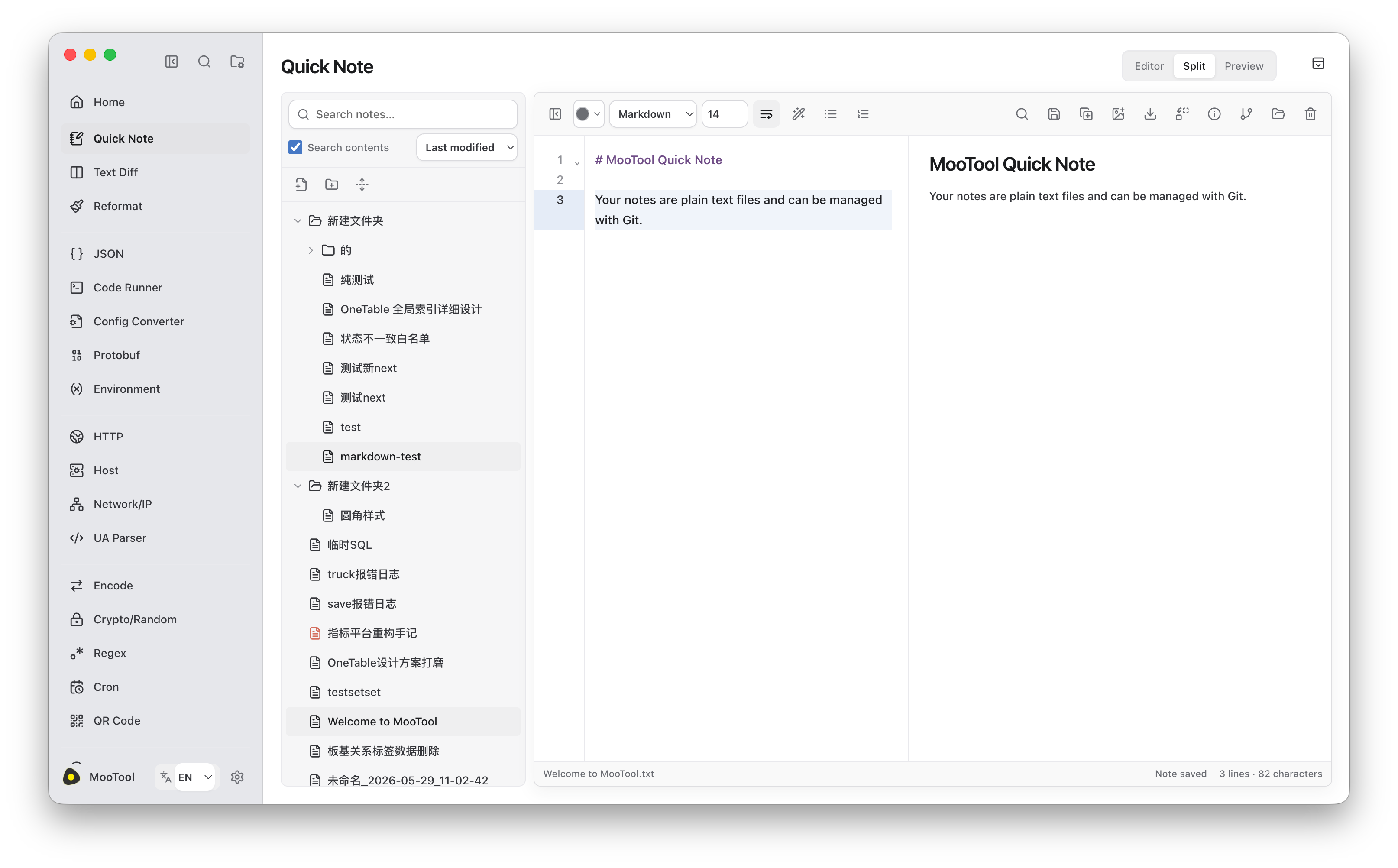
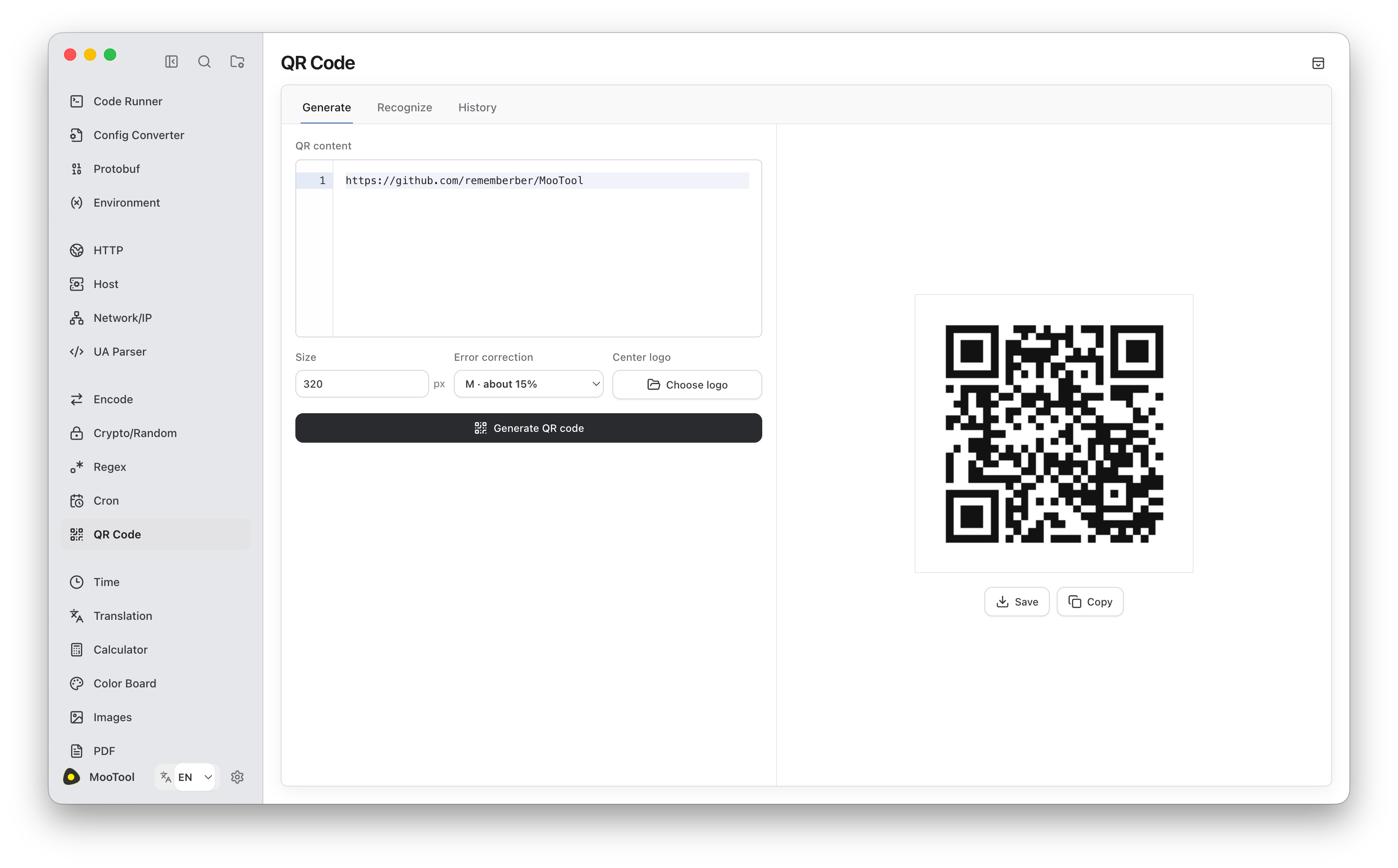
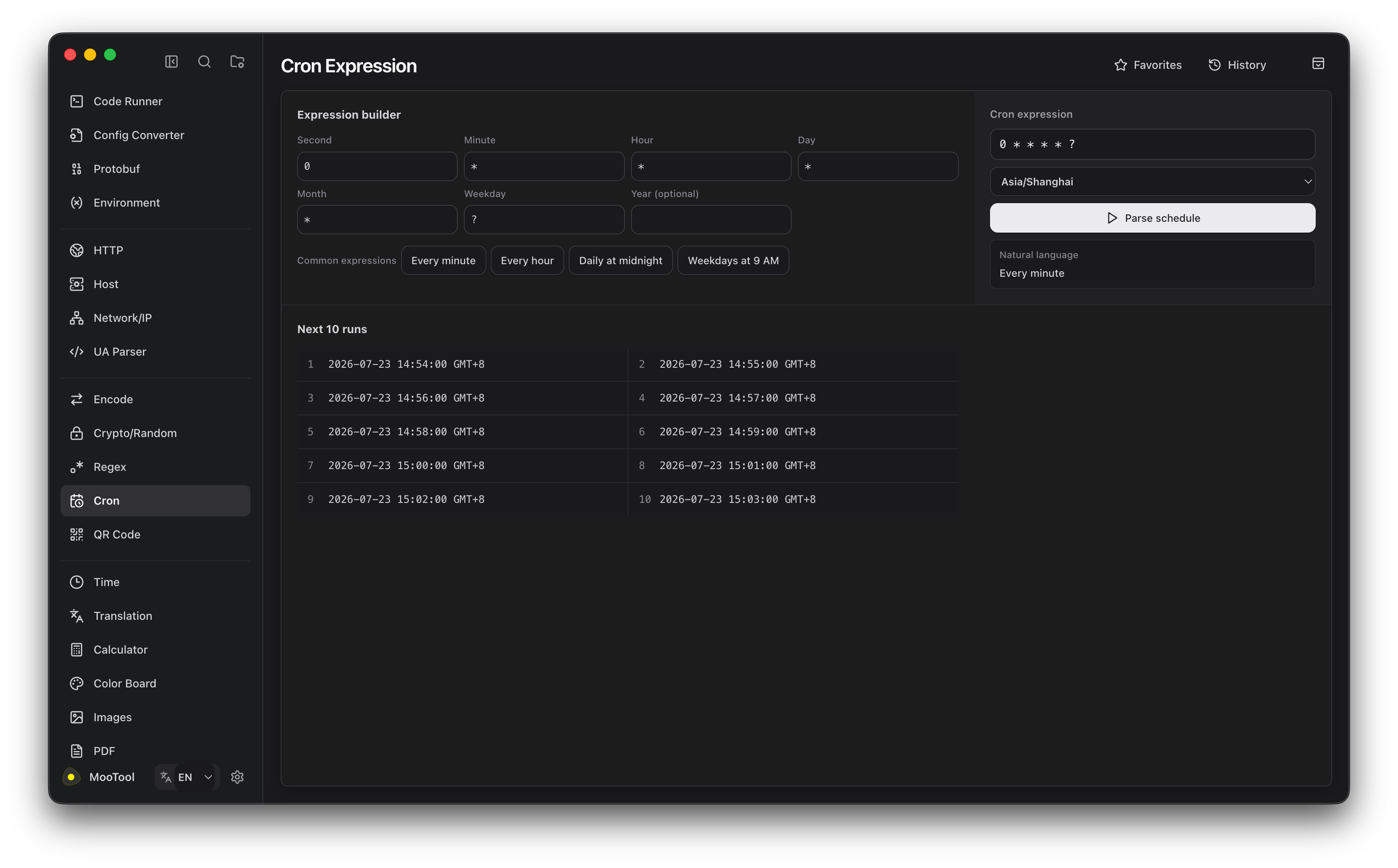
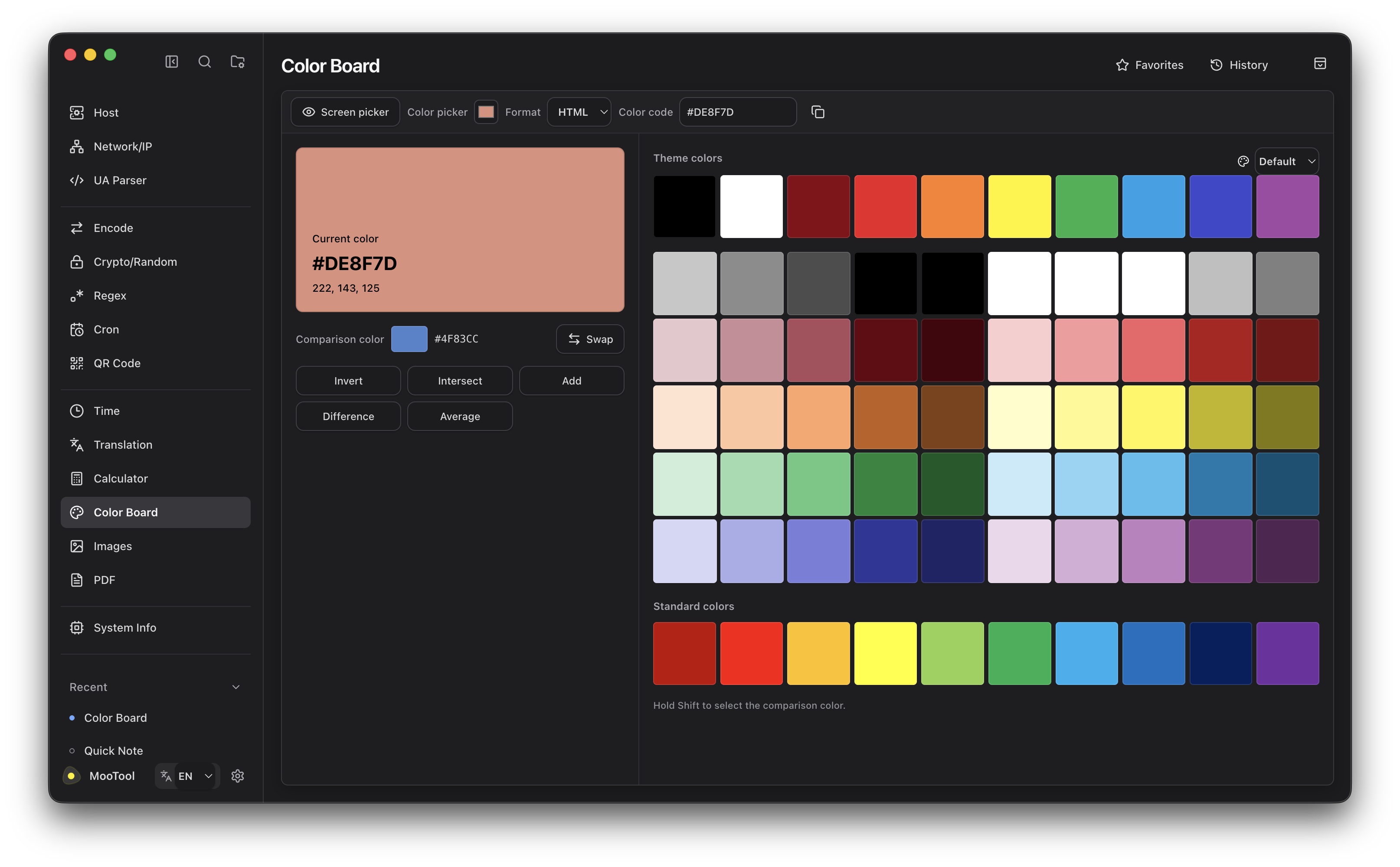
MooTool Next 使用 Electron、React 和 TypeScript 全新重写,
带来更现代的界面与多窗口体验。支持 macOS、Windows 和 Linux,可与 Java 版独立安装,支持数据一键迁移。
推荐使用体验~
MooTool Next Electron 1.1.1
English
Product: MooTool Next Electron
Version: 1.1.1
This release is installed and updated independently from MooTool Java and does not overwrite the Java edition.
Features
- Added the Claude theme.
- Notes and JSON Workbench support switching editor fonts.
- Notes and JSON lists add right-click actions: delete, open in Finder/File Manager, and recursive deletion of empty folders.
- Changing a note type now syncs the file extension.
Fixes and improvements
- Find & Replace with regular expressions now supports
\n newlines.
- Darkened selection and current-row background colors for better readability.
- Refined the About / homepage support description for building and improving MooTool.
Notes
- Installers remain unsigned. On macOS, the app downloads and verifies the new DMG, then asks the user to open it and drag the app into Applications.
- The Java product line continues to use
v* tags and its existing update manifest.
中文
产品线:MooTool Next Electron
版本:1.1.1
本版本与 MooTool Java 独立安装、独立更新,不会覆盖 Java 版本。
新功能
- 新增 Claude 主题。
- 随手记与 JSON 工作台支持切换编辑器字体。
- 随手记 / JSON 列表增加右键操作:删除、在 Finder/文件管理器中打开,以及递归删除空文件夹。
- 更改笔记类型时同步更新文件扩展名。
修复与改进
- 查找替换在正则模式下支持
\n 换行。
- 加深选中背景与当前行背景色,提升可读性。
- 优化首页 / 关于中的支持说明文案。
说明
- 安装包仍未签名。macOS 会下载并校验新版 DMG,随后提示用户打开 DMG 并将应用拖入“应用程序”。
- Java 产品线继续使用
v* tag 和原有更新清单,不受本次发布影响。
下载地址
https://github.com/rememberber/MooTool/releases/tag/next-electron-v1.1.1