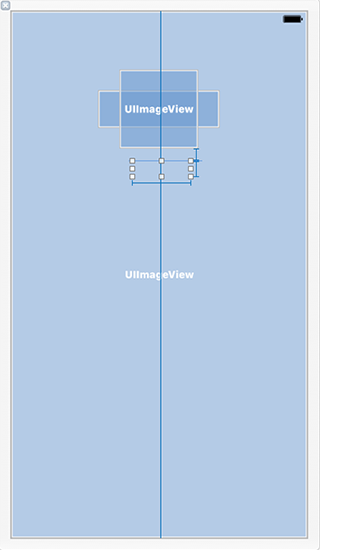
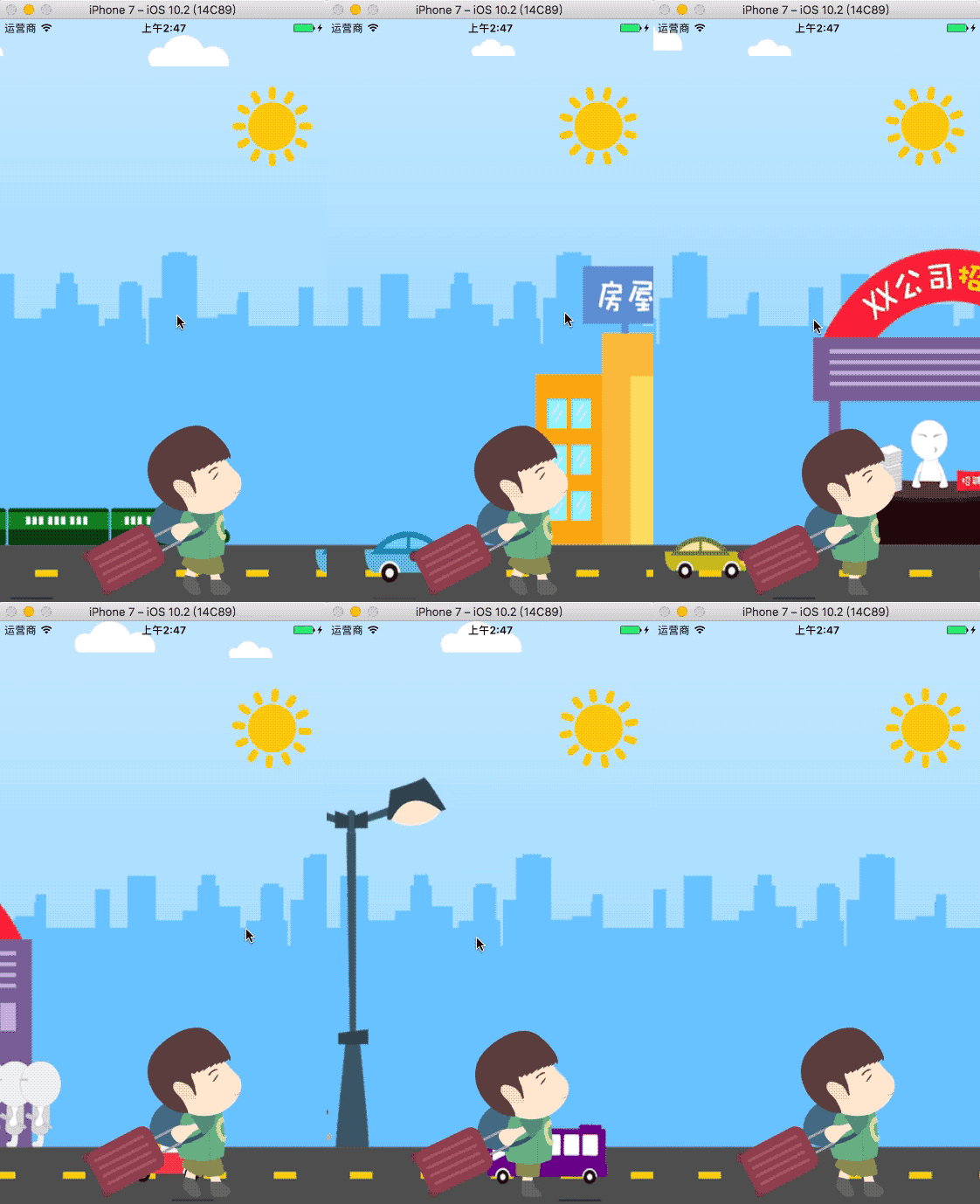
一张图片必须要通过两个控件展示,旋转的时候,只旋转一部分控件,通过 layer 控制图片的显示内容,可以让一张完整的图片通过两个控件显示。
    @interface ViewController ()

    // 上下两部分图片绘制控件
    @property (nonatomic, strong) UIImageView *topImageView;
    @property (nonatomic, strong) UIImageView *bottomImageView;

    // 触控控件
    @property (nonatomic, strong) UIView *dragView;

    // 渐变图层
    @property (nonatomic, strong) CAGradientLayer *gradientL;

    @end

    @implementation ViewController

    - (void)viewDidLoad {
        [super viewDidLoad];

        self.view.backgroundColor = [UIColor cyanColor];

        // 添加上下两部分图片绘制控件,两个控件叠加在一起,且在位于 drawView 中间

        self.bottomImageView = [[UIImageView alloc] initWithFrame:CGRectMake(100, 250, 200, 100)];
        self.bottomImageView.image = [UIImage imageNamed:@"demo"];
        [self.view addSubview:self.bottomImageView];

        self.topImageView = [[UIImageView alloc] initWithFrame:CGRectMake(100, 250, 200, 100)];
        self.topImageView.image = [UIImage imageNamed:@"demo"];
        [self.view addSubview:self.topImageView];

        // 设置图片显示的尺寸

        self.topImageView.layer.contentsRect = CGRectMake(0, 0, 1, 0.5);            // 范围 0 ~ 1
        self.topImageView.layer.anchorPoint = CGPointMake(0.5, 1);

        self.bottomImageView.layer.contentsRect = CGRectMake(0, 0.5, 1, 0.5);
        self.bottomImageView.layer.anchorPoint = CGPointMake(0.5, 0);

        // 添加渐变图层

        self.gradientL = [CAGradientLayer layer];
        self.gradientL.frame = self.bottomImageView.bounds;
        self.gradientL.opacity = 0;                                                 // 设置透明度
        self.gradientL.colors = @[(id)[UIColor clearColor].CGColor,
                                  (id)[UIColor blackColor].CGColor];                // 设置渐变颜色
        // self.gradientL.colors = @[(id)[UIColor redColor].CGColor,
        //                           (id)[UIColor greenColor].CGColor,
        //                           (id)[UIColor yellowColor].CGColor];
        // self.gradientL.locations = @[@0.1, @0.4, @0.5];                          // 设置渐变定位点
        // gradientL.startPoint = CGPointMake(0, 1);                                // 设置渐变开始点,取值 0~1
        [self.bottomImageView.layer addSublayer:self.gradientL];

        // 添加触控控件

        self.dragView = [[UIView alloc] initWithFrame:CGRectMake(100, 200, 200, 200)];
        UIPanGestureRecognizer *pan = [[UIPanGestureRecognizer alloc] initWithTarget:self action:@selector(pan:)];
        [self.dragView addGestureRecognizer:pan];                                   // 添加手势
        [self.view addSubview:self.dragView];
    }

    // 拖动的时候旋转上部分内容
    - (void)pan:(UIPanGestureRecognizer *)pan {

        // 获取偏移量
        CGPoint transP = [pan translationInView:self.dragView];

        // 旋转角度,往下逆时针旋转
        CGFloat angle = -transP.y / 200.0 * M_PI;

        CATransform3D transfrom = CATransform3DIdentity;
        transfrom.m34 = -1 / 500.0;                                                 // 增加旋转的立体感,近大远小,d:距离图层的距离
        transfrom = CATransform3DRotate(transfrom, angle, 1, 0, 0);
        self.topImageView.layer.transform = transfrom;

        // 设置阴影效果
        self.gradientL.opacity = transP.y * 1 / 200.0;

        if (pan.state == UIGestureRecognizerStateEnded) {                           // 反弹

            // 弹簧效果的动画,SpringWithDamping:弹性系数,越小弹簧效果越明显
            [UIView animateWithDuration:0.6 delay:0 usingSpringWithDamping:0.2
                                                     initialSpringVelocity:10
                                                                   options:UIViewAnimationOptionCurveEaseInOut
                                                                animations:^{

                self.topImageView.layer.transform = CATransform3DIdentity;

            } completion:nil];
        }
    }

    @end