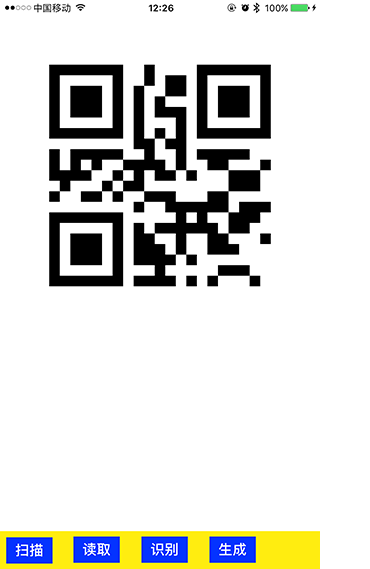
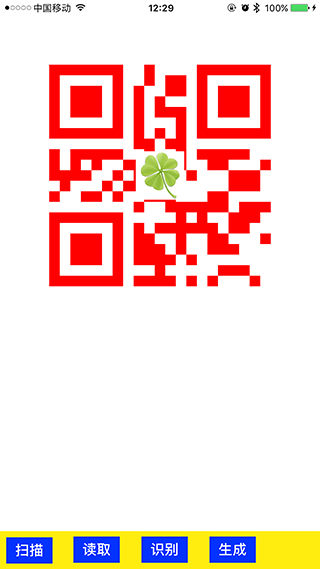
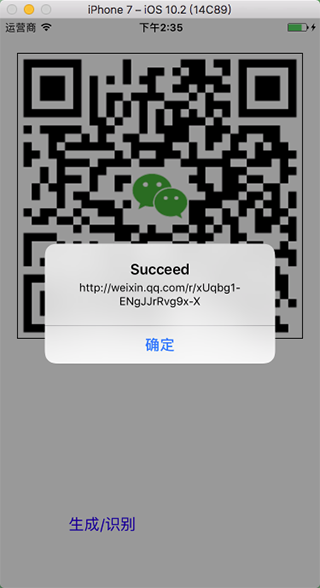
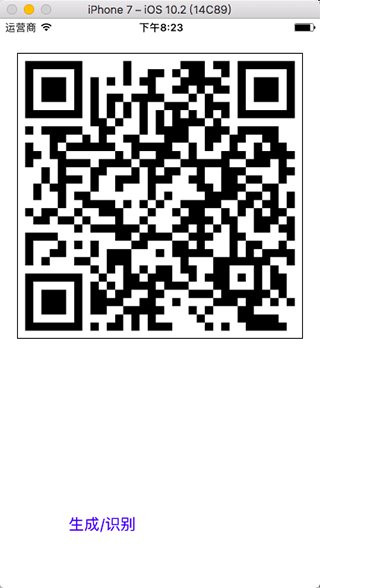
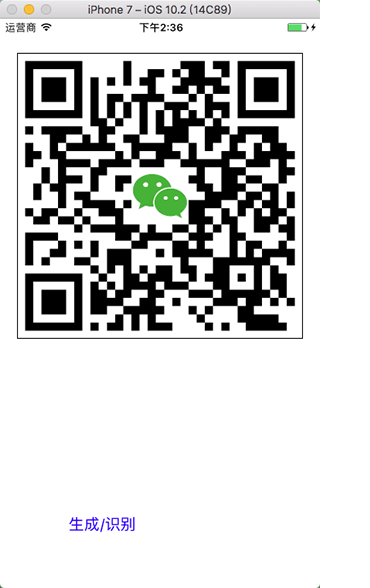
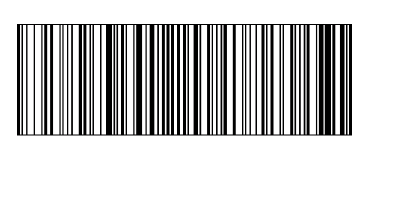
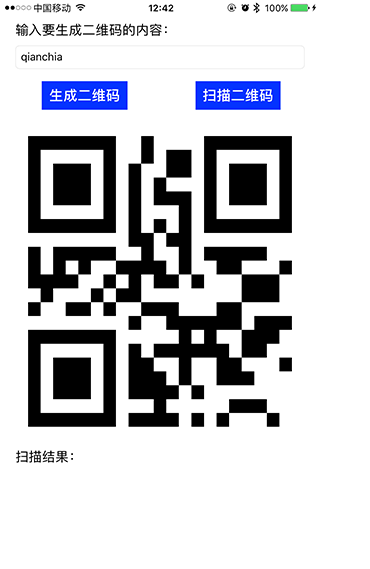
生成二维码,其实也是用到 CoreImage,但是步骤繁琐一些,代码如下
    // 创建 ImageView,存放生成的二维码
    - (void)createQRCode {

        CGFloat margin = 50;
        CGRect frame = CGRectMake(margin,
                                  margin + 20,
                                  self.view.bounds.size.width - margin * 2,
                                  self.view.bounds.size.width - margin * 2);

        UIImageView *imageView = [[UIImageView alloc] initWithFrame:frame];
        [self.view addSubview:imageView];

        // 生成二维码
        [self createQRCodeToImageView:imageView
                           fromString:@"qianchia"
                             withIcon:[UIImage imageNamed:@"demo1"]
                            withColor:[UIColor redColor]];
    }

    // 生成二维码
    - (void)createQRCodeToImageView:(UIImageView *)imageView
                         fromString:(NSString *)inputString
                           withIcon:(UIImage *)icon
                          withColor:(UIColor *)color {

        // 创建过滤器
        CIFilter *filter = [CIFilter filterWithName:@"CIQRCodeGenerator"];

        // 恢复默认
        [filter setDefaults];

        // 给过滤器添加数据
        NSData *data = [inputString dataUsingEncoding:NSUTF8StringEncoding];

        // 通过 KVO 设置滤镜 inputMessage 数据
        [filter setValue:data forKey:@"inputMessage"];

        // 设置二维码颜色
        UIColor *onColor = color ? : [UIColor blackColor];
        UIColor *offColor = [UIColor whiteColor];

        CIFilter *colorFilter = [CIFilter filterWithName:@"CIFalseColor"
                                           keysAndValues:@"inputImage", filter.outputImage,
                                                         @"inputColor0", [CIColor colorWithCGColor:onColor.CGColor],
                                                         @"inputColor1", [CIColor colorWithCGColor:offColor.CGColor],
                                                         nil];

        // 获取输出的二维码
        CIImage *outputImage = colorFilter.outputImage;
        // CIImage *outputImage = [filter outputImage];

        CIContext *context = [CIContext contextWithOptions:nil];
        CGImageRef cgImage = [context createCGImage:outputImage
                                           fromRect:[outputImage extent]];

        // 将 CIImage 转换成 UIImage,并放大显示
        UIImage *qrImage = [UIImage imageWithCGImage:cgImage
                                             scale:1.0
                                       orientation:UIImageOrientationUp];

        // 重绘 UIImage,默认情况下生成的图片比较模糊
        CGFloat scale = 100;
        CGFloat width = qrImage.size.width * scale;
        CGFloat height = qrImage.size.height * scale;

        UIGraphicsBeginImageContext(CGSizeMake(width, height));
        CGContextRef context1 = UIGraphicsGetCurrentContext();
        CGContextSetInterpolationQuality(context1, kCGInterpolationNone);
        [qrImage drawInRect:CGRectMake(0, 0, width, height)];
        qrImage = UIGraphicsGetImageFromCurrentImageContext();
        UIGraphicsEndImageContext();
        CGImageRelease(cgImage);

        // 添加头像

        if (icon) {
            UIGraphicsBeginImageContext(qrImage.size);
            [qrImage drawInRect:CGRectMake(0, 0, qrImage.size.width, qrImage.size.height)];

            // 设置头像大小
            CGFloat scale = 5;
            CGFloat width = qrImage.size.width / scale;
            CGFloat height = qrImage.size.height / scale;
            CGFloat x = (qrImage.size.width - width) / 2;
            CGFloat y = (qrImage.size.height - height) / 2;
            [icon drawInRect:CGRectMake( x,  y, width, height)];

            UIImage *newImage =  UIGraphicsGetImageFromCurrentImageContext();
            UIGraphicsEndImageContext();

            imageView.image = newImage;

        } else {
            imageView.image = qrImage;
        }
    }