首页 文章 精选 留言 我的

精选列表

搜索[yml],共2650篇文章
优秀的个人博客,低调大师

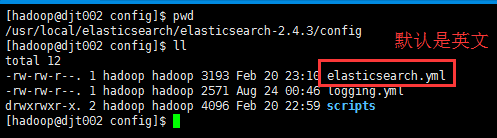
elasticsearch.yml常用配置

cluster.name: recomm_scorer_xs144_cluster node.name: "10.2.34.144" node.master: true node.data: true index.number_of_shards: 5 index.number_of_replicas: 2 path.conf: /opt/elasticsearch-1.6/config path.data: /data/elasticsearch-1.6/data path.work: /data/elasticsearch-1.6/work path.logs: /data/elasticsearch-1.6/logs path.plugins: /opt/elasticsearch-1.6/sys network.bind_host: 0.0.0.0 network.publish_host: 10.2.34.144 network.host: 10.2.34.144 http.compression: true http.compression_level: 3 discovery.zen.minimum_master_nodes: 3 discovery.zen.ping.timeout: 10s discovery.zen.ping.multicast.enabled: false discovery.zen.ping.unicast.hosts: ["10.2.34.144:9300", "10.2.34.145:9300", "10.2.34.146:9300", "10.2.34.147:9300", "10.2.34.148:9300"] index.search.slowlog.threshold.query.warn: 10s index.search.slowlog.threshold.query.info: 5s index.search.slowlog.threshold.query.debug: 2s index.search.slowlog.threshold.query.trace: 100ms index.search.slowlog.threshold.fetch.warn: 1s index.search.slowlog.threshold.fetch.info: 800ms index.search.slowlog.threshold.fetch.debug: 500ms index.search.slowlog.threshold.fetch.trace: 50ms index.indexing.slowlog.threshold.index.warn: 10s index.indexing.slowlog.threshold.index.info: 5s index.indexing.slowlog.threshold.index.debug: 2s index.indexing.slowlog.threshold.index.trace: 500ms script.engine.groovy.inline.search: on

优秀的个人博客,低调大师

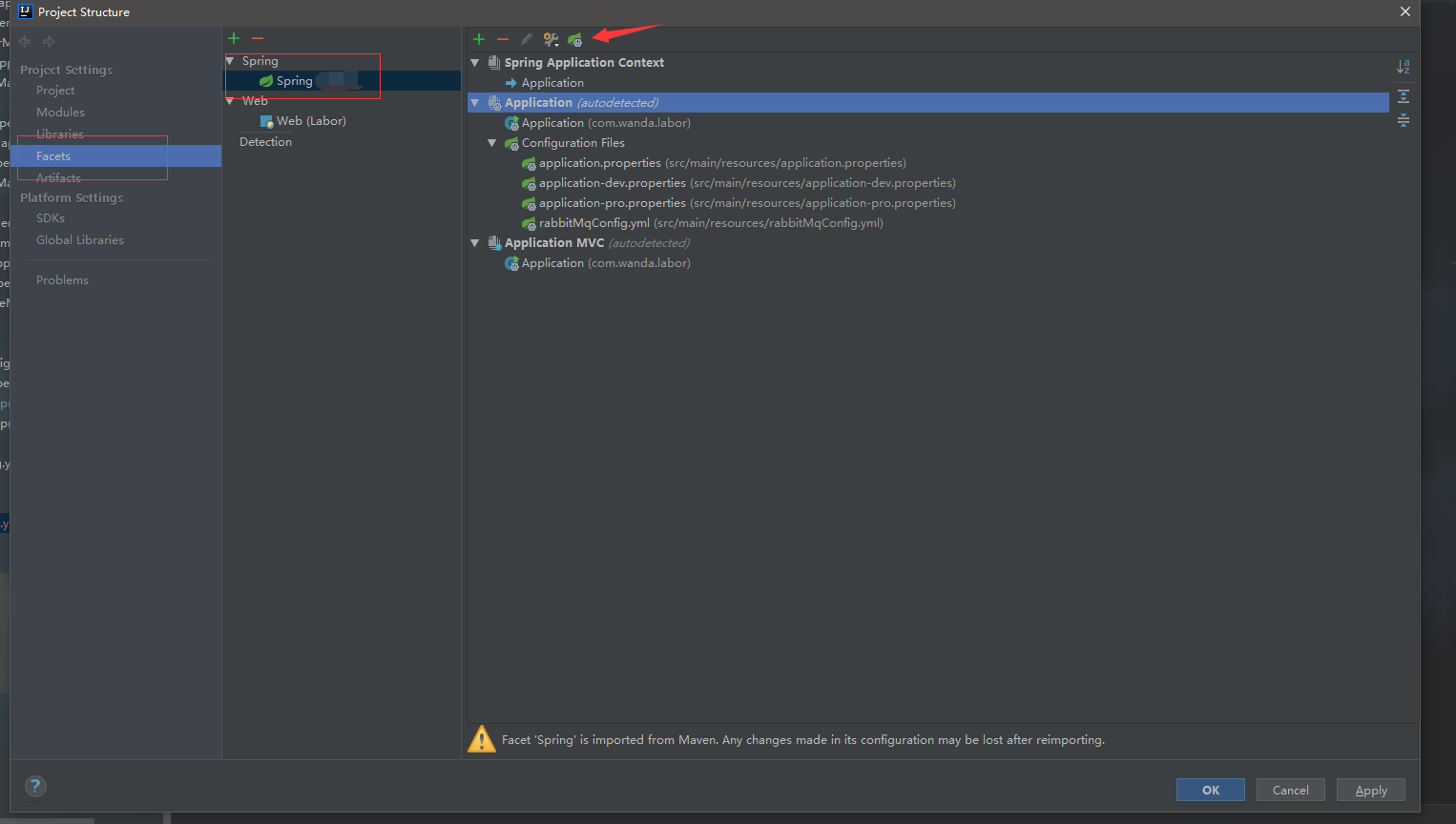
SpringBoot使用Yml配置文件

添加依赖 来源于官方文档 SpringBoot 1.5.9 Maven <dependency> <groupId>org.springframework.boot</groupId> <artifactId>spring-boot-configuration-processor</artifactId> <optional>true</optional> </dependency> Gradle 需要配置额外的插件 buildscript { repositories { maven { url 'http://repo.spring.io/plugins-release' } } dependencies { classpath 'io.spring.gradle:propdeps-plugin:0.0.9.RELEASE' } } // ... configure(allprojects) { apply plugin: 'propdeps' apply plugin: 'propdeps-maven' apply plugin: 'propdeps-idea' apply plugin: 'propdeps-eclipse' } dependencies { optional "org.springframework.boot:spring-boot-configuration-processor" } compileJava.dependsOn(processResources) 配置 person: age: 12 name: king 配置对应类 @Data // lombok插件 @Component @ConfigurationProperties(prefix = "person") public class MainConfig { private int age; private String name; } SpringBoot配置类 @Configuration @EnableConfigurationProperties(MainConfig.class) class AutoConfigProperties { } 使用 直接将配置对应的类注入到要用的地方即可 实验 Java+Maven 采用上面的maven方式进行配置即可正常使用 Java+Gradle 配置成功,不报错,但是bean的属性全是空 Groovy+Gradle 配置成功,不报错,但是bean属性全为空 而且不能使用@Value,会报错,编译不通过 Groovy+Maven 配置成功,不报错,但是bean属性全为空 而且不能使用@Value,会报错,编译不通过 Java+Groovy+Maven 终于成功了,配置文件对应类采用Java其他的采用Groovy,构建工具用maven就能正常使用了 所以以上到底是因为什么。。。。

优秀的个人博客,低调大师

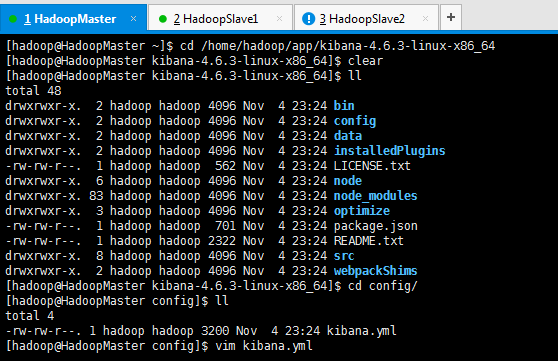
kibana.yml(中文配置详解)

# Kibana is served by a back end server. This controls which port to use. # server.port: 5601 # The host to bind the server to. # server.host: "0.0.0.0" # If you are running kibana behind a proxy, and want to mount it at a path, # specify that path here. The basePath can't end in a slash. # server.basePath: "" # The maximum payload size in bytes on incoming server requests. # server.maxPayloadBytes: 1048576 # The Elasticsearch instance to use for all your queries. # elasticsearch.url: "http://localhost:9200" # preserve_elasticsearch_host true will send the hostname specified in `elasticsearch`. If you set it to false, # then the host you use to connect to *this* Kibana instance will be sent. # elasticsearch.preserveHost: true # Kibana uses an index in Elasticsearch to store saved searches, visualizations # and dashboards. It will create a new index if it doesn't already exist. # kibana.index: ".kibana" # The default application to load. # kibana.defaultAppId: "discover" # If your Elasticsearch is protected with basic auth, these are the user credentials # used by the Kibana server to perform maintenance on the kibana_index at startup. Your Kibana # users will still need to authenticate with Elasticsearch (which is proxied through # the Kibana server) # elasticsearch.username: "user" # elasticsearch.password: "pass" # SSL for outgoing requests from the Kibana Server to the browser (PEM formatted) # server.ssl.cert: /path/to/your/server.crt # server.ssl.key: /path/to/your/server.key # Optional setting to validate that your Elasticsearch backend uses the same key files (PEM formatted) # elasticsearch.ssl.cert: /path/to/your/client.crt # elasticsearch.ssl.key: /path/to/your/client.key # If you need to provide a CA certificate for your Elasticsearch instance, put # the path of the pem file here. # elasticsearch.ssl.ca: /path/to/your/CA.pem # Set to false to have a complete disregard for the validity of the SSL # certificate. # elasticsearch.ssl.verify: true # Time in milliseconds to wait for elasticsearch to respond to pings, defaults to # request_timeout setting # elasticsearch.pingTimeout: 1500 # Time in milliseconds to wait for responses from the back end or elasticsearch. # This must be > 0 # elasticsearch.requestTimeout: 30000 # Header names and values that are sent to Elasticsearch. Any custom headers cannot be overwritten # by client-side headers. # elasticsearch.customHeaders: {} # Time in milliseconds for Elasticsearch to wait for responses from shards. # Set to 0 to disable. # elasticsearch.shardTimeout: 0 # Time in milliseconds to wait for Elasticsearch at Kibana startup before retrying # elasticsearch.startupTimeout: 5000 # Set the path to where you would like the process id file to be created. # pid.file: /var/run/kibana.pid # If you would like to send the log output to a file you can set the path below. # logging.dest: stdout # Set this to true to suppress all logging output. # logging.silent: false # Set this to true to suppress all logging output except for error messages. # logging.quiet: false # Set this to true to log all events, including system usage information and all requests. # logging.verbose: false 本文转自大数据躺过的坑博客园博客,原文链接:http://www.cnblogs.com/zlslch/p/6614006.html,如需转载请自行联系原作者


资源下载

更多资源
腾讯云软件源

腾讯云软件源

为解决软件依赖安装时官方源访问速度慢的问题,腾讯云为一些软件搭建了缓存服务。您可以通过使用腾讯云软件源站来提升依赖包的安装速度。为了方便用户自由搭建服务架构,目前腾讯云软件源站支持公网访问和内网访问。

Nacos

Nacos

Nacos /nɑ:kəʊs/ 是 Dynamic Naming and Configuration Service 的首字母简称,一个易于构建 AI Agent 应用的动态服务发现、配置管理和AI智能体管理平台。Nacos 致力于帮助您发现、配置和管理微服务及AI智能体应用。Nacos 提供了一组简单易用的特性集,帮助您快速实现动态服务发现、服务配置、服务元数据、流量管理。Nacos 帮助您更敏捷和容易地构建、交付和管理微服务平台。

Spring

Spring

Spring框架(Spring Framework)是由Rod Johnson于2002年提出的开源Java企业级应用框架,旨在通过使用JavaBean替代传统EJB实现方式降低企业级编程开发的复杂性。该框架基于简单性、可测试性和松耦合性设计理念,提供核心容器、应用上下文、数据访问集成等模块,支持整合Hibernate、Struts等第三方框架,其适用范围不仅限于服务器端开发,绝大多数Java应用均可从中受益。

WebStorm

WebStorm

WebStorm 是jetbrains公司旗下一款JavaScript 开发工具。目前已经被广大中国JS开发者誉为“Web前端开发神器”、“最强大的HTML5编辑器”、“最智能的JavaScript IDE”等。与IntelliJ IDEA同源,继承了IntelliJ IDEA强大的JS部分的功能。

用户登录
用户注册