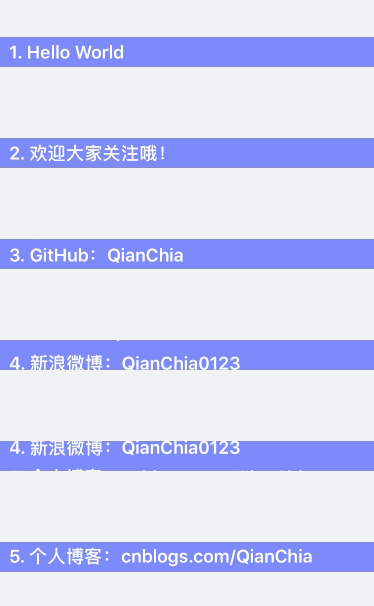
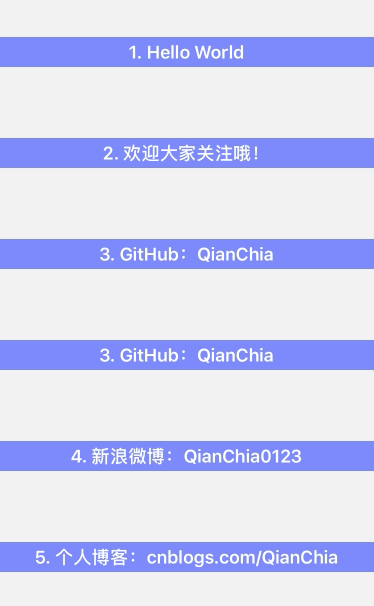
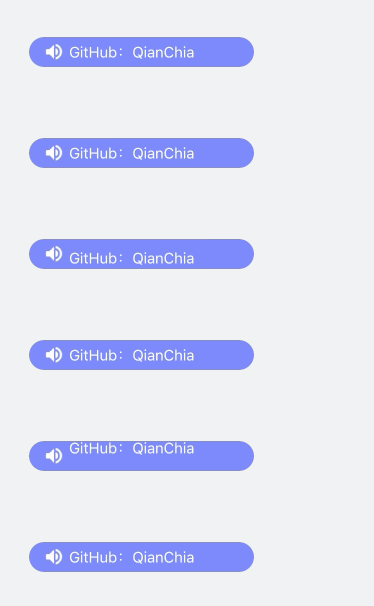
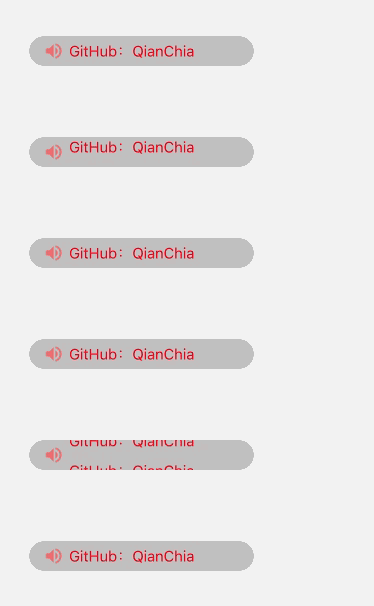
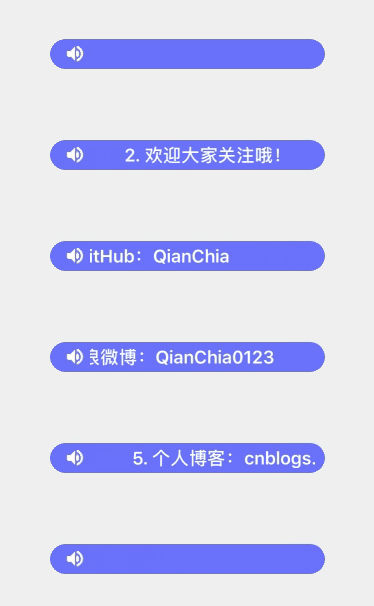
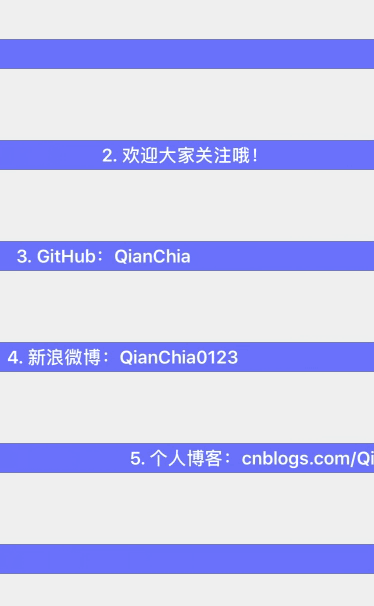
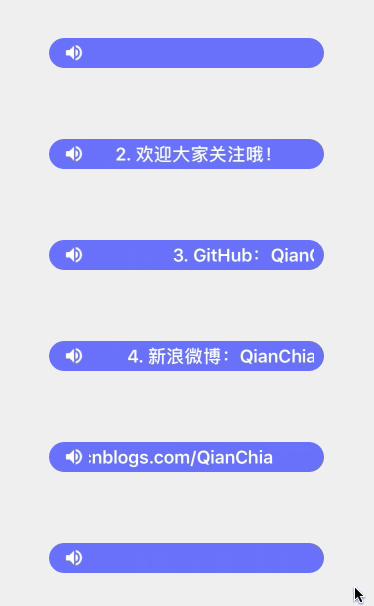
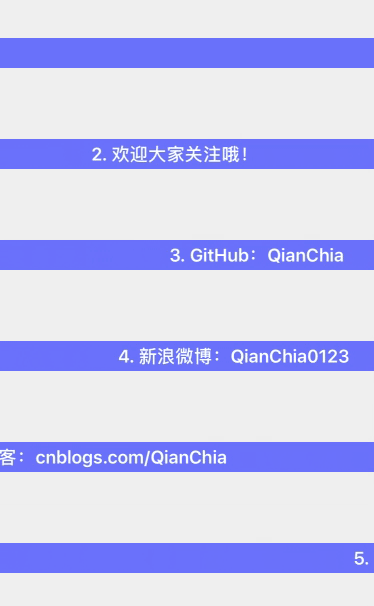
QMarqueeView.h
    #pragma mark - QMarqueeViewDelegate

    /// 跑马灯内容点击处理协议
    @protocol QMarqueeViewDelegate <NSObject>

    - (void)didClickContentAtIndex:(NSInteger)index;

    @end


    #pragma mark - QMarqueeView

    /// 跑马灯滚动方向枚举
    typedef NS_ENUM(NSUInteger, QMarqueeViewDirection) {
        QMarqueeViewDirectionUp,
        QMarqueeViewDirectionDown,
        QMarqueeViewDirectionLeft,
        QMarqueeViewDirectionRight
    };

    @interface QMarqueeView : UIView

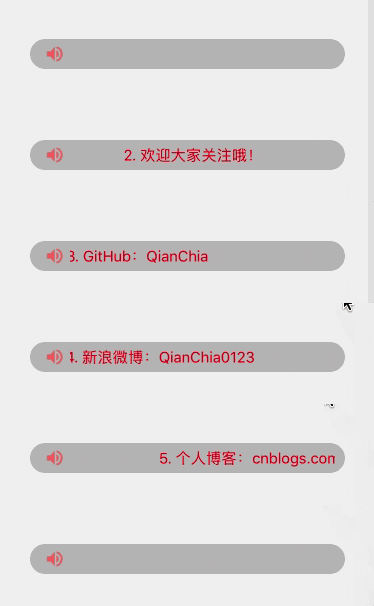
    /// 显示的文本内容
    @property (nonatomic, strong) NSArray *contentTexts;

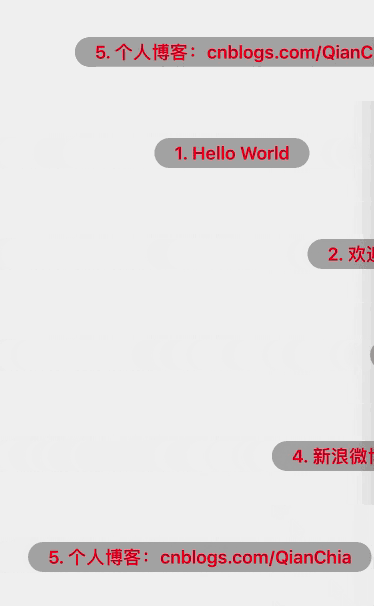
    /// 显示的文本内容颜色,default is redColor
    @property (nonatomic, strong) UIColor *contentTextColor;

    /// 显示的文本内容字体,default is 15.0
    @property (nonatomic, strong) UIFont *contentTextFont;

    /// 显示的文本内容对齐方式,default is NSTextAlignmentLeft
    @property (nonatomic, assign) NSTextAlignment contentTextAlign;

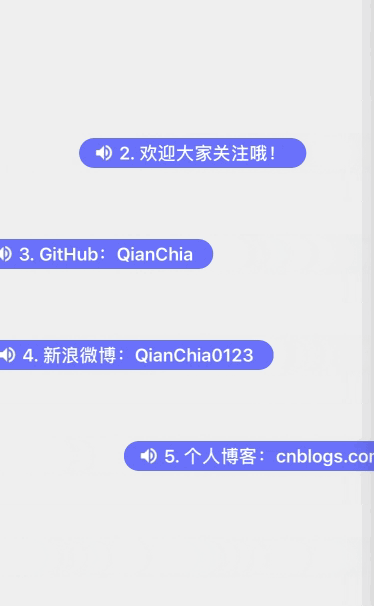
    /// 显示的图标内容,可以为 nil 不显示图标
    @property (nonatomic, strong) UIImage *contentIcon;

    /// 动画方向,default is QMarqueeViewDirectionUp
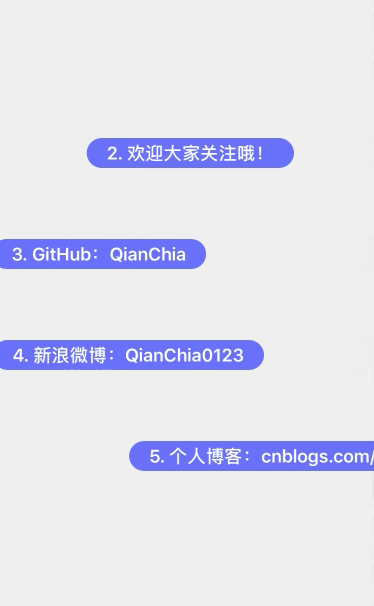
    @property (nonatomic, assign) QMarqueeViewDirection animationDirection;

    /// 动画时间,等于 0 时不滚动
    @property (nonatomic, assign) NSTimeInterval animationDuration;

    /// 动画停顿时间,default is 1.0 秒
    @property (nonatomic, assign) NSTimeInterval animationDelay;

    /// 代理
    @property (nonatomic, weak) id<QMarqueeViewDelegate> delegate;

    /**
     *  开始动画
     */
    - (void)q_startAnimation;

    /**
     *  创建跑马灯视图控件,开始滚动
     *
     *  @param frame        跑马灯对象的 frame
     *  @param texts        显示的文本内容
     *  @param color        显示的文本内容颜色,default is redColor
     *  @param font         显示的文本内容字体,default is 15.0
     *  @param align        显示的文本内容对齐方式,default is NSTextAlignmentLeft
     *  @param icon         显示的图片内容
     *  @param direction    动画方向,default is QMarqueeViewDirectionUp
     *  @param duration     动画时间,等于 0 时不滚动
     *  @param delay        动画停顿时间,default is 1.0 秒
     *  @param target       代理
     *
     *  @return 跑马灯视图控件
     */
    + (instancetype)q_marqueeViewWithFrame:(CGRect)frame
                                     texts:(NSArray *)texts
                                     color:(nullable UIColor *)color
                                      font:(nullable UIFont *)font
                                     align:(NSTextAlignment)align
                                      icon:(nullable UIImage *)icon
                                 direction:(QMarqueeViewDirection)direction
                                  duration:(NSTimeInterval)duartion
                                     delay:(NSTimeInterval)delay
                                    target:(nullable id<QMarqueeViewDelegate>)target;

    @end
QMarqueeView.m
    #define SELF_WIDTH      self.frame.size.width
    #define SELF_HEIGHT     self.frame.size.height

    @interface QMarqueeView ()

    /// 两个 label 循环滚动
    @property (nonatomic, strong) UILabel *firstContentLabel;
    @property (nonatomic, strong) UILabel *secondContentLabel;

    /// 显示图片的视图
    @property (nonatomic, strong) UIImageView *imageView;

    /// 当前显示的行
    @property (nonatomic, assign) NSInteger currentIndex;

    /// 文本内容的起始位置、宽度、高度
    @property (nonatomic, assign) CGFloat contentX;
    @property (nonatomic, assign) CGFloat contentWidth;
    @property (nonatomic, assign) CGFloat contentHeight;

    @end

    @implementation QMarqueeView

    /// 创建跑马灯视图控件,开始滚动
    + (instancetype)q_marqueeViewWithFrame:(CGRect)frame
                                     texts:(NSArray *)texts
                                     color:(nullable UIColor *)color
                                      font:(nullable UIFont *)font
                                     align:(NSTextAlignment)align
                                      icon:(nullable UIImage *)icon
                                 direction:(QMarqueeViewDirection)direction
                                  duration:(NSTimeInterval)duartion
                                     delay:(NSTimeInterval)delay
                                    target:(nullable id<QMarqueeViewDelegate>)target {

        QMarqueeView *marqueeView = [[self alloc] initWithFrame:frame];

        marqueeView.contentTexts = texts;
        marqueeView.contentTextColor = color;
        marqueeView.contentTextFont = font;
        marqueeView.contentTextAlign = align;
        marqueeView.contentIcon = icon;
        marqueeView.animationDirection = direction;
        marqueeView.animationDuration = duartion;
        marqueeView.animationDelay = delay;
        marqueeView.delegate = target;

        [marqueeView q_startAnimation];

        return marqueeView;
    }

    /// 创建视图控件
    - (void)setupView {

        // 父视图裁剪
        self.clipsToBounds = YES;

        // 控件之间的间隔值
        CGFloat margin = 10;

        // 判断是否有图标
        if (self.contentIcon) {

            // 添加 Icon 视图
            CGRect iconBackFrame = CGRectMake(0, 0, margin + SELF_HEIGHT, SELF_HEIGHT);
            UIView *iconBackView = [[UIView alloc] initWithFrame:iconBackFrame];
            iconBackView.backgroundColor = [UIColor clearColor];
            [self addSubview:iconBackView];

            CGRect iconFrame = CGRectMake(margin, 0, SELF_HEIGHT, SELF_HEIGHT);
            self.imageView = [[UIImageView alloc] initWithFrame:iconFrame];
            self.imageView.backgroundColor = [UIColor clearColor];
            self.imageView.image = self.contentIcon;
            [iconBackView addSubview:self.imageView];

            // 计算 Texts 的 frame 值
            self.contentX = margin + SELF_HEIGHT;
            self.contentWidth = SELF_WIDTH - self.contentX - margin;

        } else {

            // 计算 Texts 的 frame 值
            self.contentX = margin;
            self.contentWidth = SELF_WIDTH - self.contentX - margin;
        }
        self.contentHeight = SELF_HEIGHT;

        // 创建第一个 label
        CGRect frame1 = CGRectMake(0, 0, self.contentWidth, self.contentHeight);
        self.firstContentLabel = [[UILabel alloc] initWithFrame:frame1];
        [self setLabel:self.firstContentLabel];

        // 创建第二个 label
        if (self.animationDirection <= 1) {

            CGRect frame2 = CGRectMake(0, SELF_HEIGHT, self.contentWidth, self.contentHeight);
            self.secondContentLabel = [[UILabel alloc] initWithFrame:frame2];
            [self setLabel:self.secondContentLabel];
        }
    }

    /// 设置 label 属性
    - (void)setLabel:(UILabel *)label {

        // 设置 label 背景视图
        CGRect frame;
        if (self.contentIcon == nil && self.animationDirection > 1) {
            frame = CGRectMake(0, 0, SELF_WIDTH, self.contentHeight);
        } else {
            frame = CGRectMake(self.contentX, 0, self.contentWidth, self.contentHeight);
        }
        UIView *textBackView = [[UIView alloc] initWithFrame:frame];
        textBackView.backgroundColor = [UIColor clearColor];
        textBackView.clipsToBounds = YES;
        [self addSubview:textBackView];

        // 设置默认值
        UIColor *textColor = self.contentTextColor ? : [UIColor redColor];
        UIFont *textFont = self.contentTextFont ? : [UIFont systemFontOfSize:15.0f];
        NSTextAlignment textAlign = self.contentTextAlign ? : NSTextAlignmentLeft;

        // 设置 label 属性
        label.backgroundColor = [UIColor clearColor];
        label.lineBreakMode = NSLineBreakByTruncatingTail;
        label.textColor = textColor;
        label.font = textFont;
        label.textAlignment = textAlign;
        label.userInteractionEnabled = YES;
        UITapGestureRecognizer *tap1 = [[UITapGestureRecognizer alloc] initWithTarget:self action:@selector(contentClick)];
        [label addGestureRecognizer:tap1];
        [textBackView addSubview:label];
    }

    /// 开启滚动动画
    - (void)startLoopAnimation {

        // 设置默认值
        NSTimeInterval delay = 0;
        NSTimeInterval duration = 0;
        CGFloat currentContentWidth = self.contentWidth;

        // 设置第一个 label 显示的内容
        self.firstContentLabel.text = self.contentTexts[self.currentIndex];

        // 滚动时间为 0 时,停止滚动
        if (0 == self.animationDuration) {
            return;
        } else {
            if (self.animationDirection > 1) {  // 左右滚动

                // 不停顿
                delay = 0;

                // 计算文本内容长度
                currentContentWidth = [self.firstContentLabel.text sizeWithAttributes:@{NSFontAttributeName:(self.contentTextFont ? :
                                                                                            [UIFont systemFontOfSize:15.0f])}].width;

                duration = self.animationDuration * currentContentWidth / 150;

            } else {    // 垂直滚动

                // 动画停顿时间,默认为 1.0 秒
                delay = self.animationDelay ? : 1.0f;

                duration = self.animationDuration;

                // 设置第二个 label 显示的内容
                NSInteger secondCurrentIndex  = self.currentIndex + 1;
                if (secondCurrentIndex > self.contentTexts.count - 1) {
                    secondCurrentIndex = 0;
                }
                self.secondContentLabel.text = self.contentTexts[secondCurrentIndex];
            }
        }

        CGFloat firstContentLastStartX = 0;
        CGFloat firstContentLastEndX = 0;

        CGFloat firstContentLastStartY = 0;
        CGFloat firstContentLastEndY = 0;
        CGFloat secondContentLastStartY = 0;
        CGFloat secondContentLastEndY = 0;

        // 判断滚动方向
        switch (self.animationDirection) {

            case QMarqueeViewDirectionUp: {

                firstContentLastStartY = 0;
                firstContentLastEndY = -SELF_HEIGHT;

                secondContentLastStartY = firstContentLastStartY + SELF_HEIGHT;
                secondContentLastEndY = firstContentLastEndY + SELF_HEIGHT;

                break;
            }

            case QMarqueeViewDirectionDown: {

                firstContentLastStartY = 0;
                firstContentLastEndY = SELF_HEIGHT;

                secondContentLastStartY = firstContentLastStartY - SELF_HEIGHT;
                secondContentLastEndY = firstContentLastEndY - SELF_HEIGHT;

                break;
            }

            case QMarqueeViewDirectionLeft: {

                firstContentLastStartX = self.contentWidth;
                firstContentLastEndX = -currentContentWidth;

                break;
            }

            case QMarqueeViewDirectionRight: {

                firstContentLastStartX = -currentContentWidth;
                firstContentLastEndX = self.contentWidth;

                break;
            }

            default:
                break;
        }

        // 设置开始时的 frame
        CGRect frame1;
        CGRect frame2;
        if (self.animationDirection > 1) {
            frame1 = CGRectMake(firstContentLastStartX, 0, currentContentWidth, self.contentHeight);
        } else {
            frame1 = CGRectMake(0, firstContentLastStartY, self.contentWidth, self.contentHeight);
            frame2 = CGRectMake(0, secondContentLastStartY, self.contentWidth, self.contentHeight);
        }
        self.firstContentLabel.frame = frame1;
        self.secondContentLabel.frame = frame2;

        // 开始一次滚动动画
        [UIView beginAnimations:@"" context:nil];
        [UIView setAnimationCurve:UIViewAnimationCurveLinear];
        [UIView setAnimationDuration:duration];
        [UIView setAnimationDelay:delay];
        [UIView setAnimationDelegate:self];
        [UIView setAnimationDidStopSelector:@selector(loopAnimationDidStop:finished:context:)];

        // 设置结束时的 frame
        CGRect frame3;
        CGRect frame4;
        if (self.animationDirection > 1) {
            frame3 = CGRectMake(firstContentLastEndX, 0, currentContentWidth, self.contentHeight);
        } else {
            frame3 = CGRectMake(0, firstContentLastEndY, self.contentWidth, self.contentHeight);
            frame4 = CGRectMake(0, secondContentLastEndY, self.contentWidth, self.contentHeight);
        }
        self.firstContentLabel.frame = frame3;
        self.secondContentLabel.frame = frame4;

        // 结束一次滚动动画
        [UIView commitAnimations];
    }

    /// 一次动画结束事件响应处理
    - (void)loopAnimationDidStop:(NSString *)animationID finished:(NSNumber *)finished context:(void *)context {

        self.currentIndex++;
        if (self.currentIndex >= self.contentTexts.count) {
            self.currentIndex = 0;
        }

        // 重新开启滚动动画
        [self startLoopAnimation];
    }

    /// 开始滚动
    - (void)q_startAnimation {

        // 创建视图
        [self setupView];

        // 开启动画默认第一条信息
        self.currentIndex = 0;

        // 开始滚动动画
        [self startLoopAnimation];
    }

    /// 文本内容点击事件处理
    - (void)contentClick {

        if ([self.delegate respondsToSelector:@selector(didClickContentAtIndex:)]) {
            [self.delegate didClickContentAtIndex:self.currentIndex];
        }
    }

    @end